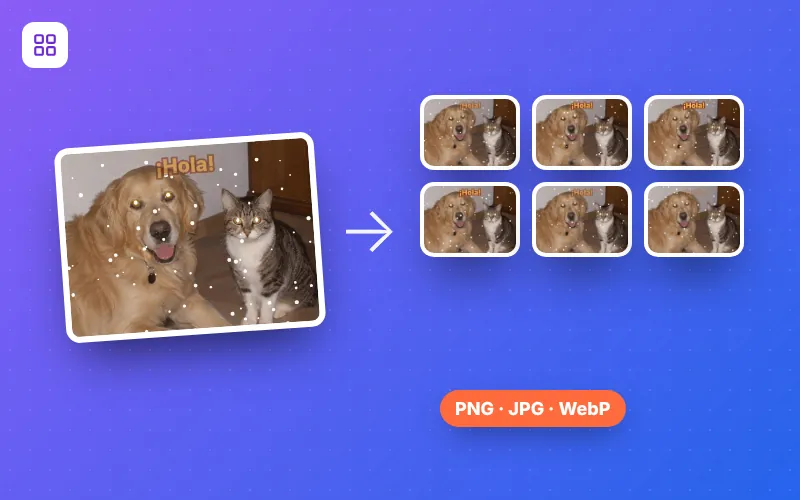
How to extract the frames of a GIF in 4 steps
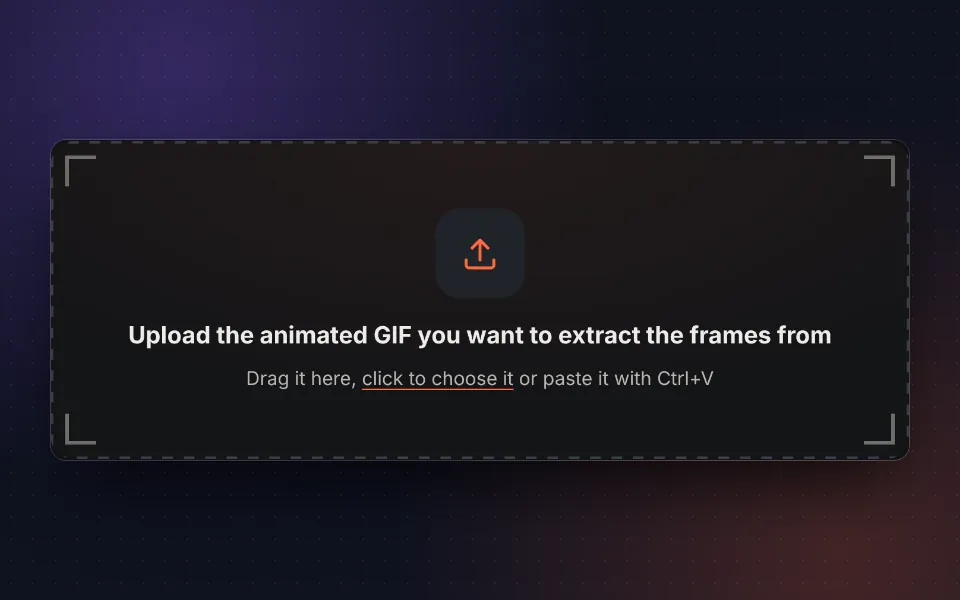
Upload the GIF
Drag your animated GIF, choose it or paste it with Ctrl+V. You can also try the sample.
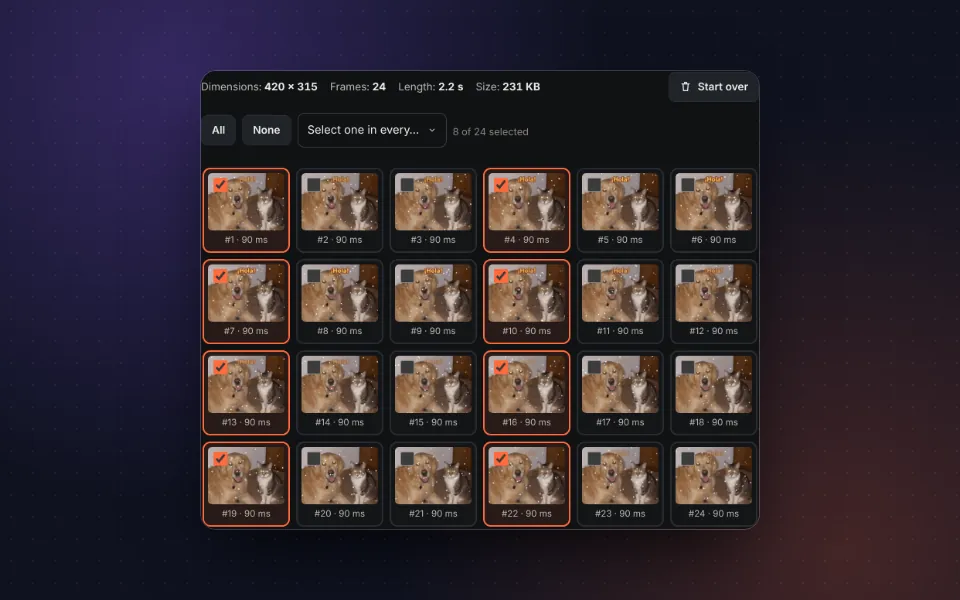
Choose the frames
Select all, none or one in every few. Each thumbnail shows its number and duration.
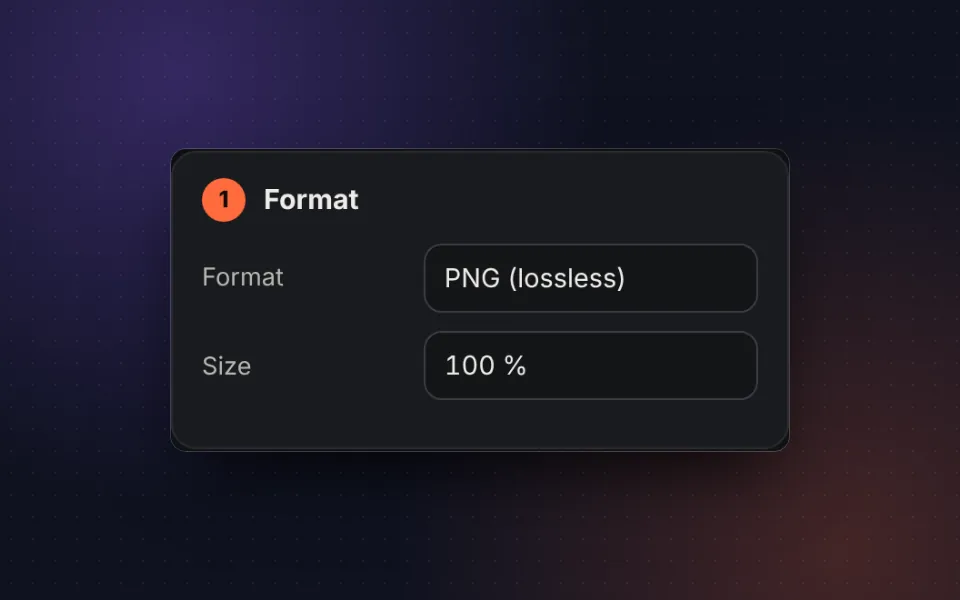
Choose the format
PNG, JPG or WebP, with the quality and size you need.
Download
Download the frames in a ZIP or join them into a sprite sheet.
What splitting a GIF into images is for
An animated GIF is just a series of images shown one after another. When you extract the frames of a GIF you can keep that perfect moment as a photo, edit a specific frame in the image editor or reuse the animation in another program.
- Save a moment: turn the best frame into a PNG or JPG image.
- Video games and animation: create a sprite sheet ready for Unity, Godot, Phaser or CSS animations.
- Edit the animation: touch up individual frames and put them back together with GIF maker.
- Analyze a movement: go through the animation frame by frame with its exact duration.
Sprite sheet from a GIF
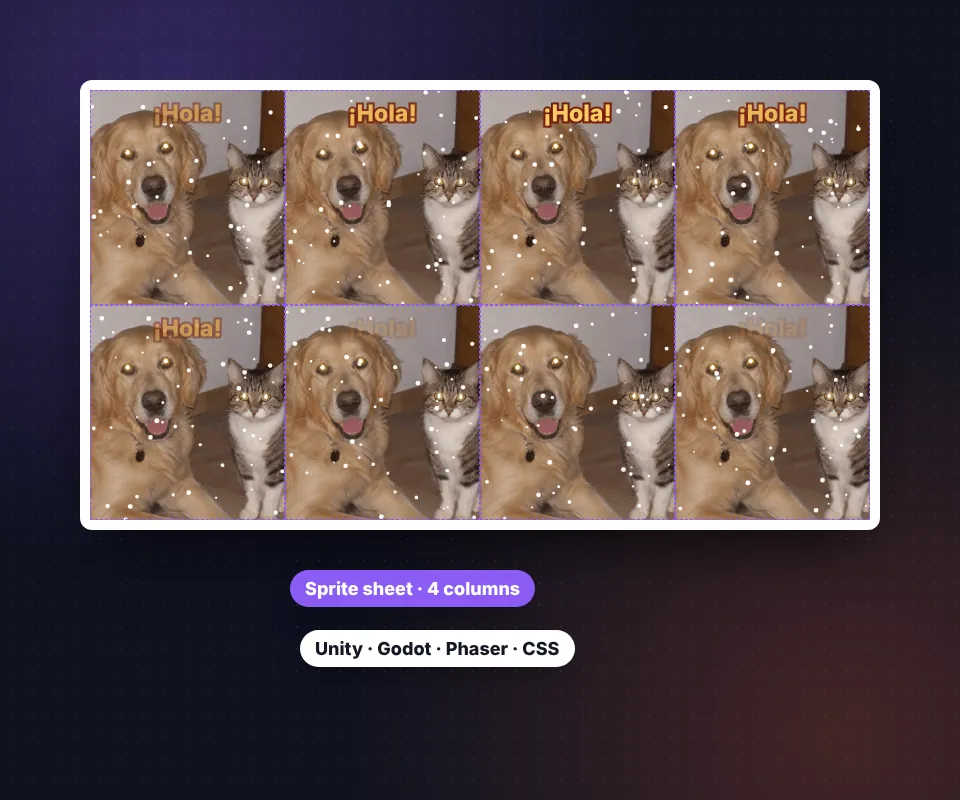
The sprite sheet places the selected frames in a grid, from left to right and top to bottom, all the same size. That way, knowing the width and height of one frame is enough to step through the animation in any game engine.
Choose the number of columns: 8 usually works well, and with a single row (as many columns as frames) you get a horizontal strip. For pixel art, export at 200 % or 400 % and the edges stay sharp.
Privacy: your GIF never leaves your device
Everything happens in your browser. The GIF is not uploaded to any server, it is not stored and nobody else can see it.
Frequently asked questions
How do I get the images out of an animated GIF?
Upload the GIF and you will see all its frames. Tick the ones you want, choose the format and press Download as ZIP. Each frame is saved as a separate image.
Can I download just one frame?
Yes. Press None, tick the frame you want and download it: if only one is selected, the image downloads directly, without a ZIP.
Which format should I choose: PNG, JPG or WebP?
PNG keeps the exact quality and transparency. JPG is lighter but does not support transparency, so you can choose a background color. WebP combines a small size with transparency.
What is a sprite sheet?
It is a single image with all the frames arranged in a grid. It is used in video games, CSS animations and engines such as Unity or Godot. You can choose how many columns it has.
Are the frames complete?
Yes. Many optimized GIFs store only the part of each frame that changes; the tool rebuilds them so every image comes out whole, exactly as it looks in the animation.
Can I enlarge the frames?
Yes. In Size you can export them at 200 % or 400 %, ideal for pixel art, or shrink them to 50 %.
Can I keep only one in every few frames?
Yes. Use Select one in every to automatically select one in every 2, 3, 5 or 10 frames.
Is it free, and is the GIF uploaded to a server?
It is free and without a watermark. The GIF is processed in your browser and never leaves your device.