How to post a full photo on Instagram in 4 steps
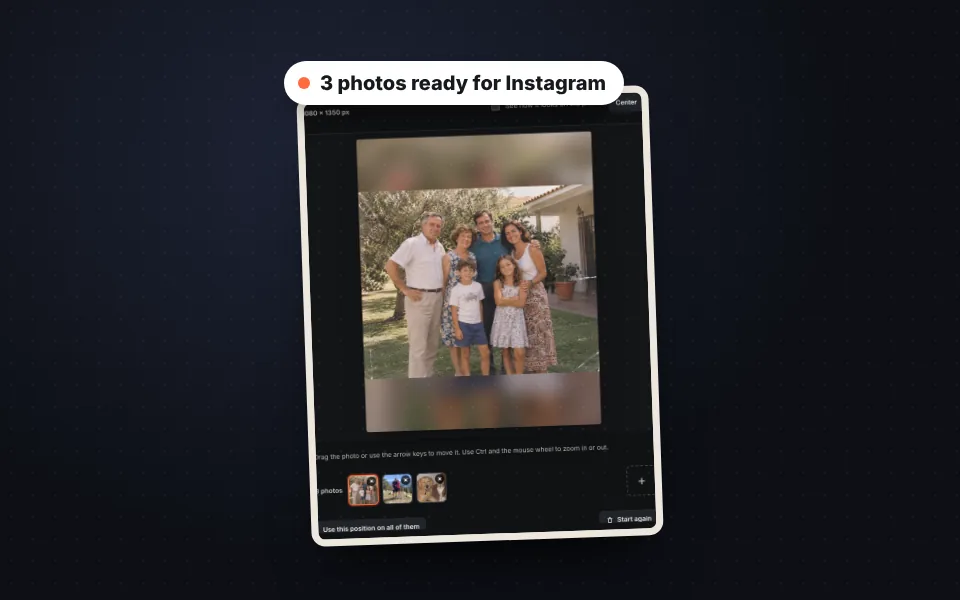
Upload your photos
Drag one or more photos, choose them or paste them with Ctrl+V. Each photo is placed whole straight away.
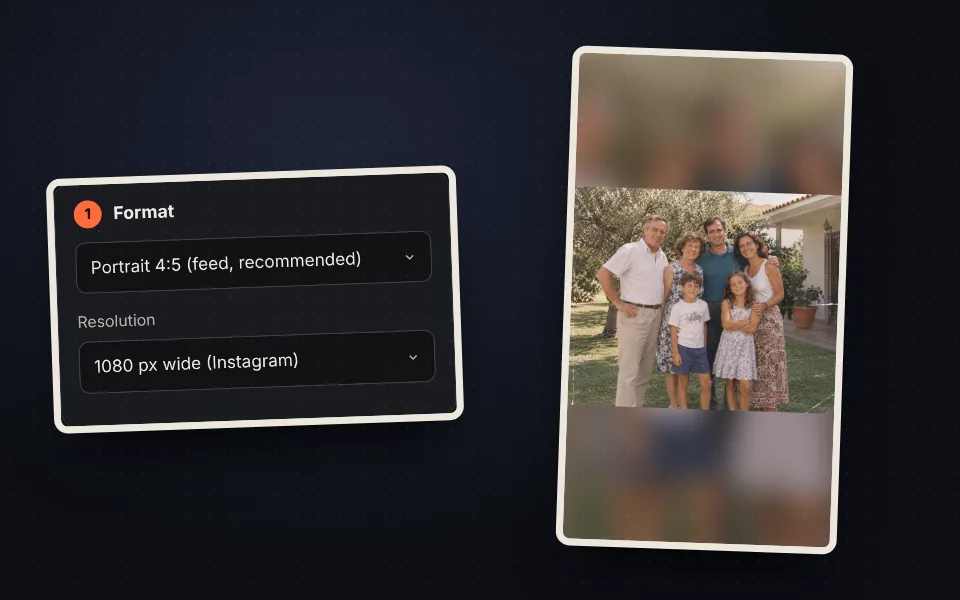
Choose the format
4:5 portrait for the feed, 1:1 square, 9:16 story or a custom size.
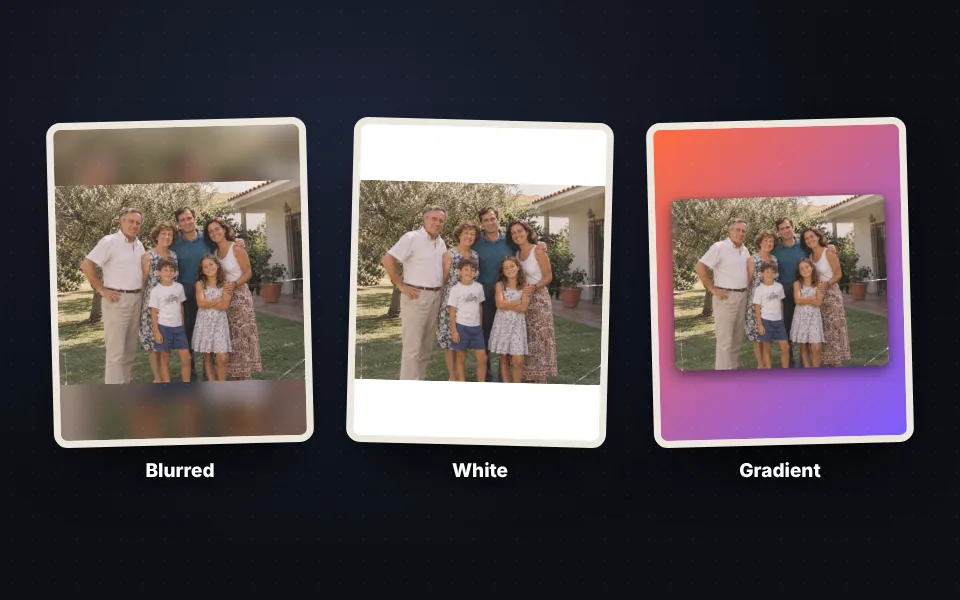
Choose the background
Blurred with the photo itself, a color, a gradient or the color that dominates the photo.
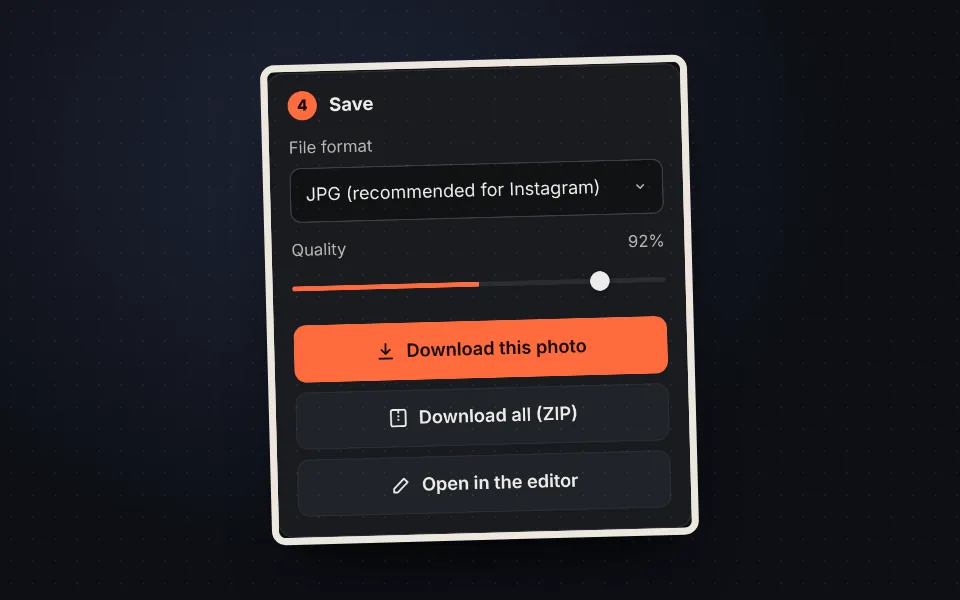
Download and post
Download the photo or all of them in a ZIP and upload them to Instagram without anything being cut.
Video tutorial: how to post full photos on Instagram
In this video you'll see how to upload three photos, choose the format, try the backgrounds, adjust the margin, corners and shadow, and download them all in a ZIP. Click a chapter to jump straight to that part.
The video only loads from YouTube when you press play, and YouTube may then set its cookies. More information in the cookie policy.
Why Instagram crops your photos
Instagram only accepts photos between the 1.91:1 landscape format and the 4:5 portrait format. If your photo is longer, it gets cropped. On top of that, the profile grid shows photos in 3:4, so you lose the sides too.
- Panoramic and landscape photos: they are cut at the sides.
- Screenshots and very tall phone photos: they are cut at the top and bottom.
- Carousels: every photo takes the format of the first one, so the rest are cropped.
The solution is to place the whole photo inside the format and fill the leftover space with a background.
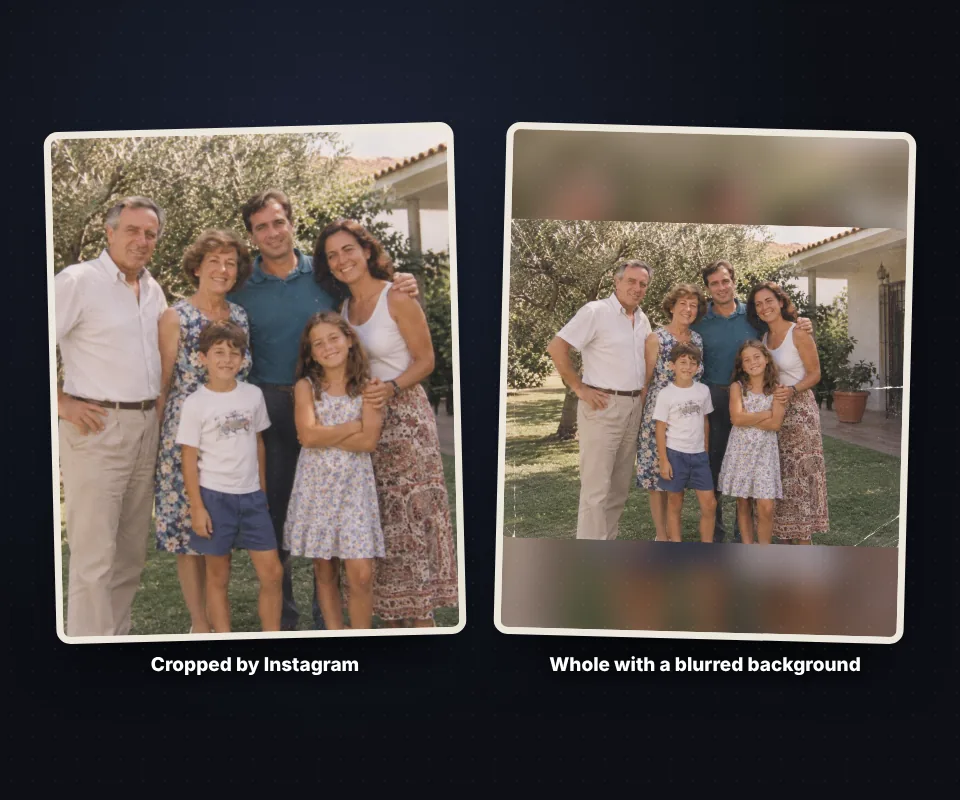
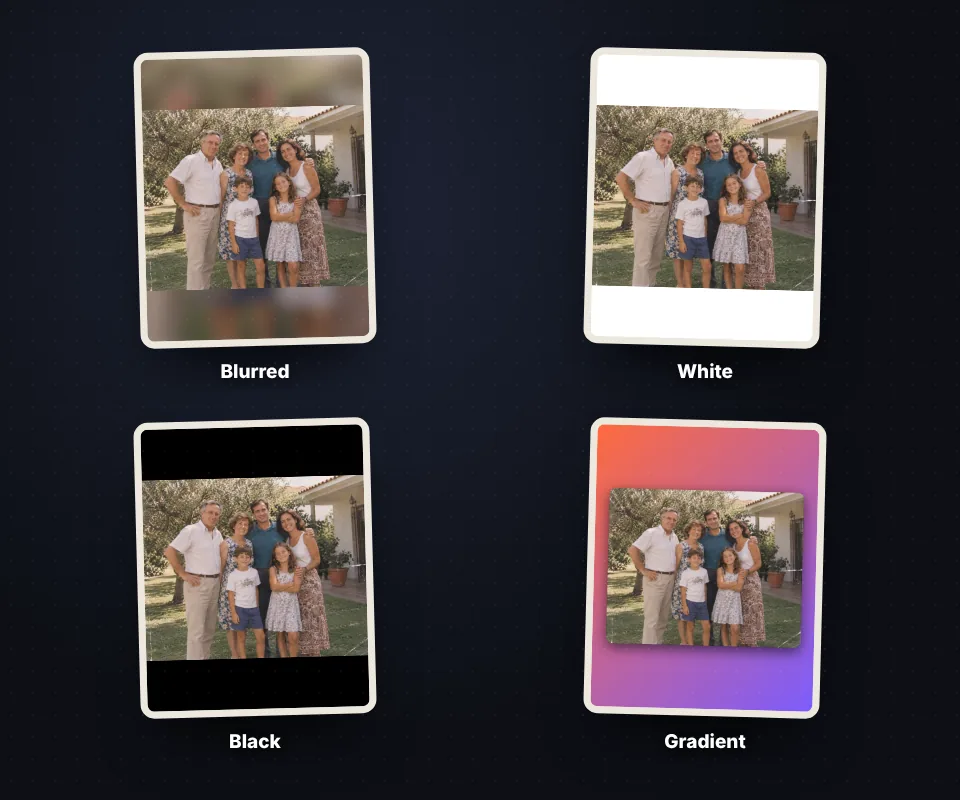
White, colored, gradient or blurred background
The background changes the look of the post a lot:
- Blurred: it uses the same photo, enlarged and blurred. It's the most popular because the photo seems to fill the whole format.
- Color: white for a clean feed, black for night photos or any of your brand colors.
- Gradient: two colors in the direction you want.
- Photo color: it takes the color that dominates the image so everything matches.
- Transparent: it saves a PNG without a background to keep editing it in another app.
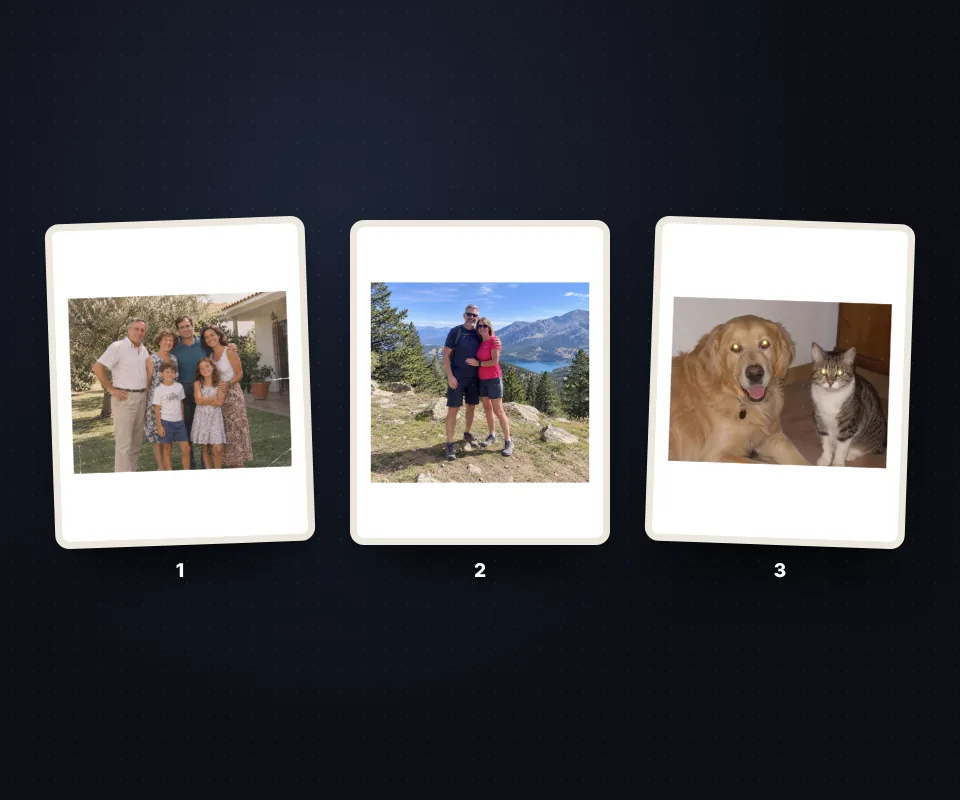
Carousels with every photo the same
Upload all the carousel photos at once. The format, background, margin and frame settings apply to all of them, so the carousel looks consistent, and each photo keeps its own position if you want to move it.
When you finish, press Download all (ZIP) and you'll have every photo ready, the same size and in the order you uploaded them.
Turn on See how it looks on the profile to check which part will show in your profile grid.
Instagram photo sizes
These are the recommended sizes in pixels. The tool uses them by default and you can raise the resolution to 1440 or 2160 px wide if you want more sharpness.
| Post | Format | Size |
|---|---|---|
| Portrait feed photo | 4:5 | 1080 × 1350 px |
| Square feed photo | 1:1 | 1080 × 1080 px |
| Landscape feed photo | 1.91:1 | 1080 × 566 px |
| Profile grid | 3:4 | 1080 × 1440 px |
| Story and reel | 9:16 | 1080 × 1920 px |
For the feed, the 4:5 portrait format takes up the most space on the phone screen and usually gets more engagement.
Also for WhatsApp, Facebook, TikTok and Pinterest
The 9:16 format works for WhatsApp status, Facebook stories and TikTok videos; 2:3 is the Pinterest pin format, and with the custom format you can prepare photos for any other network. If you also want to write on them, use add text to a photo.
Your photos are not uploaded to any server: everything happens in your browser and the photos are saved without EXIF data, without the location or the phone model.
Frequently asked questions
How do I post a whole photo on Instagram without it being cut?
Upload the photo here, choose the 4:5 or 1:1 format and a background, and download it. The photo stays whole inside the format and Instagram no longer crops it.
Which format is best for Instagram?
For the feed, the 4:5 portrait (1080 × 1350 px), because it takes up more screen. For stories and reels, 9:16 (1080 × 1920 px).
How do I get the blurred background?
Choose "Blurred" in the Background section. The same photo is used, enlarged and blurred; the controls adjust how blurred and how bright it is.
Can I use a white background?
Yes. Choose "Color" and press white, or any other color from the palette or the picker.
Can I prepare a carousel?
Yes. Upload all the photos at once: the format and background apply to all of them and "Download all (ZIP)" downloads them together.
Can I move the photo inside the frame?
Yes. Drag it or use the arrow keys. "Photo size" enlarges or shrinks it and "Center" puts it back in the middle.
What is "See how it looks on the profile"?
It shows the 3:4 area that appears in your profile grid, so you know which part of the post will show there.
Do the photos lose quality?
They are saved 1080 px wide, the Instagram size, with high quality. If you want more sharpness, choose 1440 or 2160 px in Resolution.
Does it work for WhatsApp or TikTok stories?
Yes. Choose the 9:16 format and the photo fits whole on the phone's full screen.
Are my photos uploaded to a server?
No. Everything happens in your browser and the photos never leave your device.
Is it free?
Yes, free, with no sign-up and no watermark.