How to convert JPG to PNG in 4 steps
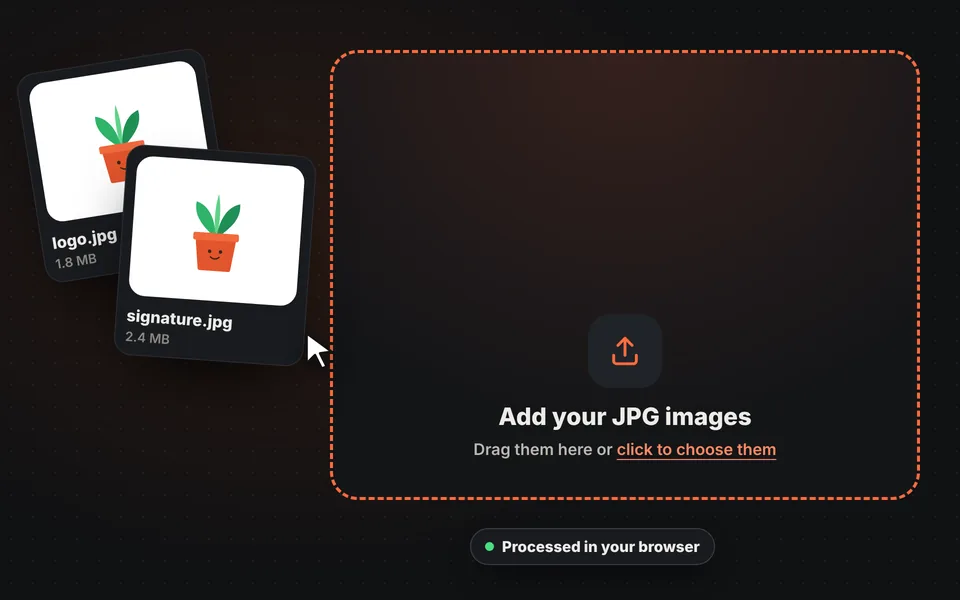
Add your images
Drag one or more JPG images to the upload area, choose them from your device or paste them with Ctrl+V.
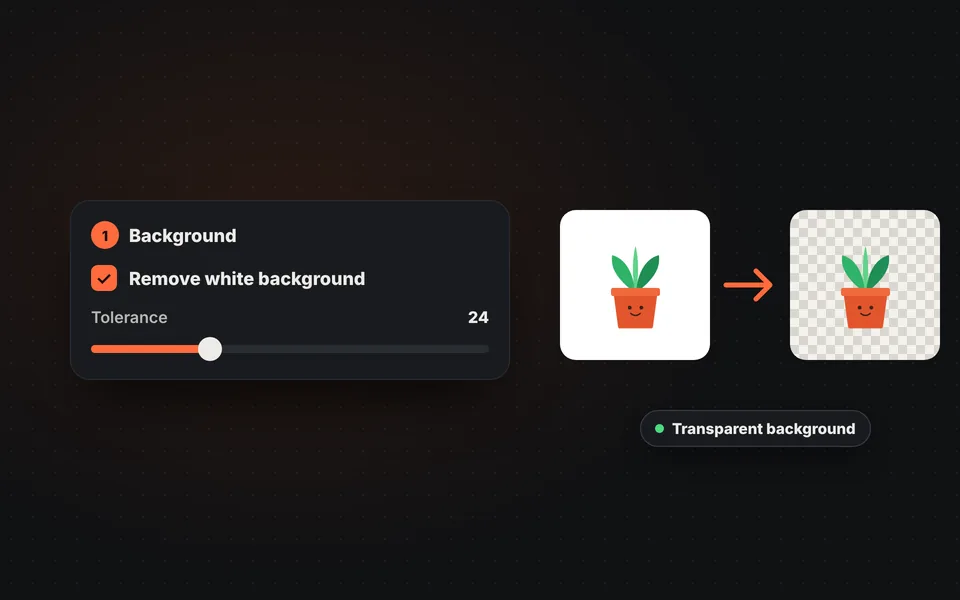
Transparent background, if you want
Check "Remove white background" so the background of a logo, a signature or a product becomes transparent.
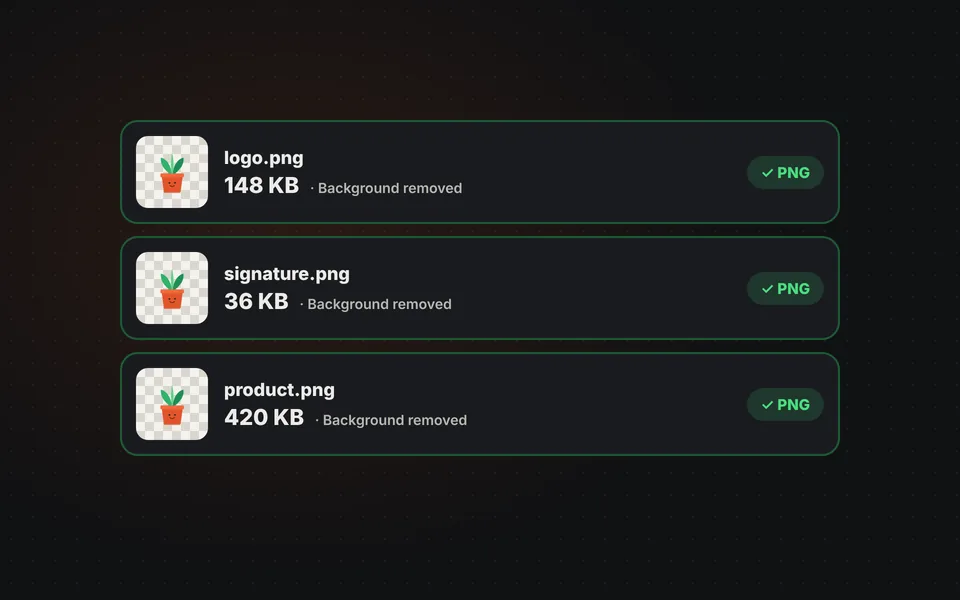
Check the result
Check each image in the list. If a white edge remains, raise the tolerance and it's converted again instantly.
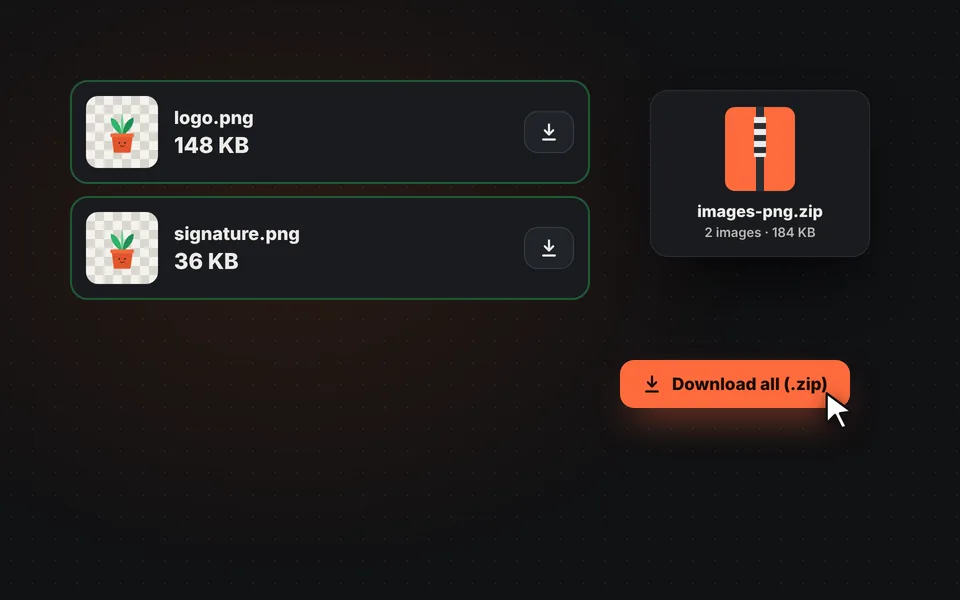
Download the PNGs
Download each image separately or all together in a ZIP, with the same name and the .png extension.
Video tutorial: how to convert JPG to PNG
In this video you'll see how to upload the JPG images, remove the white background, adjust the tolerance and download them in a ZIP. Click a chapter to jump straight to that part.
The video only loads from YouTube when you press play, and YouTube may then set its cookies. More information in the cookie policy.
What is converting JPG to PNG for?
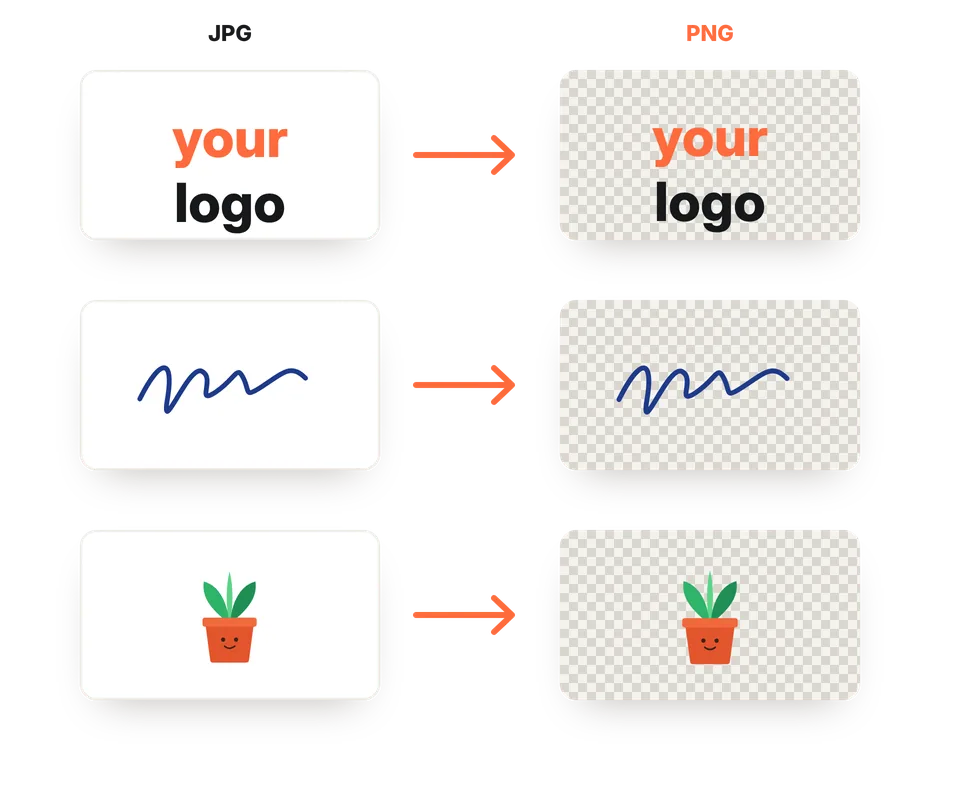
The most common reason is to get a transparent background. A logo, a signature or a product photo on a white background looks much better as a transparent PNG: you can place it over any color, on a website, a presentation or a document, without the white box around it.
It's also useful when you're going to keep editing an image: PNG doesn't lose quality every time you save it, unlike JPG. And some programs, templates or platforms specifically require PNG images.
Does quality improve when converting JPG to PNG?
No. PNG stores the image exactly as it is, without losing anything more, but it can't recover the details the JPG already discarded when it was compressed. So the image will look the same as the original JPG and, in return, the file is usually much larger.
If you just want a smaller image, go the other way: convert PNG to JPG or compress images.
| Feature | PNG | JPG |
|---|---|---|
| Compression | Lossless: stores every pixel as is. | Lossy: discards details that are barely visible. |
| Transparency | Yes. | No: transparent areas are filled with a color. |
| Size of a photo | Large, several times more than JPG. | Small. |
| Best for | Logos, icons, screenshots with text, graphics and designs. | Photos and any image with lots of colors. |
| Compatibility | Very high. | Universal: every program, website and form accepts it. |
How to remove the white background from a signature or logo
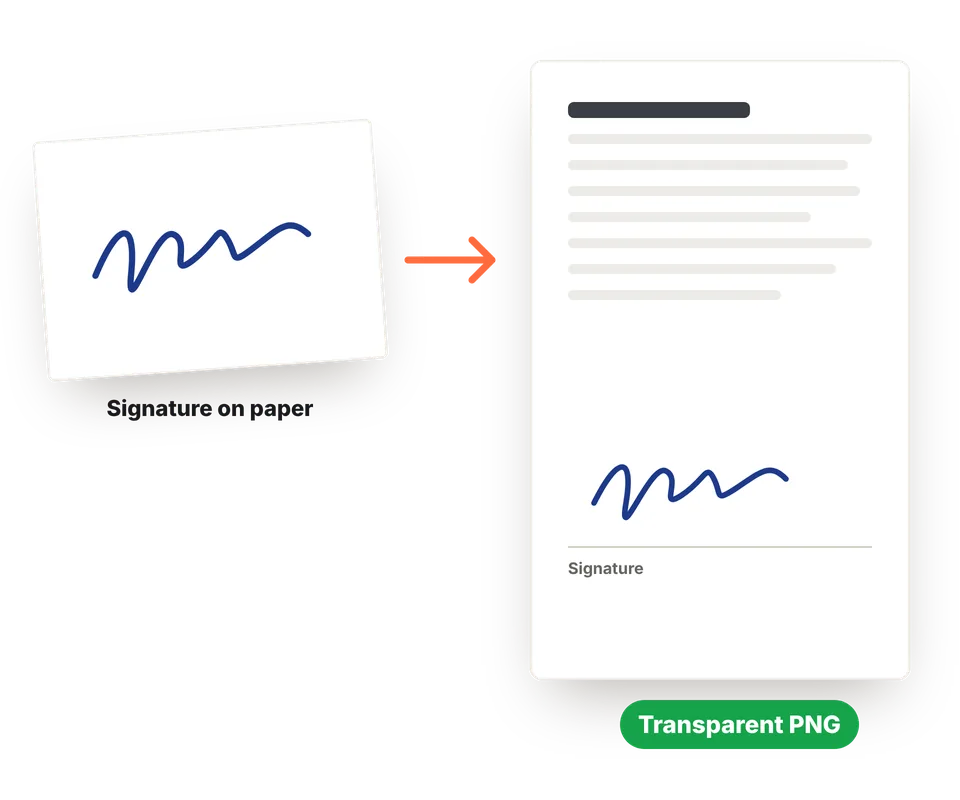
Sign with a black or blue pen on a white sheet of paper and photograph it from above, with good light and no shadows, or scan it. Crop it with the "Edit" button to remove anything extra.
Then check "Remove white background". If a gray halo remains around the strokes, raise the tolerance; if thin parts of the signature get erased, lower it. You'll have a transparent PNG ready to place in a PDF, a document or an email.
Frequently asked questions
How do I convert a JPG to PNG?
Add the JPG image and it will be converted to PNG instantly. If you want, check "Remove white background" to make the background transparent, then download it.
Can I convert several JPG images at once?
Yes. Add as many as you want and they'll be converted one after another. Then you can download them separately or all together in a ZIP.
How do I make the background of a JPG transparent?
Check the "Remove white background" option. It works with plain white or very light backgrounds. For photos with complex backgrounds, use our AI background remover.
Why is the PNG larger than the JPG?
Because PNG stores every pixel without lossy compression. It's normal: in return, it doesn't lose quality and supports transparency.
Does quality improve when converting JPG to PNG?
No. The image stays exactly the same as the original JPG. PNG prevents further quality loss, but it can't recover what the JPG already lost.
Can I use it to make a signature with a transparent background?
Yes. Take a photo of or scan your signature on a white sheet of paper, check "Remove white background" and adjust the tolerance until the stroke is clean.
Does it work with WebP, GIF or BMP?
Yes. Although it's designed for JPG, it also converts WebP, GIF, BMP and AVIF images to PNG.
Are my images uploaded to a server?
No. The conversion happens in your browser and your images never leave your device.
Can I do the opposite, PNG to JPG?
Yes, with our PNG to JPG converter, which makes images much smaller.
Is it free?
Yes, free, with no sign-up, no watermark and no image limit.