How to scan your signature in 4 steps
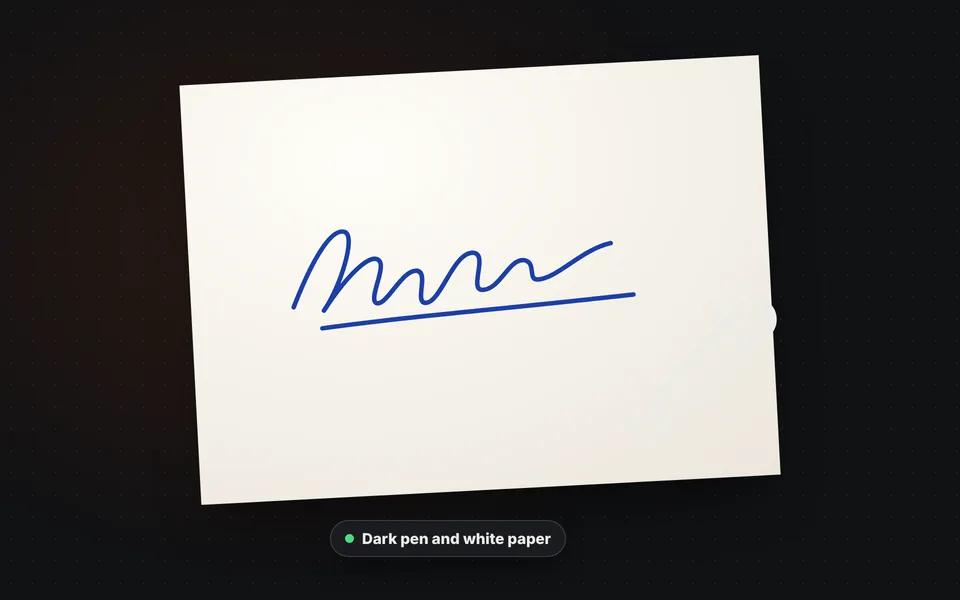
Sign a sheet of paper
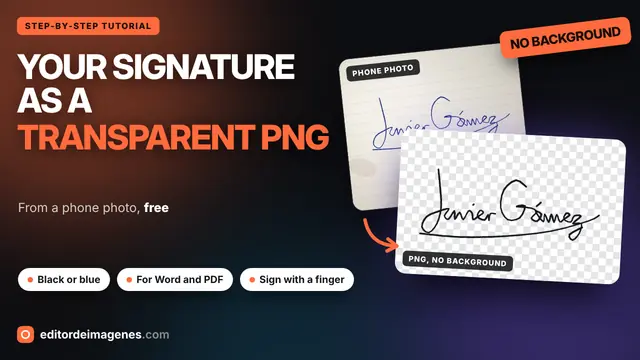
Sign with a black or blue pen on a white sheet of paper, with your usual stroke and no rush.
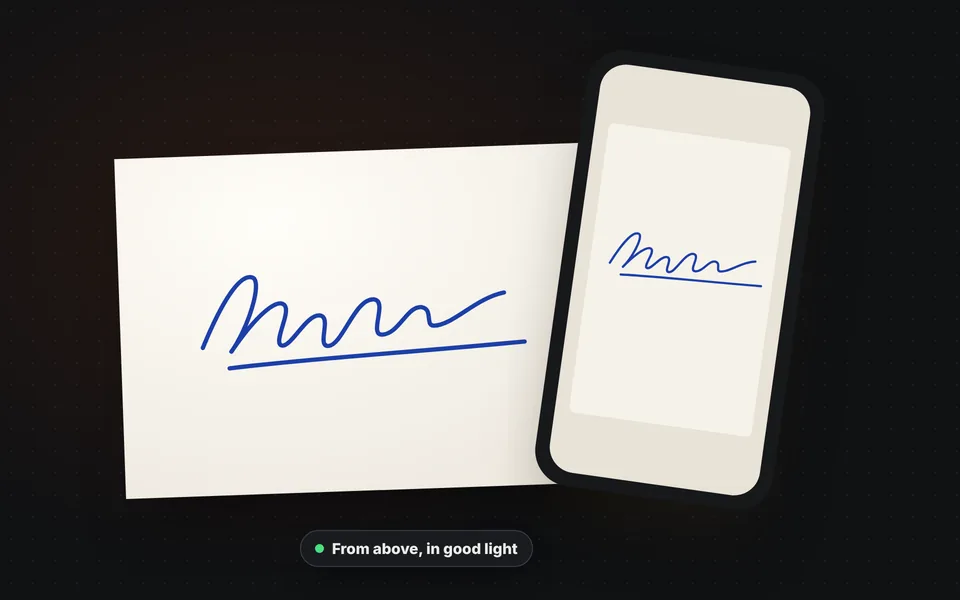
Take a photo of it
Photograph the signature with your phone from above, with good light and no shadows, and upload it to the tool.
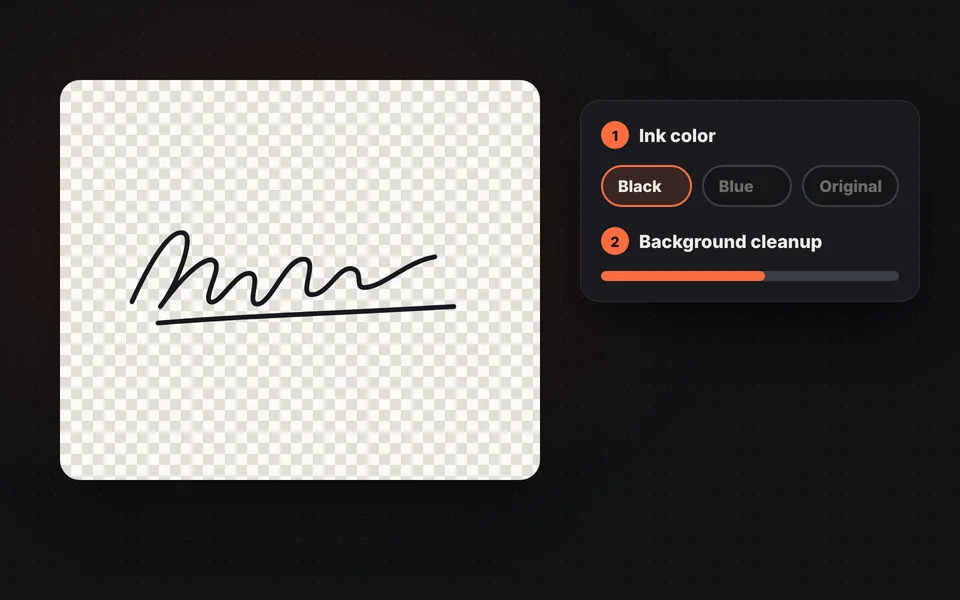
Adjust the cleanup
The background is removed automatically. Choose black or blue and raise or lower the cleanup until the stroke is clean.
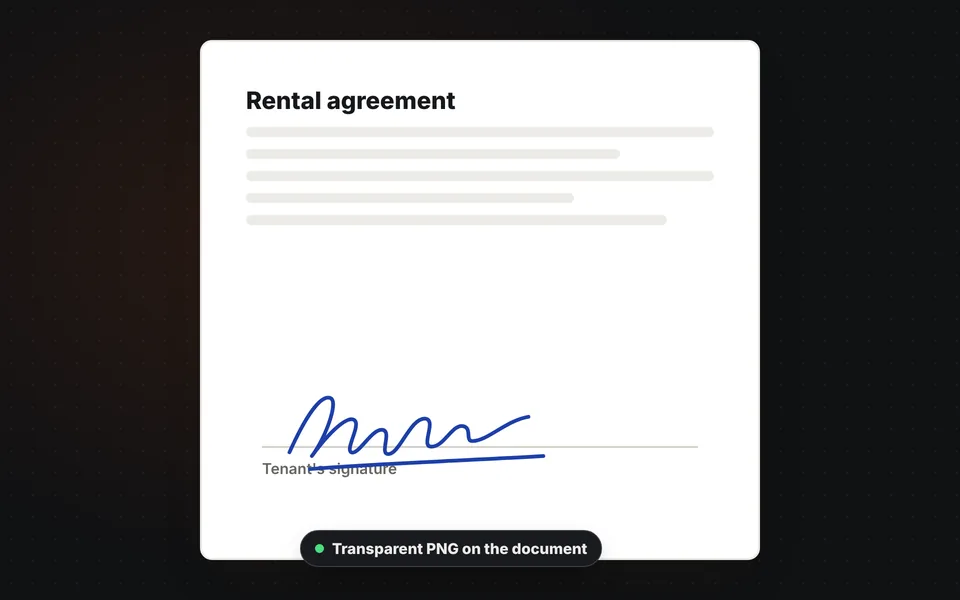
Download the PNG
Download the signature as a transparent PNG and paste it into your Word document, a PDF or an email.
Video tutorial: how to turn your signature into a transparent PNG
In this video you'll see how the paper disappears from a phone photo of a signature, how to choose the ink color, how to clean up shadows and paper lines, how to make the stroke thicker and set the margin, how to download it as a PNG and how to sign with your finger or mouse. Click a chapter to jump straight to that part.
The video only loads from YouTube when you press play, and YouTube may then set its cookies. More information in the cookie policy.
How to take the photo of your signature
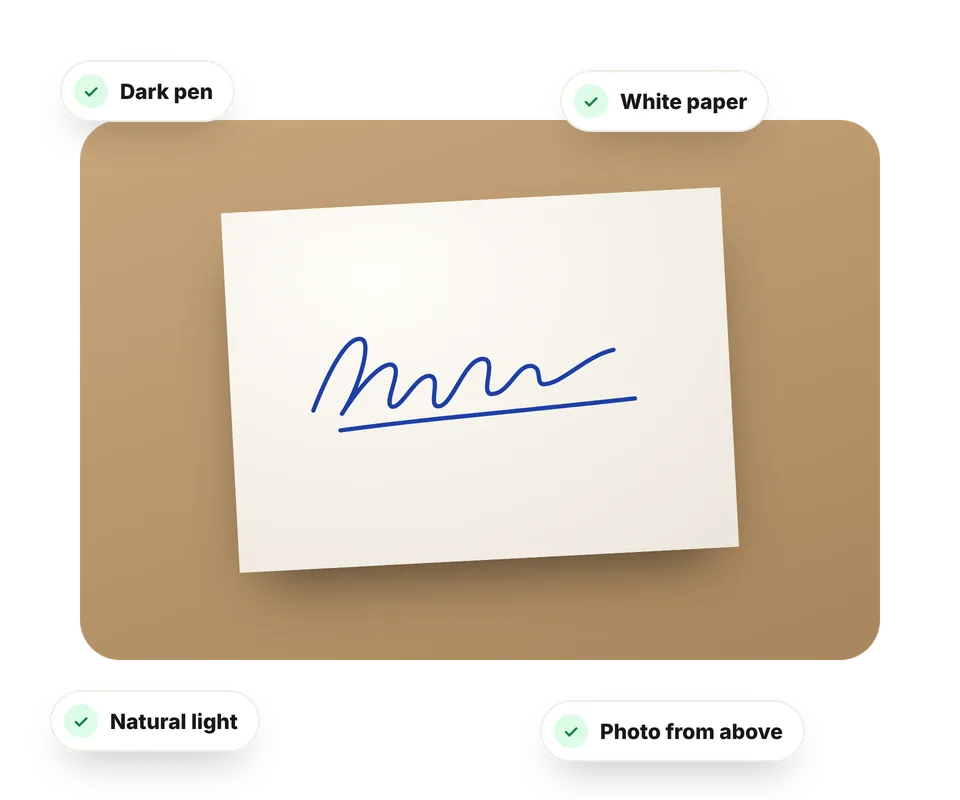
The better the photo, the cleaner the signature. You don't need a scanner: your phone is enough if you follow these tips:
- Use a dark pen, black or blue, that writes clearly. Pencils and very light markers give gray strokes.
- Sign on a plain white sheet of paper, with no grid or lines.
- Find natural light and make sure your shadow or the phone's doesn't fall on the paper.
- Take the photo from above, with the phone parallel to the paper and the signature filling a good part of the image.
If shadows or spots remain, raise the background cleanup; if thin strokes disappear, lower it.
Where to use your PNG signature
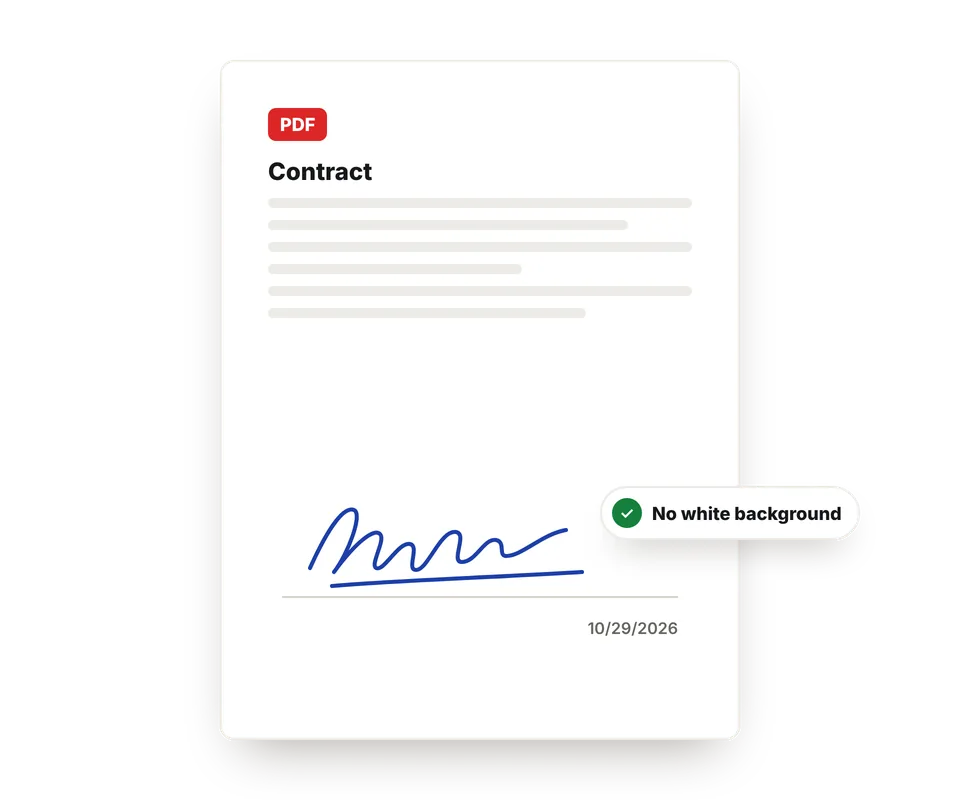
A transparent PNG has no background, so it sits on top of any document as if you'd signed by hand. These are the most common uses:
- Word and Google Docs: insert the image and choose "In Front of Text" to place it on the signature line.
- PDF: most PDF editors let you add it as an image or as a saved signature.
- Email: use it in your email signature, next to your name and job title.
- Invoices and quotes: add it to your template so you don't have to print and sign every time.
To sign a PDF directly here, without other programs, use Sign PDF.
Is a scanned signature legally valid?
A scanned signature is an image of your handwritten signature. It works for many everyday documents, such as authorizations, quotes, letters or private agreements that both parties accept. But it isn't a certificate-based digital signature: for documents that require a verified electronic signature, use the e-signature service or digital ID that the other party asks for.
And since anyone who has the image could paste it, keep it only on your own device and don't send it on its own. That's why this tool works in your browser and doesn't upload it to any server.
Frequently asked questions
How do I turn my signature into a PNG image?
Sign a white sheet of paper, take a photo of it with your phone and upload it here. The tool removes the paper and the shadows, crops the signature and gives it to you as a PNG with a transparent background.
Can I sign with my finger or mouse?
Yes. Choose "Sign with your finger or mouse", sign in the box and the signature instantly becomes a transparent PNG, with the same colors and downloads as with a photo.
What is a transparent PNG?
It's an image with no background: only the ink shows. That way you can place it on top of any document without a white box around it.
Can I choose the signature color?
Yes: black, blue or your pen's original color. Blue is often used so it's clear it's a signature and not a photocopy.
How do I put it in a Word document?
Insert the image, choose the "In Front of Text" wrapping option and place it on the signature line. You can make it smaller by dragging a corner.
Can I use it to sign a PDF?
Yes. And if you want to do it without leaving the site, use our Sign PDF tool: you sign, place the signature on the document and download the signed PDF.
Is it legally valid?
It works for many private documents if both parties accept it, but it isn't a certificate-based digital signature. For documents that require a verified electronic signature, use the e-signature service or digital ID they ask for.
Why are there spots or shadows?
Because the photo has shadows or the paper isn't white. Raise the background cleanup or retake the photo in natural light and from above.
Is my signature uploaded to a server?
No. The signature is processed in your browser and never leaves your device.
Is it free?
Yes, free, with no sign-up and no watermark.