How to reduce an image's size in KB in 4 steps
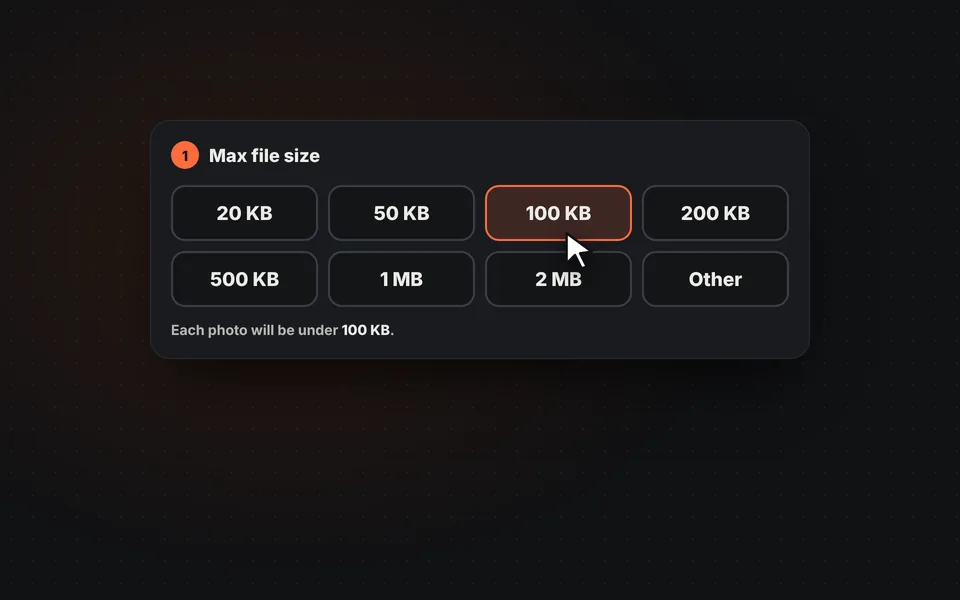
Choose the maximum size
Tap 50, 100 or 200 KB, or enter the exact limit you're given, for example 150 KB or 1 MB.
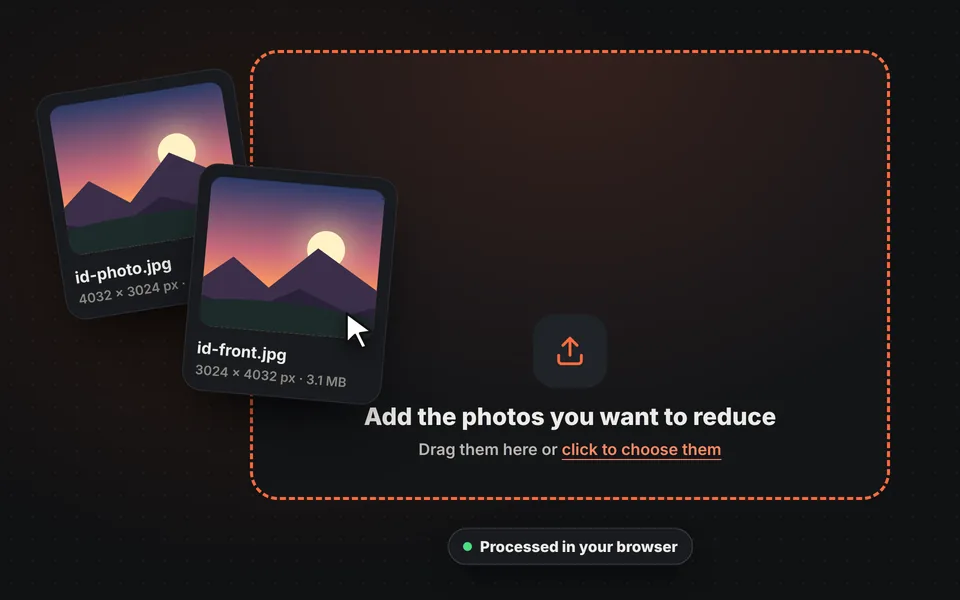
Add your photos
Drag them, choose them or paste them with Ctrl+V. You can add several at once and they're processed in your browser, without uploading them to any server.
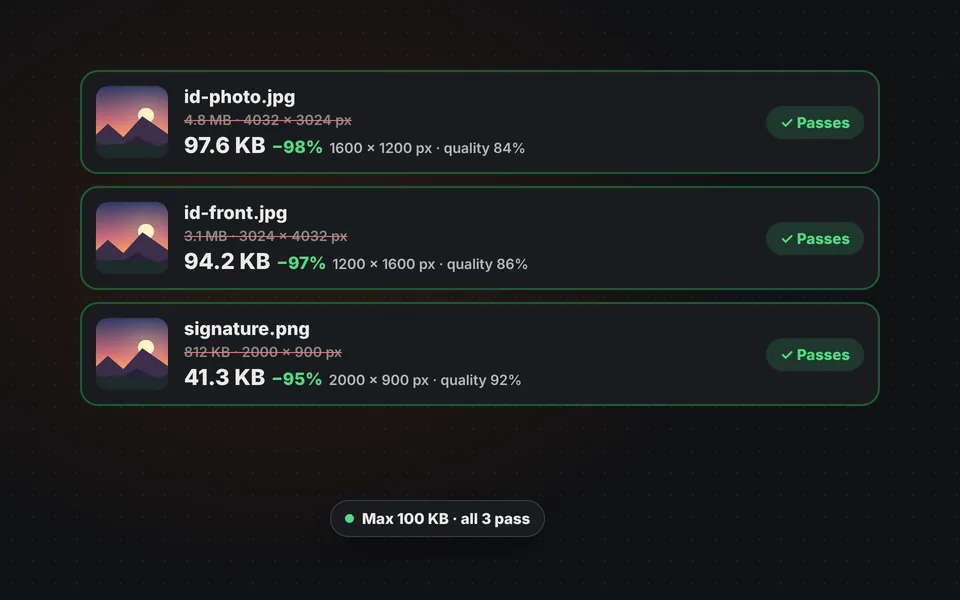
Check the result
You'll see what each photo weighed, what it weighs now and its dimensions. If you like, crop or touch it up first with the "Edit" button.
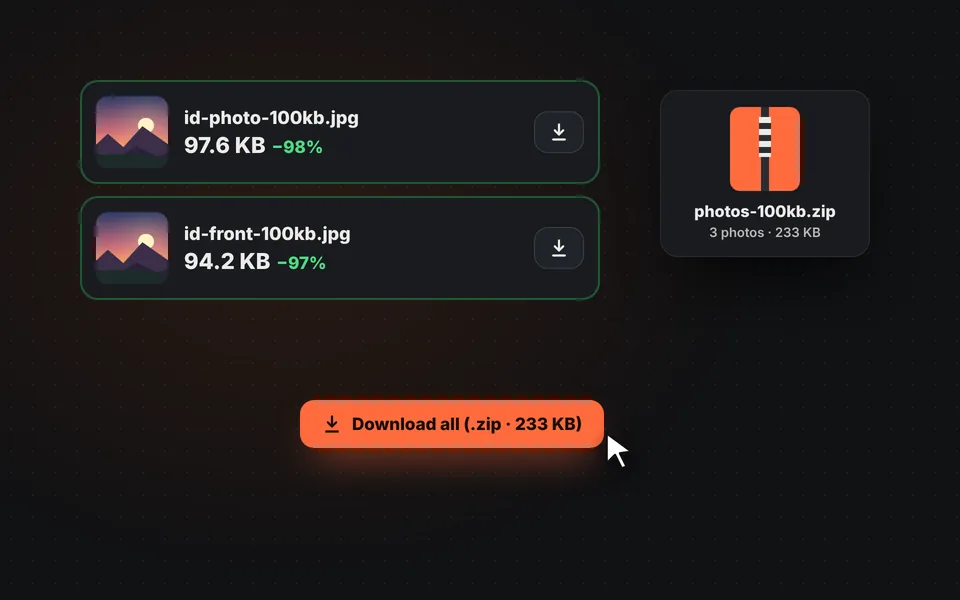
Download them
Download each photo separately or all together in a ZIP, ready to upload to the form or send by email.
Video tutorial: how to reduce the size of a photo in KB
In this video you'll see how the photos are uploaded, how to choose the maximum size, how to type a custom size, how to choose the format and dimensions and how to download the photos. Click a chapter to jump straight to that part.
The video only loads from YouTube when you press play, and YouTube may then set its cookies. More information in the cookie policy.
Why are you asked for a photo under 100 KB?
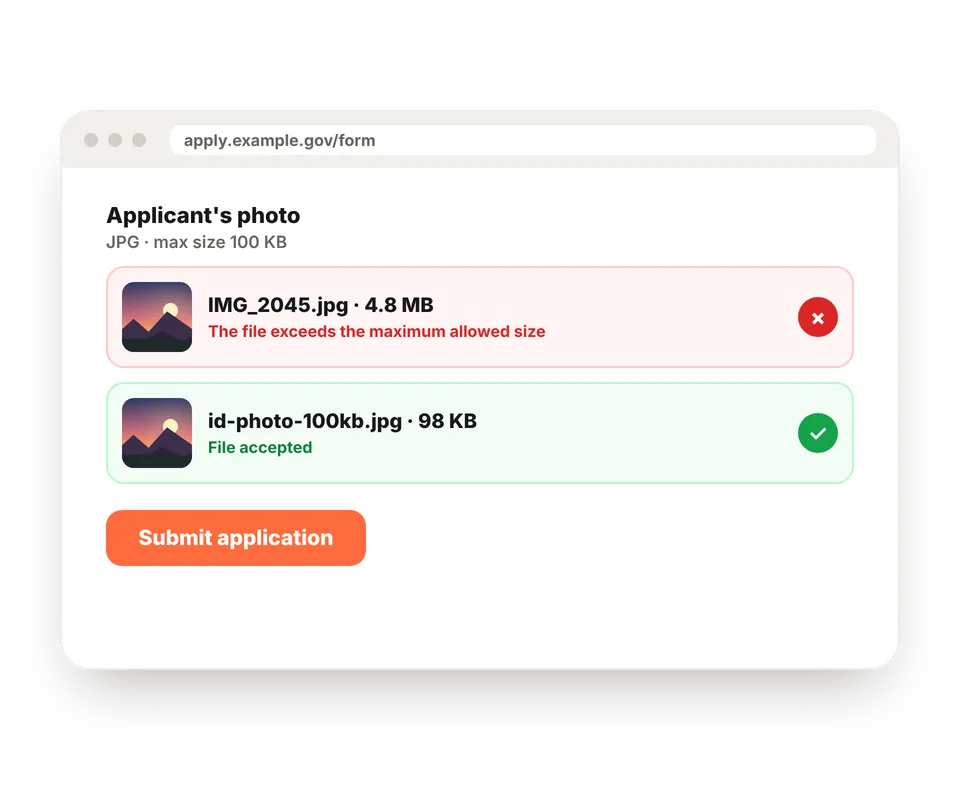
Government portals, job and college applications, visa forms, school enrollment systems and many online stores limit the file size of photos you can upload. That way their servers don't fill up and forms load quickly for everyone.
The problem is that a phone photo weighs between 2 and 6 MB, that is, 20 to 60 times more than allowed. If you try to upload it as is, you'll see an error like "The file exceeds the maximum size".
With this tool you choose the limit you're given and the photo ends up just under it, without trial and error in editing programs.
Size in KB and size in pixels: not the same thing
When people talk about the size of a photo they can mean two things. The file size is how much space the file takes up, measured in KB or MB. The dimensions are the image's width and height, measured in pixels. They're related, because a photo with more pixels usually weighs more, but they're not the same: the same 4000-pixel photo can weigh 3 MB or 400 KB depending on how compressed it is.
If a form says "maximum 100 KB", it's asking for a file size, and this is the tool you need. If it asks for dimensions, like "600 × 800 pixels", what you need is to resize the image. And if it asks for both, you can do it all at once here with the "Maximum dimensions" option.
Which size should I choose?
| Size | What it's usually requested for |
|---|---|
| 20 - 50 KB | Scanned signatures, small profile pictures and thumbnails. |
| 100 KB | ID-style photos on forms, applications and government portals. |
| 200 KB | Résumé photos and job sites. |
| 500 KB | Listing photos, online stores and scanned documents. |
| 1 - 2 MB | Email attachments and photos for websites or blogs. |
These are guideline values. Always check the exact limit on the website where you'll upload the photo.
How it reduces the size without ruining the photo
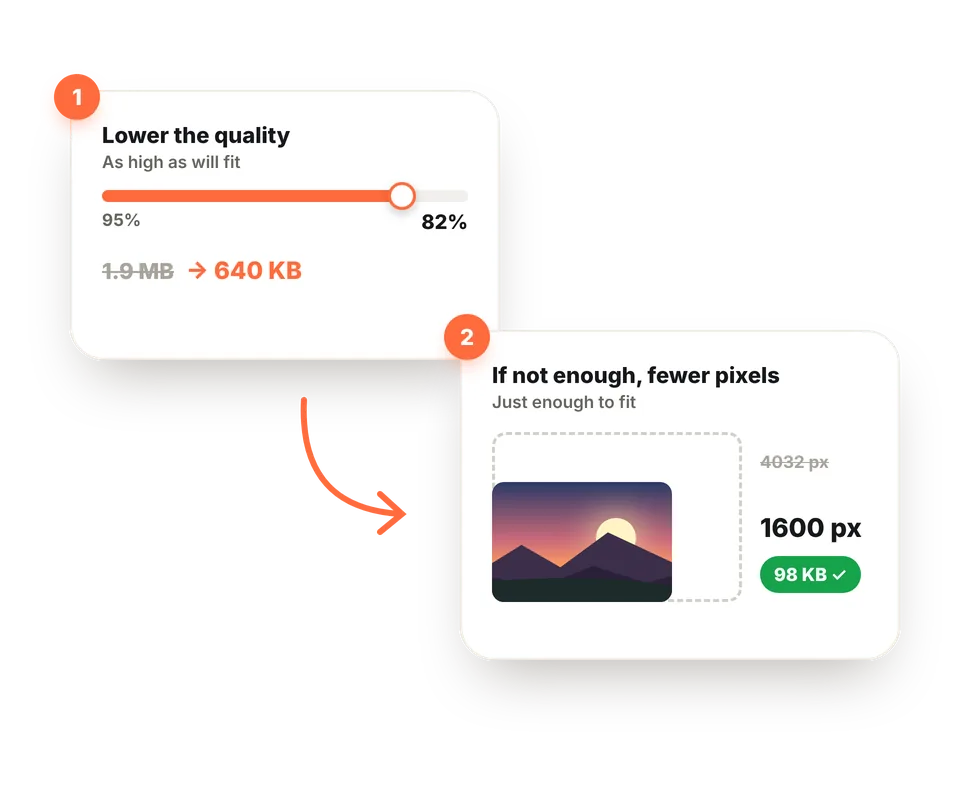
First it tries lowering the JPG quality step by step and keeps the highest quality that fits in the size you chose. Between 95% and 80% quality the file can be half the size and, to the naked eye, there's almost no difference.
Only if that's not enough does it also reduce the pixels, just enough for the photo to fit with good quality. A sharp 1600-pixel photo looks much better than a 4000-pixel one full of artifacts. It also removes hidden data (EXIF), which can take up several KB and reveal where the photo was taken.
Finally, it always keeps the photo under the limit, even if the website counts 1 KB as 1000 bytes instead of 1024.
Tips for a photo that looks good at a small size
Crop out what isn't needed
If you only need the face or the document, crop it first. With less area, the photo fits in the same size with much more quality.
Start from the original photo
Don't reduce a photo that has already been reduced several times. Each compression adds artifacts; it's always better to start from the original.
A plain background is better
A plain background, like a light wall, weighs much less than a detailed one. It makes a huge difference in ID-style photos.
Check whether dimensions are required
Some websites ask for file size and dimensions at once, for example 100 KB and 600 pixels high. Use the "Maximum dimensions" option to meet both.
To crop the photo before reducing it, use the "Edit" button on each photo or our tool to crop images.
Reduce to a size, compress or resize?
All three tools make a photo take up less space, but each one is for something different. Reducing to a size, this page, is what you need when you're given a specific limit in KB or MB. To shrink many photos without a fixed limit, choosing the quality yourself, use compress images. And if you're asked for dimensions in pixels, resize image.
Frequently asked questions
How do I reduce a photo to 100 KB?
Choose "100 KB" as the maximum size and add your photo. The tool tries different qualities until it finds the highest that fits in 100 KB and, if that's not enough, also reduces its pixels. In a few seconds your photo is ready to download.
Does reducing the size in KB lose quality?
Something is always lost, but the tool looks for the highest quality that fits in the size you choose, so the difference is barely noticeable. The smaller the limit, the more you'll notice it: for 20 or 30 KB the photo will also have to be smaller in pixels.
What's the difference between size in KB and size in pixels?
KB measure how much space the file takes up, its file size. Pixels measure its dimensions, the width and height of the image. A photo can be 4000 pixels wide and weigh 3 MB, or be the same size and weigh 400 KB with more compression. When a website asks for "under 100 KB", it means the file size.
Why does my photo now have fewer pixels?
Because with some limits compressing isn't enough. If the size you ask for is very small for the photo, the tool also reduces its pixels, just enough to fit with good quality. A sharp 1200-pixel photo looks better than a 4000-pixel one full of artifacts.
How many KB are in 1 MB?
It depends on who's counting: 1000 KB according to the international system and 1024 KB according to Windows and many websites. To avoid problems, the tool always keeps the photo under the limit by both counts.
Can I reduce several photos at once?
Yes. Add as many as you like and each one is reduced to the size you chose. Then you can download them separately or all together in a ZIP.
What format are the photos saved in?
In JPG, because every form, government portal and job site accepts it. If the photo is for your website, you can choose WebP, which looks even better at the same size.
Does it work with phone photos?
Yes, with JPG, PNG and WebP photos from any phone. iPhone HEIC photos can't be opened directly in the browser: convert them to JPG first, or on your iPhone go to Settings > Camera > Formats > Most Compatible.
What if I'm also asked for specific dimensions in pixels?
Use the "Maximum dimensions" option and choose the size of the longest side, for example 800 or 1200 pixels. The photo will be reduced to that size and will also stay under the file size you chose.
Are my photos uploaded to a server?
No. Everything happens in your browser and the photos never leave your device. That's why it's safe to use with personal photos or documents such as your ID.
Is it free?
Yes: free, no sign-up, no watermark and no photo limit.