How our tools work

Video tutorials gallery

Updated on

Every video about the image editor in one place, so you can see how a tool works before you use it. They are short, about 2 minutes, get straight to the point and have chapters so you can jump to what you need. Pick one and watch it right here, without leaving the site.

  • 38videos
  • 61 minin total
  • 0cookies until you press play

Latest video

How to convert JPG to PNG for free (with a transparent background)

English

Turn your JPG photos into PNG without losing quality and, if you want, remove the white background to make it transparent: ideal for signatures, logos and icons. Many at once, free and without uploading your images to any server.

Open JPG to PNG

All videos

Click one to watch it above

  1. Length: 0:55 JPG to PNG How to convert JPG to PNG for free (with a transparent background) Playing
  2. Length: 1:11 PNG to JPG How to convert PNG to JPG for free (many images at once) Playing
  3. Length: 1:11 Merge PDF How to merge PDF files for free (order, compress and number pages) Playing
  4. Length: 1:23 Instagram no crop How to post full photos on Instagram without cropping (blurred or white background) Playing
  5. Length: 1:35 Image to text How to get the text from a photo for free (OCR in 9 languages) Playing
  6. Length: 1:37 GIF maker How to make a GIF from photos or video for free (transitions, text and boomerang) Playing
  7. Length: 1:26 Add text to photo How to add text to a photo for free (fonts, outline and curved text) Playing
  8. Length: 1:20 JPG to PDF How to convert JPG to PDF for free (many photos in one PDF) Playing
  9. Length: 1:03 WebP to JPG How to convert WebP to JPG for free (many images at once) Playing
  10. Length: 1:30 Favicon generator Free favicon generator: make your website favicon in 1 minute Playing
  11. Length: 1:11 Convert to WebP How to convert images to WebP for free (JPG and PNG, many at once) Playing
  12. Length: 1:17 HEIC to JPG How to convert iPhone HEIC photos to JPG for free Playing
  13. Length: 1:06 PDF to JPG How to convert a PDF to JPG for free (every page as an image) Playing
  14. Length: 1:10 Reduce image size in KB How to reduce the size of a photo in KB (20, 50, 200 KB) for free Playing
  15. Length: 1:14 Resize image How to resize images for free, many at once Playing
  16. Length: 1:30 Image color picker Image color picker: get the HEX and RGB code from any image for free Playing
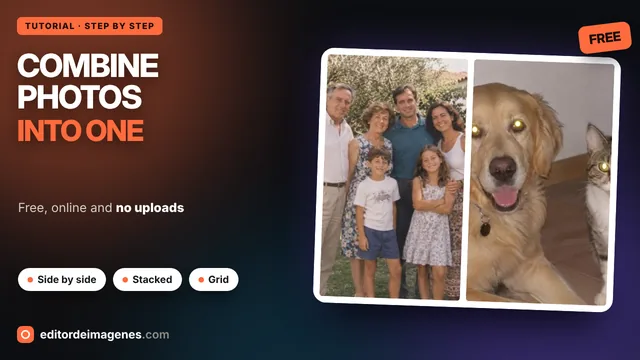
  17. Length: 1:17 Combine photos How to combine photos into one image for free Playing
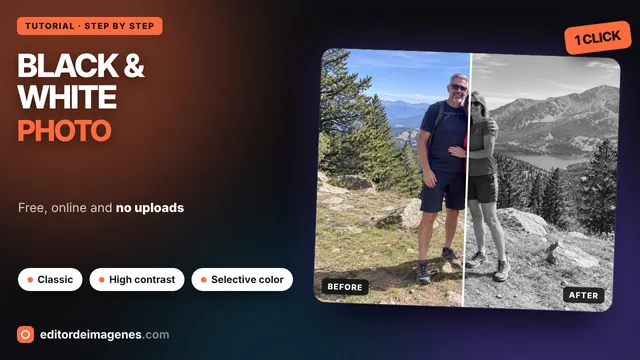
  18. Length: 1:56 Black and white photo How to make a photo black and white for free (with selective color) Playing
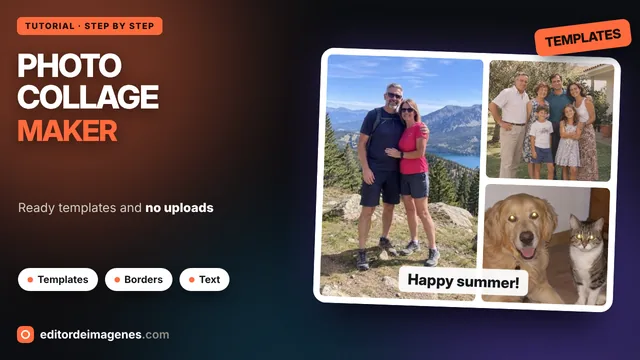
  19. Length: 1:47 Collage maker How to make a photo collage for free with templates Playing
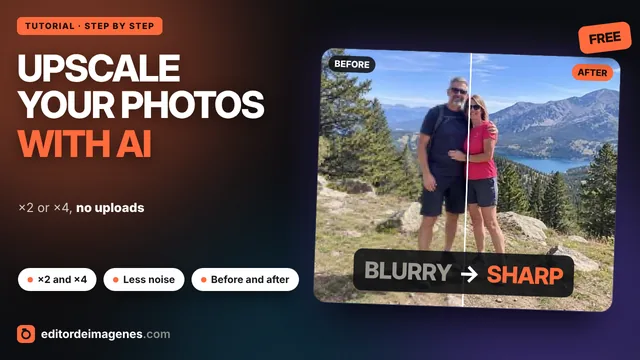
  20. Length: 1:34 Image upscaler How to upscale an image with AI for free (enlarge ×2 and ×4) Playing
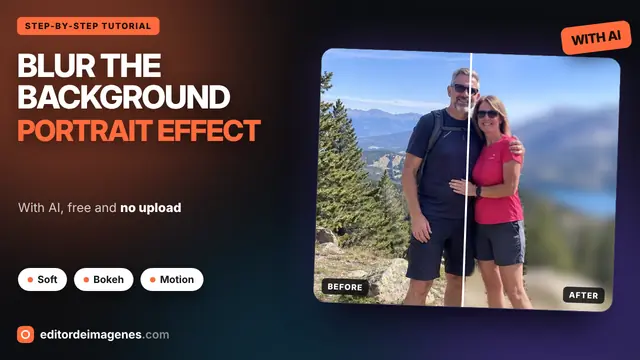
  21. Length: 2:07 Blur background How to Blur the Background of a Photo for Free with AI: Portrait Effect, Bokeh and More Playing
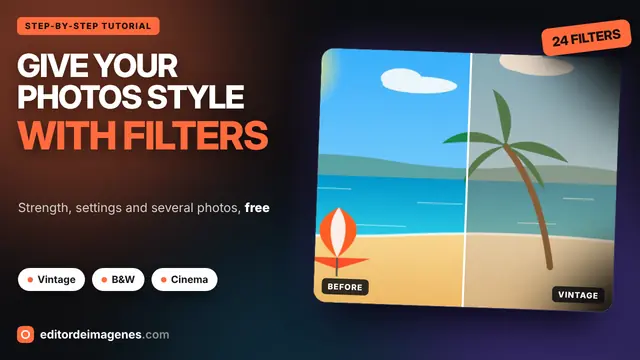
  22. Length: 1:53 Filters How to Add Filters to Your Photos for Free: Vintage, B&W, Cinema and More Playing
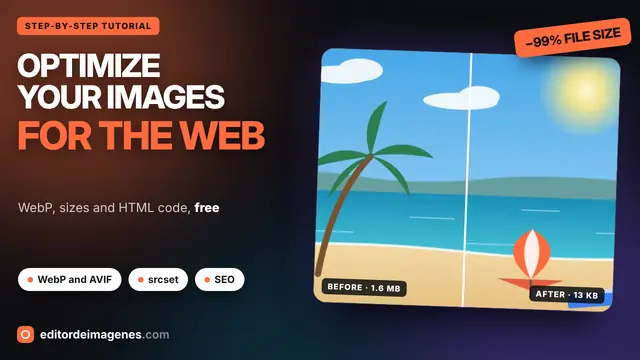
  23. Length: 1:49 Optimize How to Optimize Images for the Web for Free: WebP, AVIF, srcset and SEO Playing
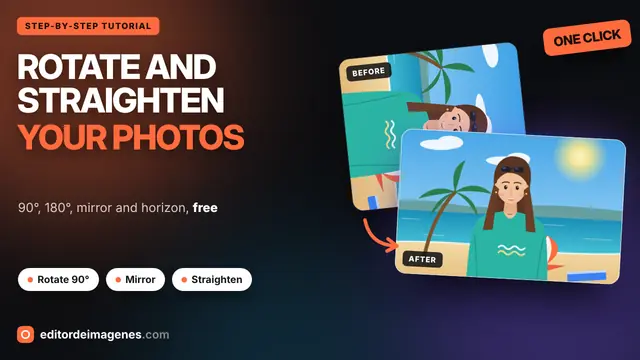
  24. Length: 1:35 Rotate How to Rotate a Photo for Free: 90°, 180°, Mirror and Straighten the Horizon Playing
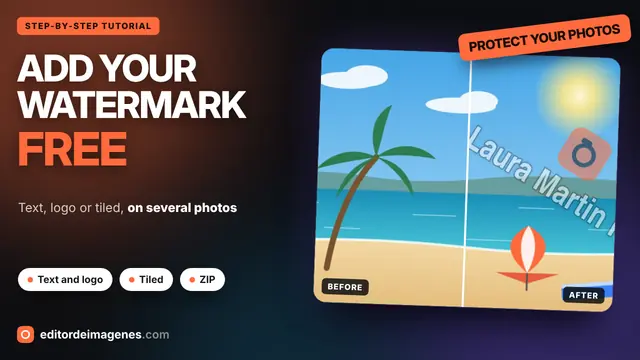
  25. Length: 1:47 Watermark How to Add a Watermark to Your Photos for Free: Text, Logo and Tiled Playing
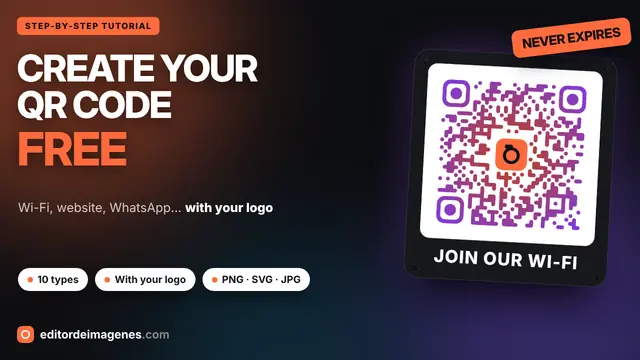
  26. Length: 1:45 QR codes How to Create a QR Code for Free: Wi-Fi, Website, WhatsApp and with Your Logo Playing
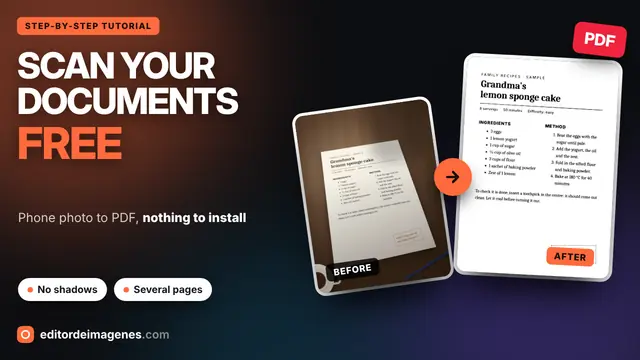
  27. Length: 1:57 Documents How to Scan Documents with Your Phone for Free: Photo to PDF (No App) Playing
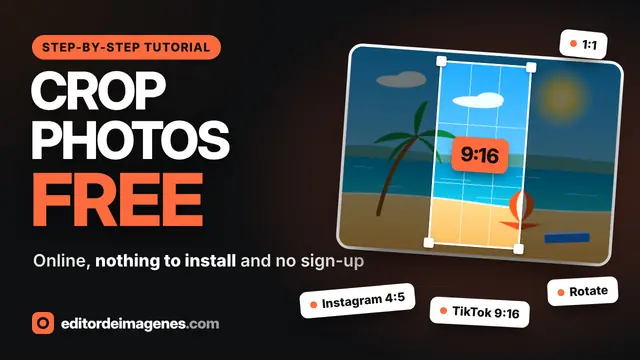
  28. Length: 2:17 Cropping How to Crop a Photo Online for Free: Instagram, TikTok, Rotate and Resize Playing
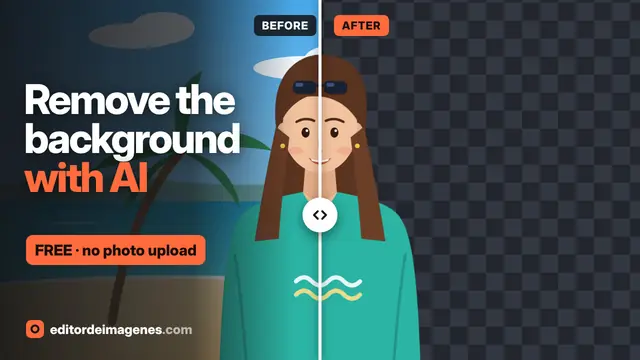
  29. Length: 2:40 AI How to Remove the Background from a Photo for Free with AI (No Upload) Playing
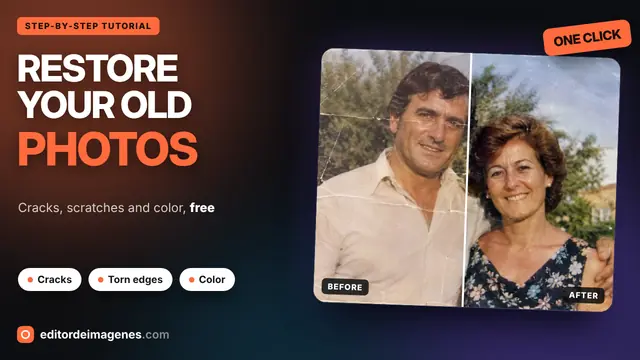
  30. Length: 1:48 Restoration How to Restore Old Photos for Free: Cracks, Scratches and Color (No Upload) Playing
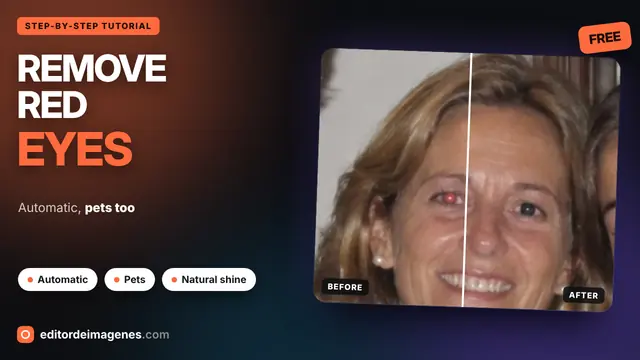
  31. Length: 1:59 Retouching How to Remove Red Eye from a Photo for Free, Pets Too Playing
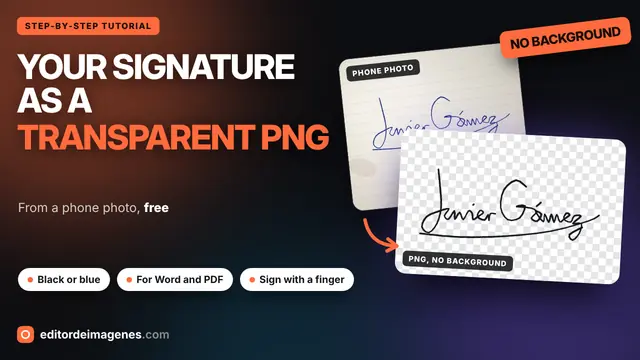
  32. Length: 1:55 Signature How to Turn Your Signature into a Transparent PNG for Free (from a Phone Photo) Playing
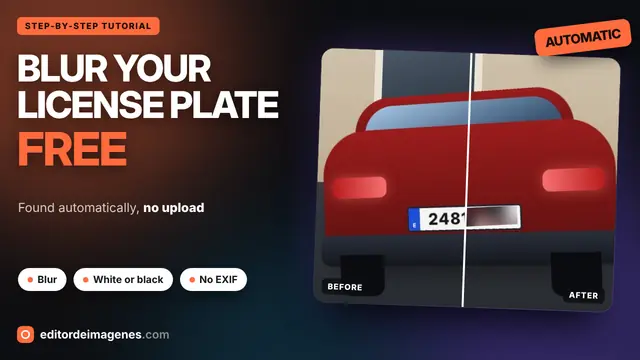
  33. Length: 1:34 License plates How to Blur a License Plate in a Photo for Free (No Upload) Playing
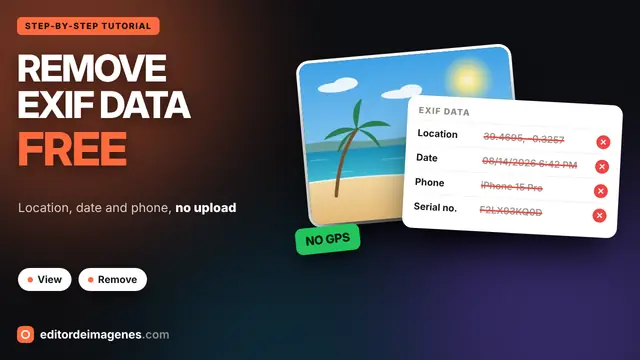
  34. Length: 1:25 EXIF data How to View and Remove EXIF Data from a Photo (GPS Location) Playing
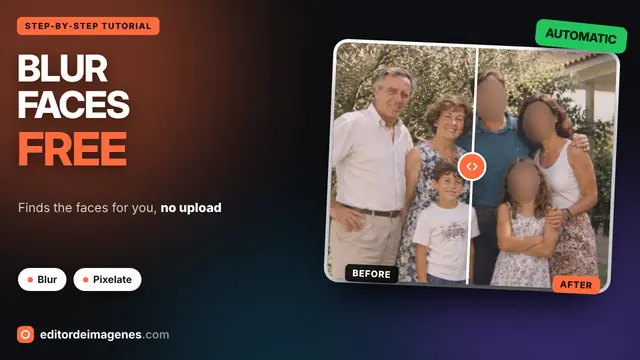
  35. Length: 1:52 Blur faces How to Blur Faces in a Photo Online for Free (No Uploading) Playing
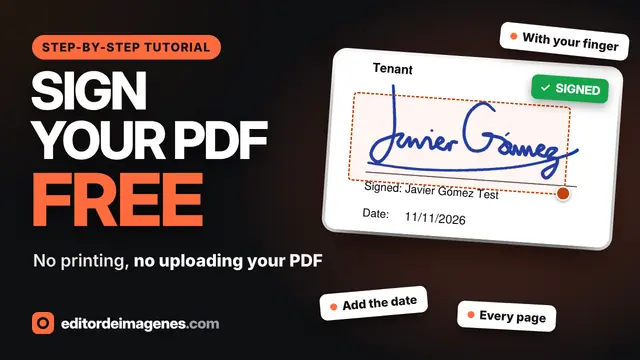
  36. Length: 1:42 Sign PDF How to Sign a PDF Online for Free (No Printing, No Uploading) Playing
  37. Length: 1:47 Compress images How to Compress Images Online for Free Without Losing Quality Playing
  38. Length: 2:11 Image editor How to Edit Photos Online for Free: Filters, Crop, Text & WebP Playing

Want to know when there's a new video?

Subscribe to the YouTube channel or check What's new: every new tool is announced there.

Go to the YouTube channel (opens in a new tab)

What you'll find in the videos

Each video shows a tool from start to finish with a real example, from uploading the photo to downloading the result. Start with the full tutorial of the image editor: how to apply filters, adjust light and color, add effects, crop a photo for social media, add text or a watermark, compare before and after and download it as WebP, AVIF, JPG or PNG.

New tutorials for the other tools, such as compressing images, removing the background or signing a PDF, will be added here. If you prefer to read, the user guide explains everything step by step with screenshots.

Frequently asked questions

How long are the videos?

About 2 minutes each. They get straight to the point and are split into chapters, so you can jump to the part you need.

Do I need to watch the videos to use the tools?

No. Every tool explains itself and has written steps, but a video is the quickest way to see what each option does.

Does this page load YouTube cookies?

No. When you open it you only see the thumbnails, which are hosted on this site. The YouTube player loads when you press play, from youtube-nocookie.com.

Will there be more videos?

Yes. New tutorials are added whenever an important tool is released or something worth explaining changes. They appear here and on the What's new page.