How to sign a PDF in 4 steps
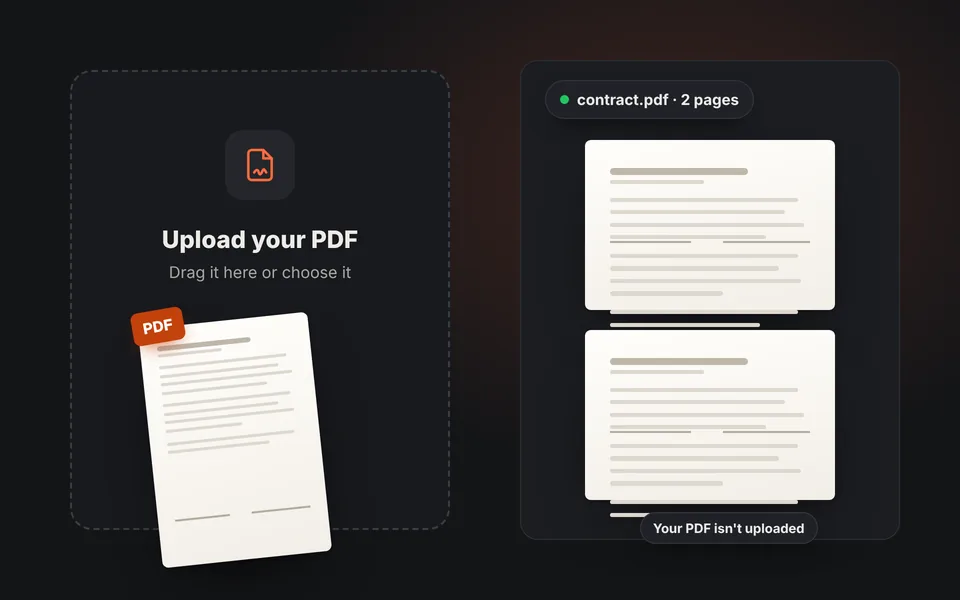
Upload the PDF
Drag or choose the document. It opens in your browser and isn't sent to any server.
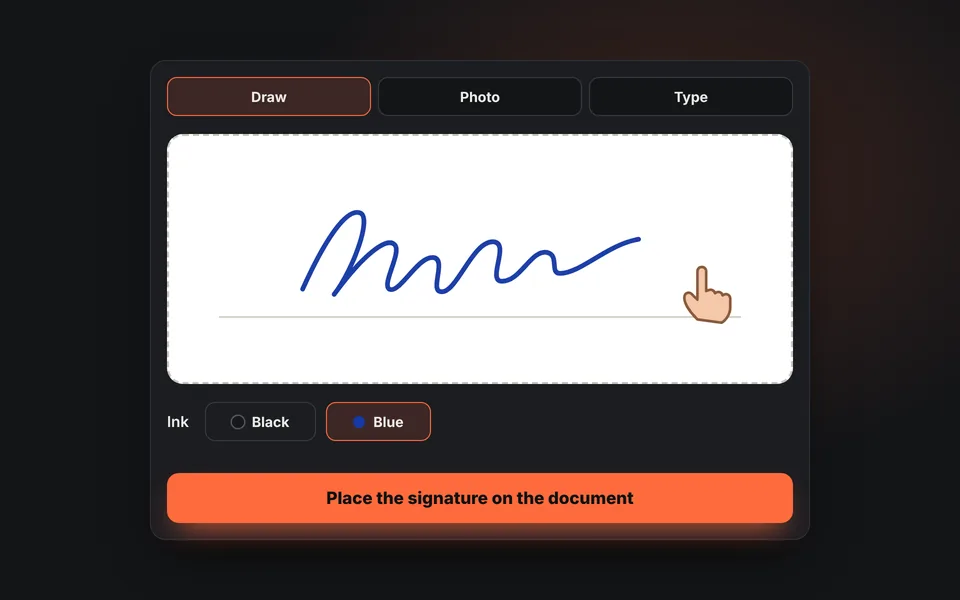
Create your signature
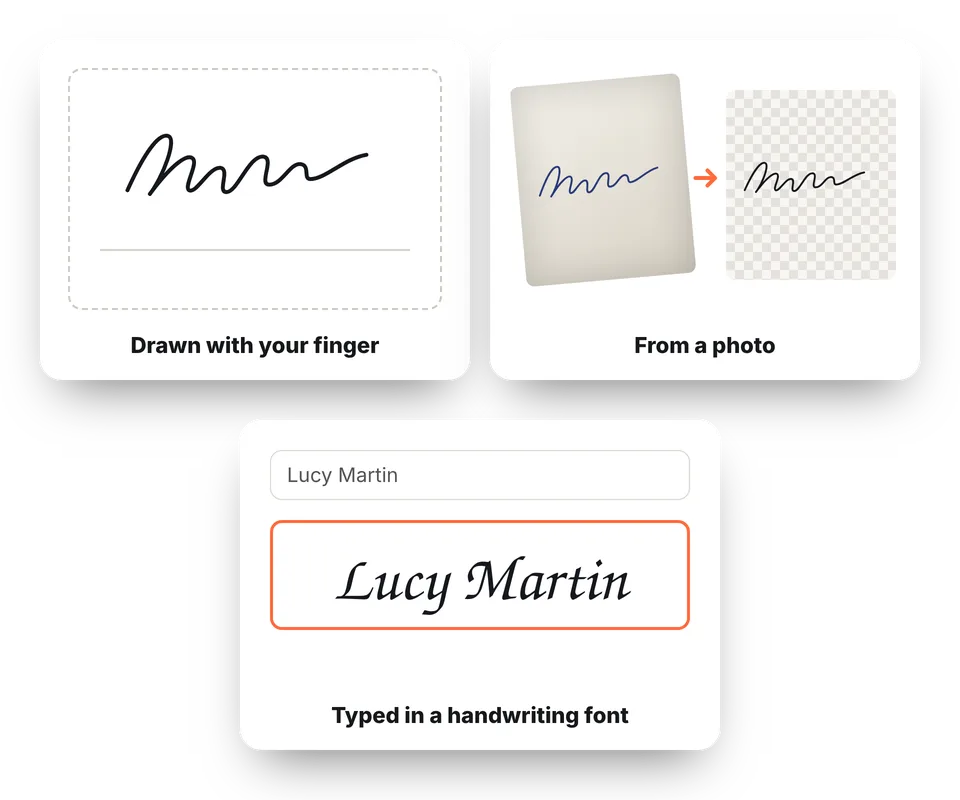
Draw it with your finger or mouse, take a photo of your signature on paper or type your name in handwriting style.
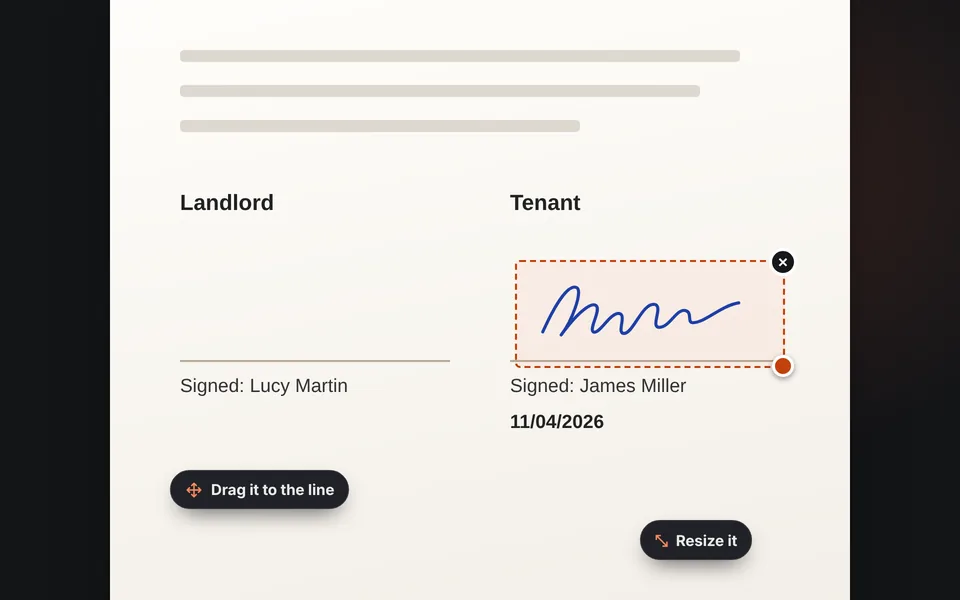
Place it
Drag the signature to the line, adjust the size and add the date or some text if needed.
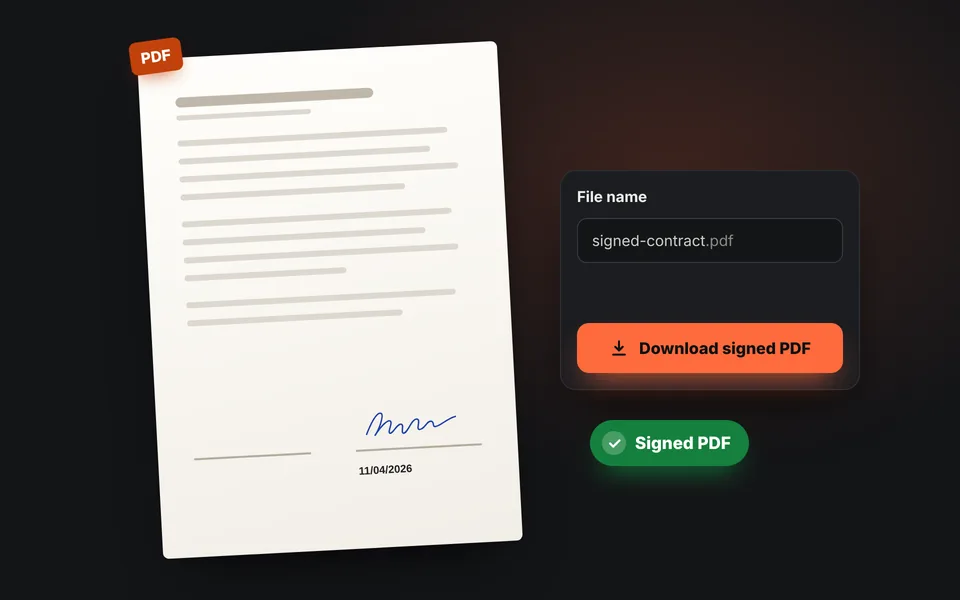
Download the PDF
Download the signed PDF. The document's text is still text and the file is barely larger.
Video tutorial: how to sign a PDF online
In this video you'll see how to sign a two-page agreement: open the PDF, draw your signature, place it on the line, add the date, put your initials on every page, use a photo of your signature and download the signed PDF. Click a chapter to jump straight to that part.
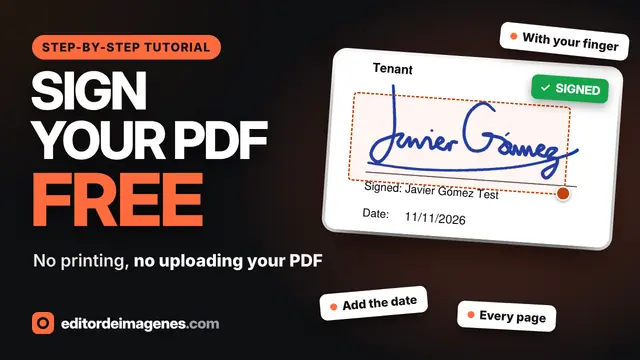
The video only loads from YouTube when you press play, and YouTube may then set its cookies. More information in the cookie policy.
Three ways to create your signature
You don't need to prepare your signature somewhere else: create it right here, however is easiest for you.
- Draw it: sign with your finger on your phone or with the mouse on your computer. The stroke changes thickness with speed, like a pen. Tap Enlarge to sign in a bigger box.
- With a photo: sign a white sheet of paper and take a picture of it. We remove the paper and the shadows and keep only the ink.
- Type it: type your name and choose a handwriting font.
Choose black or blue ink. If you want the signature on its own as a PNG, for Word or email, use Transparent signature PNG.
Date, text and signature on every page
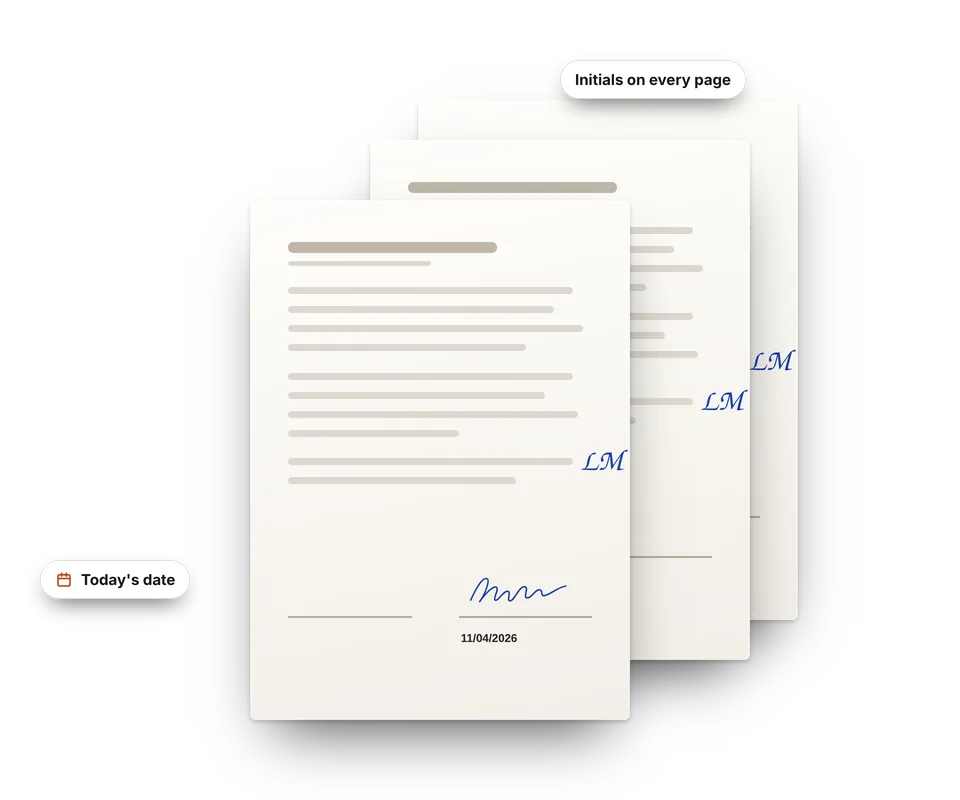
- Today's date: added with one tap, in mm/dd/yyyy format, and you can change it.
- Text: your name, "Read and agreed" or whatever the document asks for, in black, blue or red.
- On every page: put your signature or initials in the margin of each page with a single button, as in lease agreements.
- Several signatures: place as many as you need, on the same page or on different pages.
If you make a mistake, use Undo or Ctrl+Z. Nothing is saved until you download the PDF.
Sign a PDF online for free, without printing or installing anything
Until recently, signing a document you got by email meant printing it, signing it with a pen, scanning it or taking photos, and putting it back together into a PDF. With this tool you skip all of that: open the PDF, add your signature and download it ready to send, in a couple of minutes and from your phone or computer.
These are the most common ways to sign a PDF and how they differ:
| How to sign | What you need | Drawbacks |
|---|---|---|
| Print, sign and scan | A printer and scanner, or your phone for the photos | It takes time, uses paper and the result is often crooked or shadowed |
| PDF programs | Installing an app and, sometimes, creating an account | You don't always have permission to install programs, for example on a work computer |
| Sites that upload the PDF | Uploading the document to their servers | Your contract or pay stub goes through someone else's server, and many limit free documents |
| This tool | Just your browser | Visual signature, not a certificate-based electronic signature |
Tips for a well-signed document
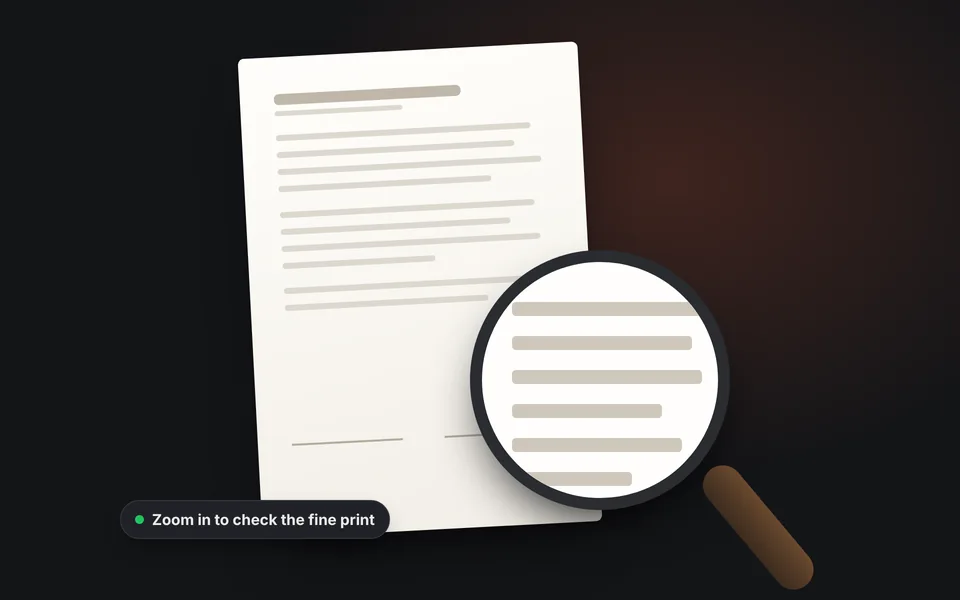
Read the whole document
Use the zoom to check the fine print before signing: once it's sent, there's no going back.
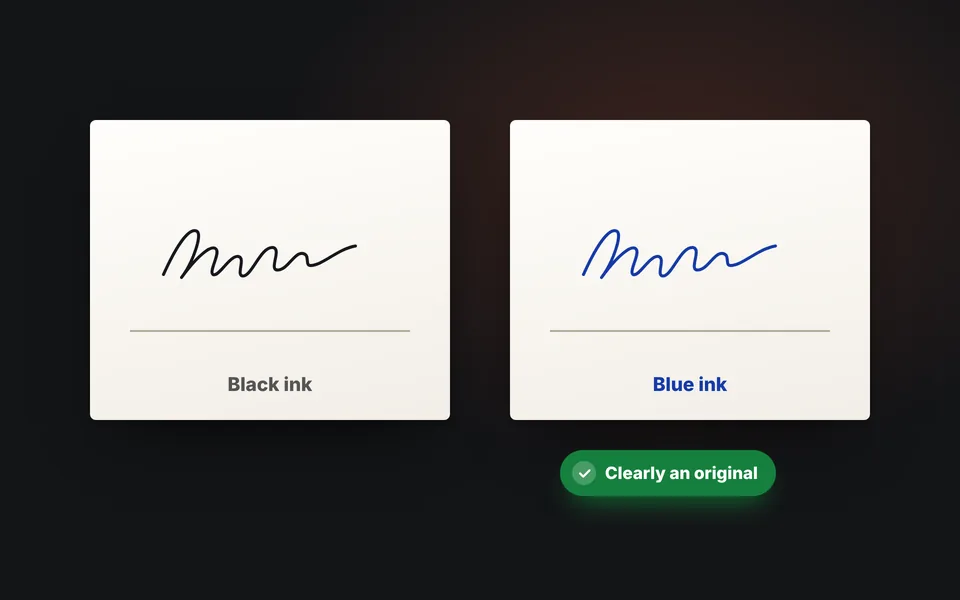
Sign in blue ink
That way it's clear at a glance that it's an original signature and not a photocopy.
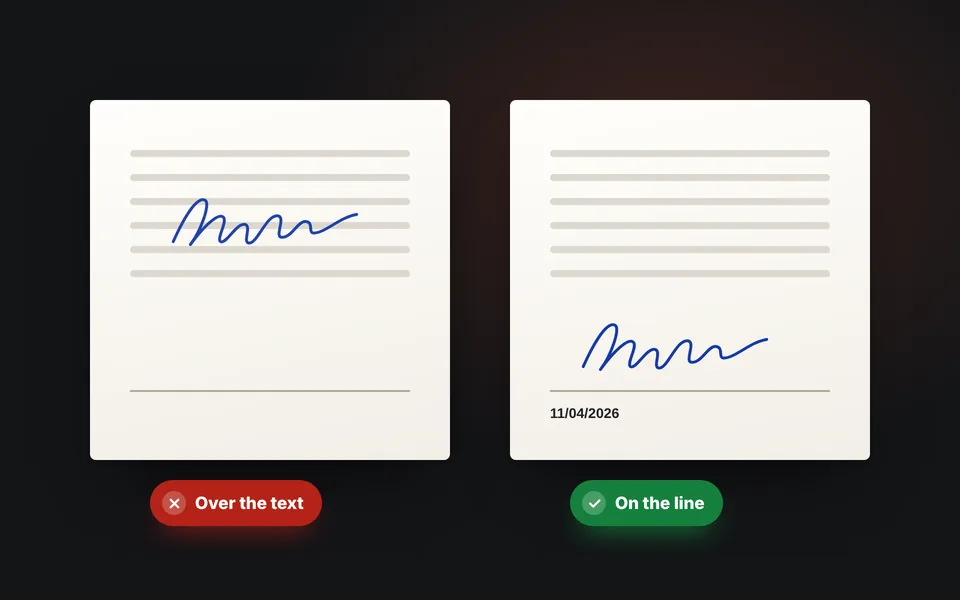
Place it on the line
Don't put it over the text, and add the date if the document has a space for it.
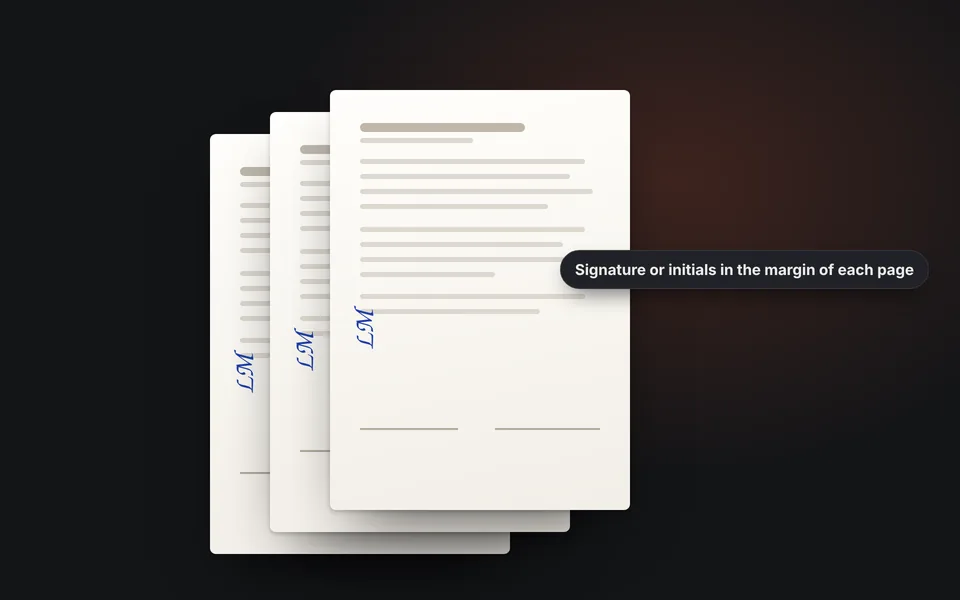
Sign every page if asked
In multi-page contracts it's common to sign or initial the margin of each one.
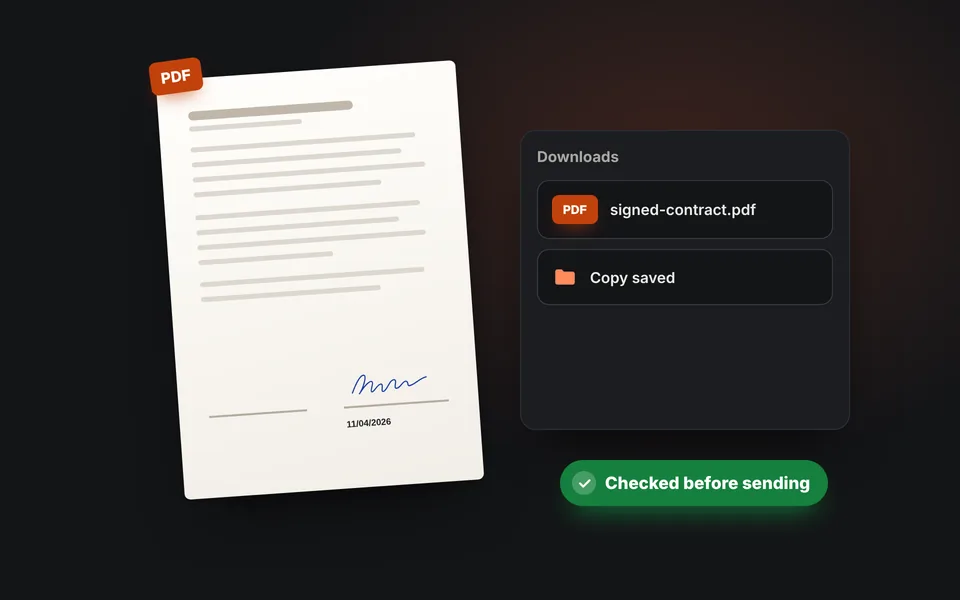
Check it and keep a copy
Open the downloaded PDF, check that everything is in place and keep a copy for yourself.
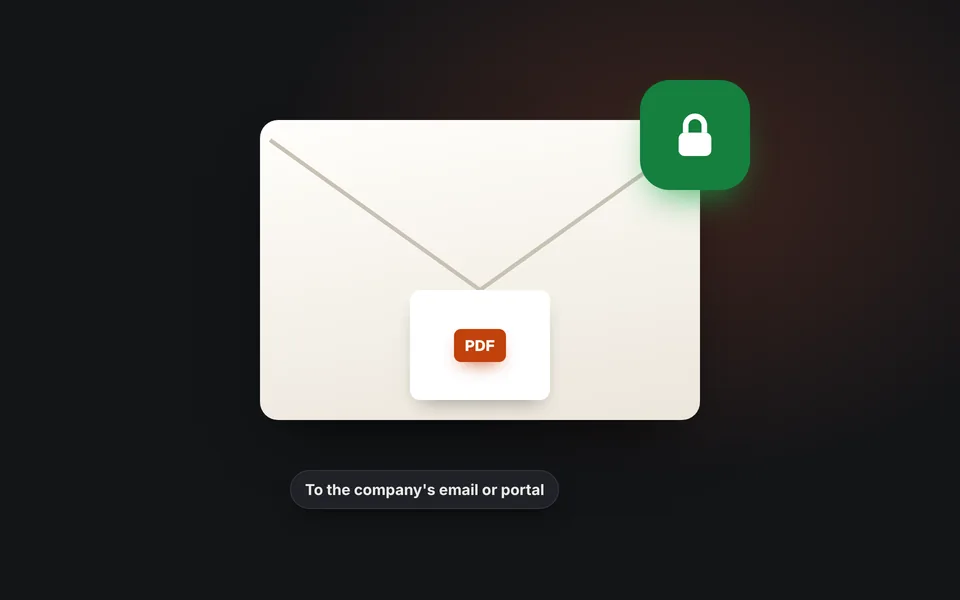
Send it through a reliable channel
Use your company email or the platform you were told to use. If it includes a copy of your ID, protect it with a watermark.
Is signing a PDF this way legally valid?
What you do here is put your handwritten signature on the document, just as if you printed it, signed it and scanned it, but without paper. It works for lots of everyday documents: private lease agreements, school permission forms, quotes, work orders or documents a company asks you for, as long as the other party accepts it.
But it isn't a certificate-based electronic signature. For documents that require a verified or certified e-signature, use the service or digital ID the other party asks for. If in doubt, ask whoever needs the document what kind of signature they require.
Your document never leaves your device
A contract or a pay stub has data that shouldn't travel to unknown servers. Here the PDF is opened, signed and saved in your browser: it isn't uploaded anywhere. Neither is your signature, unless you check "Remember my signatures", and even then it's saved only in this browser.
Frequently asked questions
How do I sign a PDF online?
Upload the PDF, create your signature by drawing it, with a photo or by typing it, click Place the signature on the document and drag it into place. Then download the signed PDF.
Can I sign a PDF without printing it?
Yes. You don't need a printer, a scanner or to install any program: open the PDF here, add your signature with your finger, the mouse or a photo, and download the signed document ready to email.
Can I sign with my finger on my phone?
Yes. Choose Draw and sign in the box with your finger. If it's small, tap Enlarge to sign in a bigger box.
Can I use a photo of my signature?
Yes. Sign a white sheet of paper, choose Photo and take a picture of it with your phone. The tool removes the paper and the shadows and leaves only the ink, in black or blue.
Is my PDF uploaded to a server?
No. The document is opened and signed in your browser and never leaves your device.
Is the signed PDF turned into images?
No. The signature is added to the original document, so the text is still text and the file is barely larger. Only if the PDF is protected against changes are the pages saved as images, and we let you know.
Can I add the date or my signature on every page?
Yes. Add today's date or any text, and with On every page you copy the signature or initials to the same position on each page.
Is it legally valid?
It's your handwritten signature on the document and it works for many private documents if the other party accepts it. It isn't a certificate-based digital signature: for documents that require a verified electronic signature, use the service the other party asks for.
What if the PDF has a password?
If a password is needed to open it, we ask for it and use it only in your browser. If it's protected against changes, you can still sign it, but the pages are saved as images.
Is my signature saved?
Only if you check Remember my signatures in this browser. Then it's saved in your browser, never on a server, and you can delete it whenever you want.
Is it free?
Yes, free, with no sign-up, no document limit and no watermark.