How to create your website's favicon in 4 steps
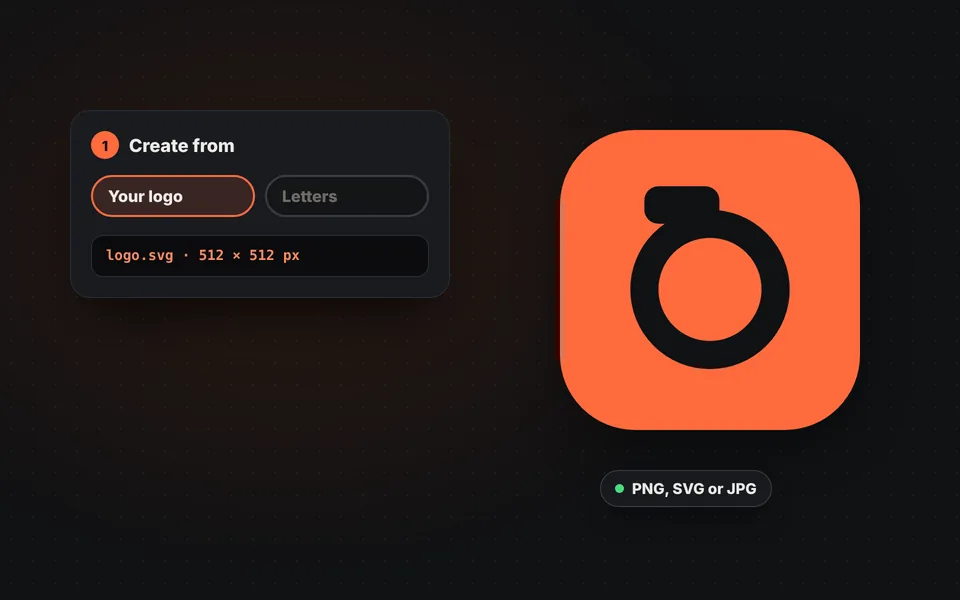
Choose the source
Upload your logo as PNG, SVG or JPG, or type up to three letters and choose the font and colors.
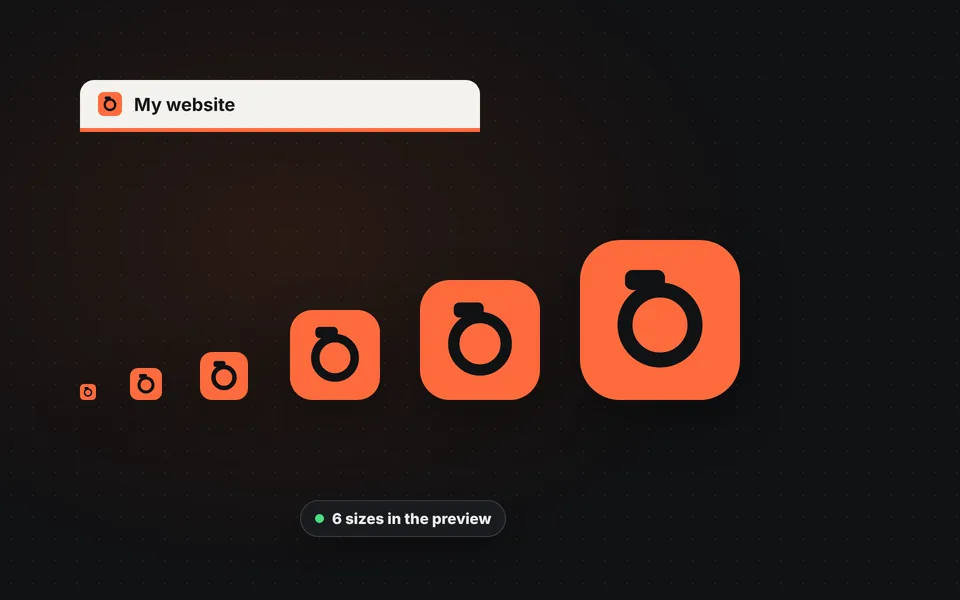
Adjust the shape
Choose square, rounded or circle and the inner padding. The preview shows how it will look in the tab and on a phone.
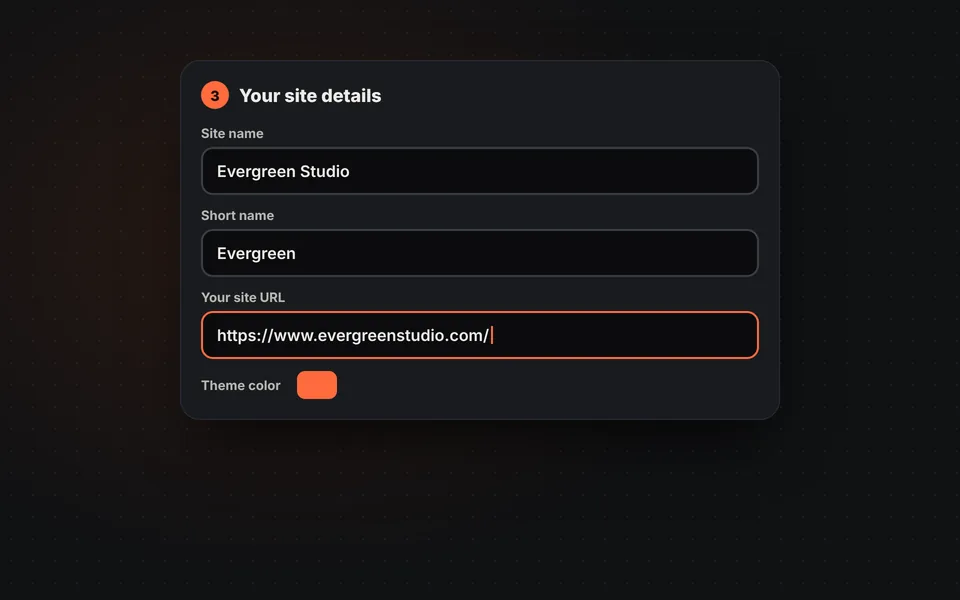
Fill in your website details
Enter the name, short name, address and colors. They're used to create the site.webmanifest.
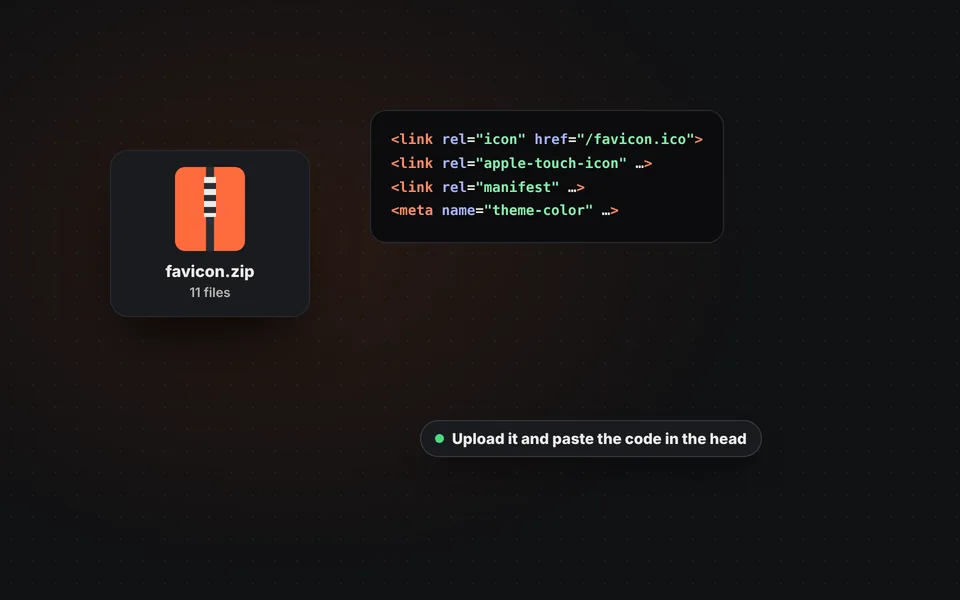
Download and upload
Download the ZIP, upload the files to your website and paste the HTML code inside the head of your pages.
Video tutorial: how to make your website favicon
In this video you'll see how to upload a logo, choose the shape and margin, make a favicon with letters, add the website details and download the ZIP. Click a chapter to jump straight to that part.
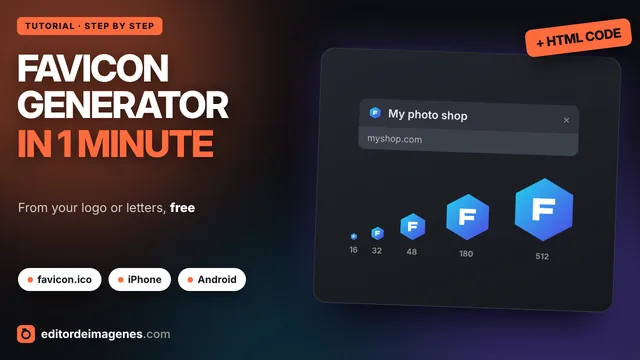
The video only loads from YouTube when you press play, and YouTube may then set its cookies. More information in the cookie policy.
What a favicon is and where it shows up
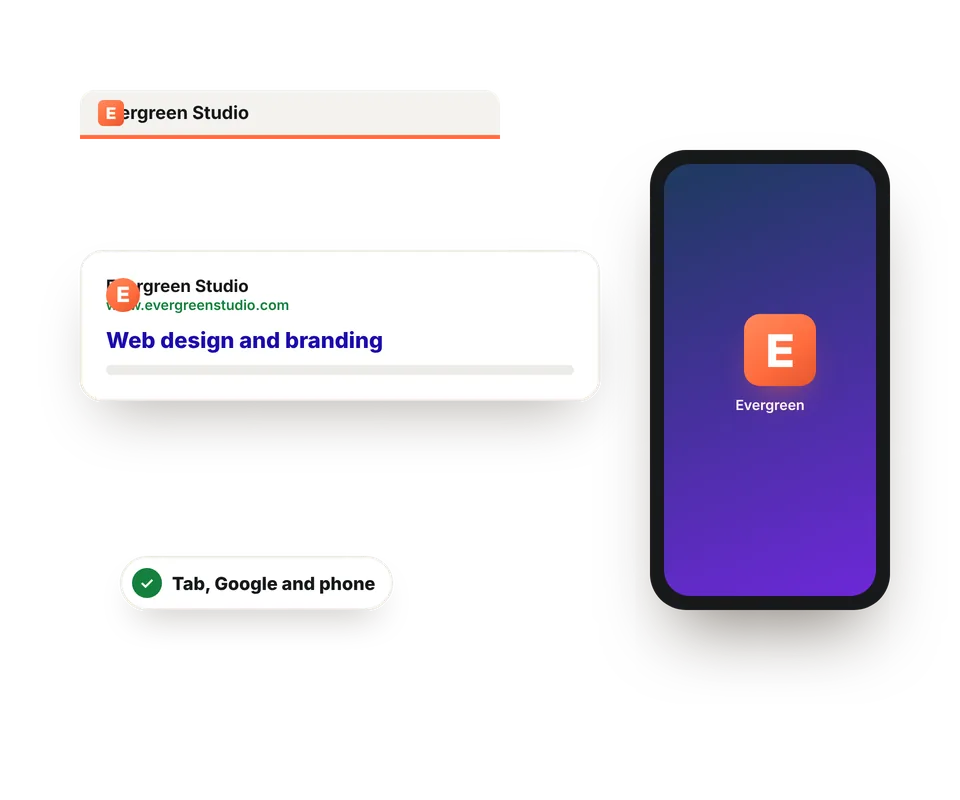
The favicon is the small icon that identifies your website. It seems like a detail, but it's the first thing people recognize among many tabs or in a list of results. It appears in:
- The browser tab and the bookmarks bar.
- Google results on mobile, next to your website's name.
- The home screen of an iPhone or Android phone, if someone adds your website.
- History, shortcuts and installed web apps.
Each place needs a different size, which is why a complete favicon is several files rather than a single image.
What files the ZIP includes
The ZIP contains everything browsers, phones and Google ask for, with the names they expect:
| File | Size | What it's for |
|---|---|---|
| favicon.ico | 16, 32 and 48 px | The browser tab, bookmarks and Google results |
| favicon-16x16.png and favicon-32x32.png | 16 and 32 px | Modern browsers, on regular and high-resolution screens |
| apple-touch-icon.png | 180 px | The icon when your website is added to an iPhone or iPad home screen |
| android-chrome-192x192.png and 512x512.png | 192 and 512 px | The icon on Android and in installed web apps |
| maskable-icon-512x512.png | 512 px | Version with a safe zone for Android's round icons |
| site.webmanifest | Text | Your website's name, colors and icons when it's installed on a phone |
| browserconfig.xml and mstile-150x150.png | 150 px | Windows tiles |
How to add the favicon to your website
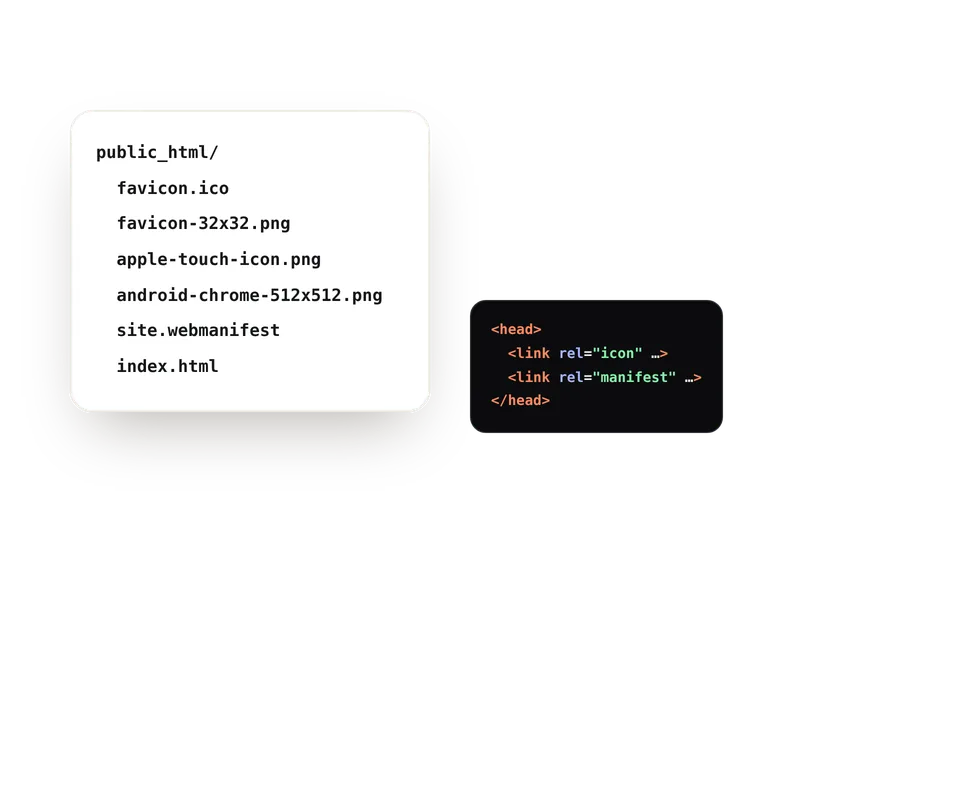
You just need to upload the files and add a few lines to your pages' code:
- Upload the files to the folder you specified, usually your website's root, where the index is.
- Paste the HTML code inside the
<head>of all your pages. If you use a template or a shared header file, putting it there once is enough. - In WordPress you can upload the 512 px icon under Appearance, Customize, Site Identity.
- Check that it works by opening your website in a private window: browsers cache favicons for a long time.
Google may take a few days or weeks to show the new icon in its results. And if you also want your images to load fast, prepare them with Optimize images for web.
Tips for a good favicon
- Keep it simple: at 16 px long text can't be read. Use your logo's symbol or one or two letters.
- High contrast between the design and the background, so it looks good in both light and dark tabs.
- Start from a square, large image, at least 512 × 512 px, or better yet an SVG.
- Use your brand colors for the theme color too, which tints the browser bar on phones.
- Test it small: look at the 16 px preview before downloading it.
Frequently asked questions
What is a favicon?
It's the small icon that represents your website in the browser tab, in bookmarks, in Google results and on a phone's home screen.
What size should a favicon be?
There isn't just one: favicon.ico contains 16, 32 and 48 px, the iPhone one is 180 px and the Android ones are 192 and 512 px. The ZIP includes them all.
Can I create a favicon from a PNG or an SVG?
Yes. Upload your logo as PNG, SVG, JPG or WebP. For a sharp result, use a square image of at least 512 px.
What if I don't have a logo?
Choose "Letters" and type one, two or three letters with your brand's font and colors. It's the fastest way to get a professional favicon.
What is site.webmanifest for?
It tells phones your website's name, colors and icons when someone adds it to their home screen or installs it as an app.
Where do I put the HTML code?
Inside the head tag of all your pages, usually in the template or the shared header file.
Why can't I see my new favicon?
Browsers cache it for a long time. Open your site in a private window or clear the cache. On Google it can take days or weeks to change.
What is the maskable icon?
It's a version with extra padding for Android, which crops icons into circles or other shapes. That way your logo isn't cut off.
Is my logo uploaded to a server?
No. The icons are created in your browser and your logo never leaves your device.
Is it free?
Yes: free, no sign-up and no watermark.