Several photos on one sheet, at their real size

Print photos on A4

Updated

Print your photos at home without wasting paper: the tool places all the 9×13, 10×15 or custom-size photos that fit on an A4 sheet, A3 or Letter, with the copies you want and cut lines. Download it as PDF or JPG at 300 dpi and print it at 100%. Free and without uploading your photos.

Just want to try it?

  • Gratis
  • Real size
  • 300 dpi
  • Cut lines
  • Your photos are not uploaded
Photo size
Paper
5 mm
2 mm
0 mm
Options
Download

Always print at actual size (100%), without "Fit to page", so the photos come out at their size.

Everything happens in your browser: your photos never leave your device.

How to print several photos on one A4 sheet in 4 steps
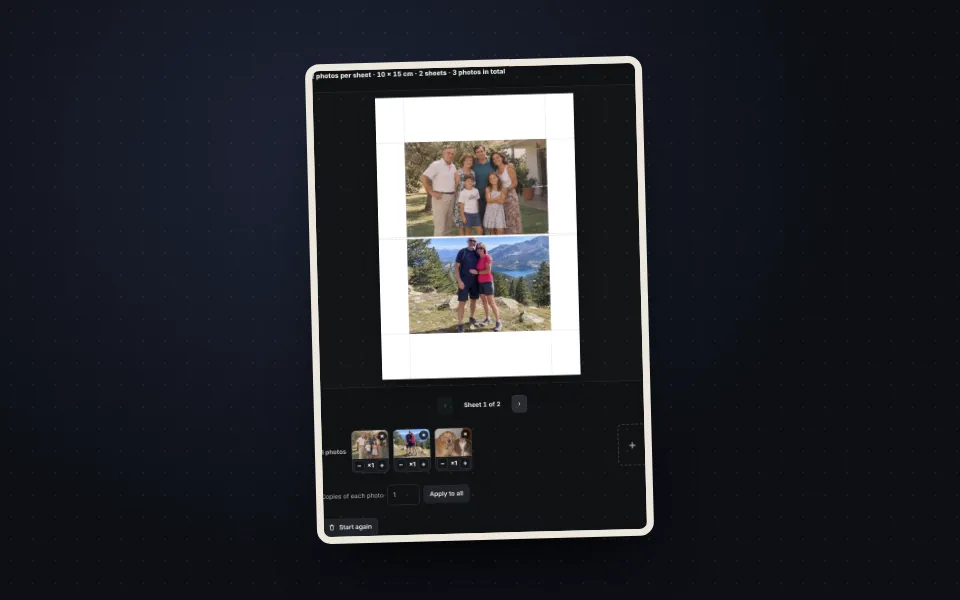
  1. Three photos uploaded and placed on an A4 sheet in the preview

    Upload the photos

    Drag all the photos. They are placed automatically.
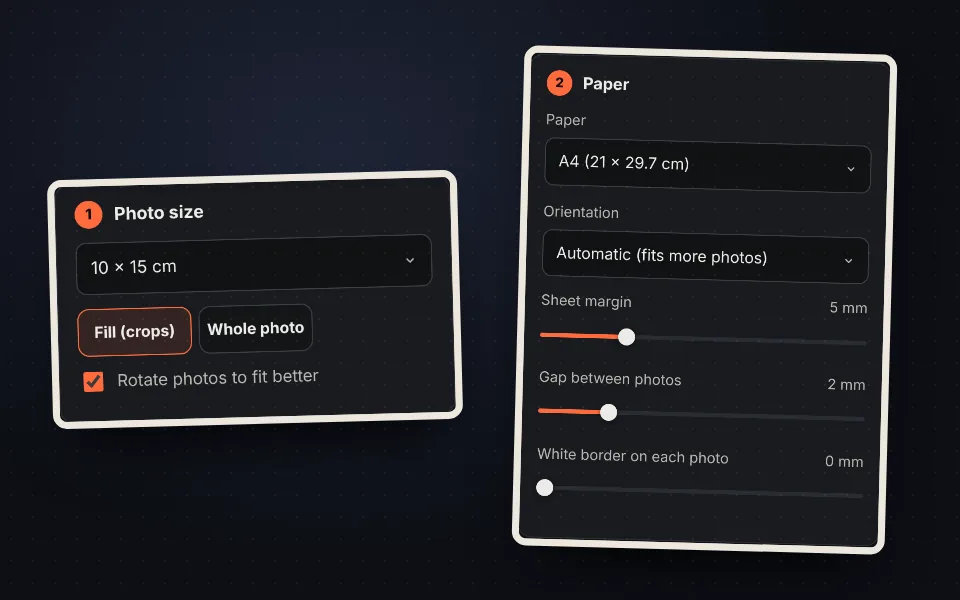
  2. Photo size and paper options

    Choose the size

    10×15, 9×13, 13×18 or any size, and the paper.
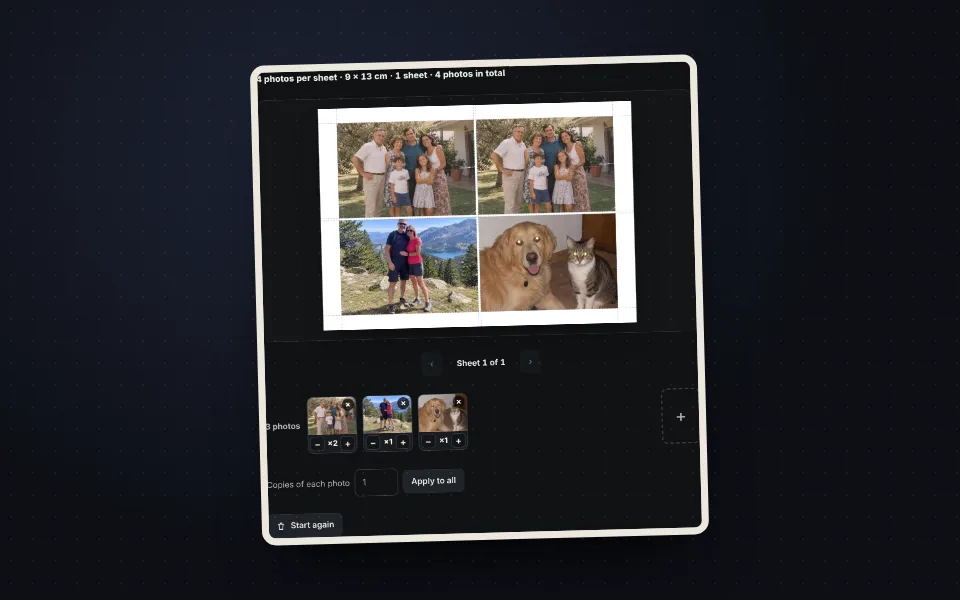
  3. Thumbnails with buttons to choose the copies of each photo

    Choose the copies

    Set the copies of each photo or fill the sheet.
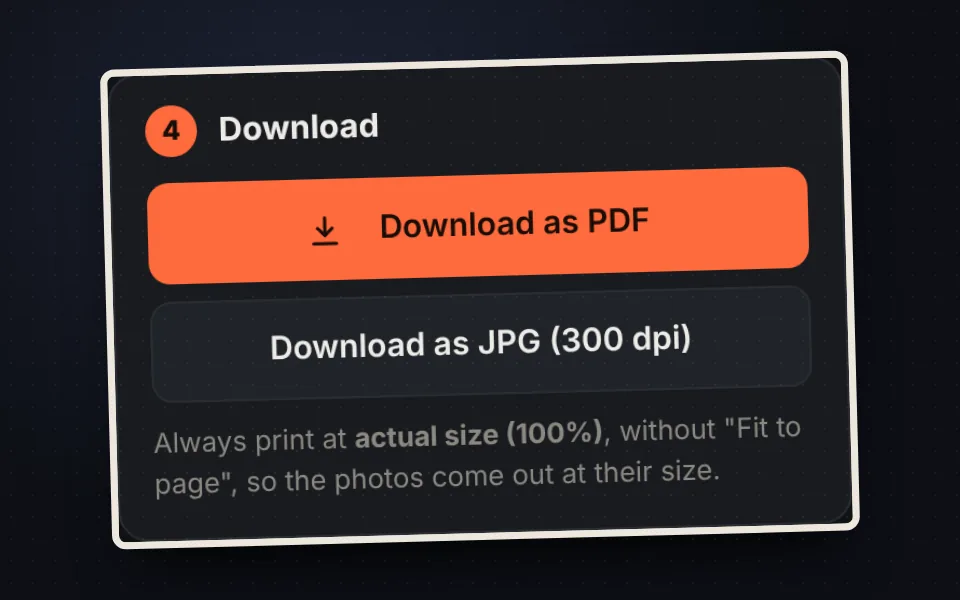
  4. Buttons to download the sheet as PDF or JPG at 300 dpi

    Download and print

    As PDF or JPG at 300 dpi. Print at 100%.

How many photos fit on A4

With a 5 mm margin and 2 mm gap: 2 photos of 10×15 cm (4 on A3), 4 of 9×13 cm, 10 card-size photos and 30 passport photos.
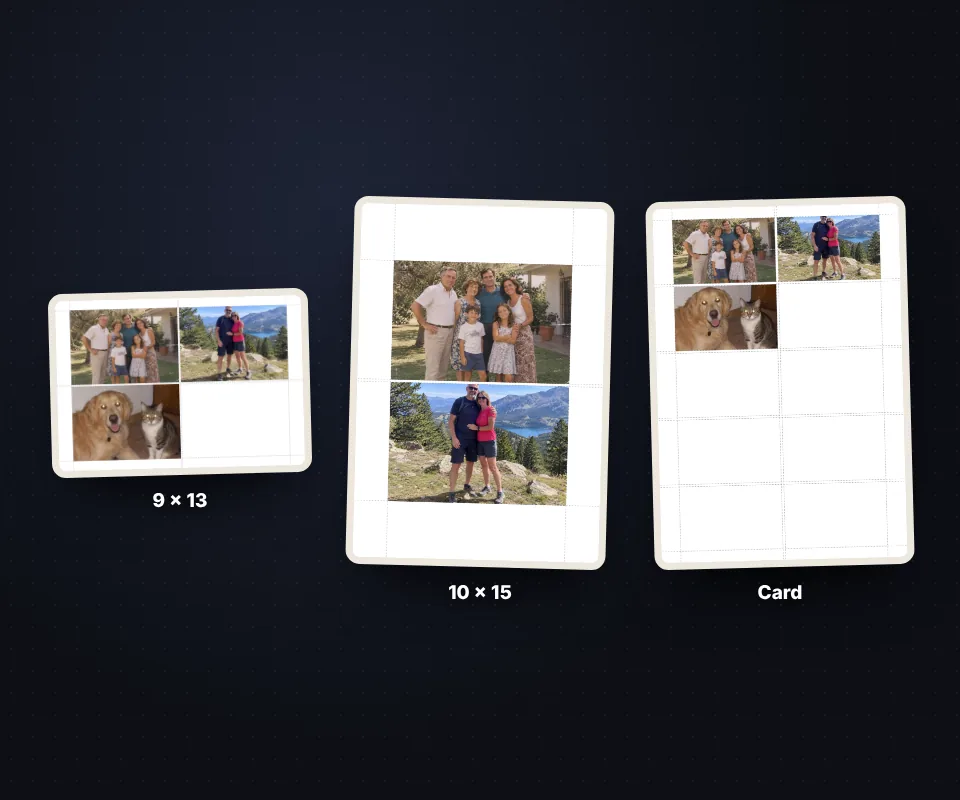
A4 sheets with 9 by 13, 10 by 15 and card-size photos placed automatically

Fill or whole photo

  • Fill: the photo fills the slot and the excess is cropped.
  • Whole photo: the photo is complete, with white bands if needed.
  • White border: a frame inside each photo.
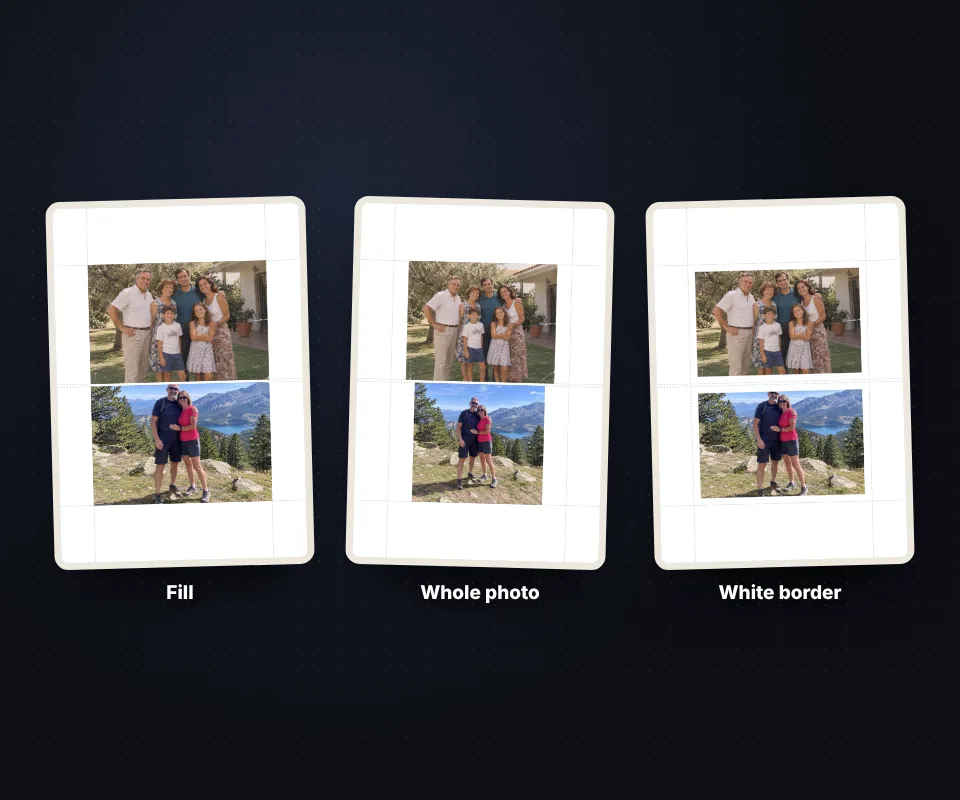
The same photo in fill mode, whole photo mode and with a white border

How to print at the right size

In the print dialog choose actual size or 100% scale. With "Fit to page" the photos come out slightly smaller. Use photo paper and the highest quality.
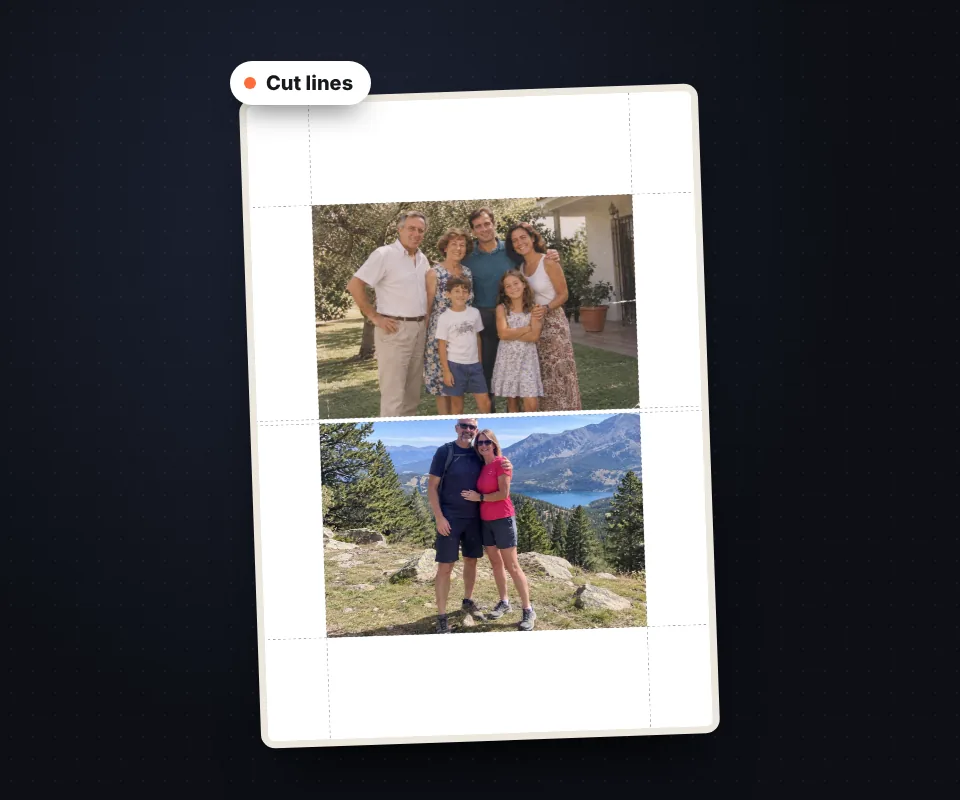
A4 sheet with two 10 by 15 photos and their cut lines

Your photos are not uploaded

The sheet is prepared in your browser, with no limits and no watermark.

Frequently asked questions

How do I print several photos on one A4 sheet?

Upload them, choose the size and download the PDF. Print it at 100%.

How many 10×15 photos fit on A4?

Two. On A3, four. Four 9×13 photos fit on A4.

Can I add copies?

Yes, with + and − or by filling the sheet.

Can I use a custom size?

Yes, in millimeters.

Why do photos print smaller?

The printer is fitting to page. Choose 100%.

Is it free?

Yes, free and with no watermark.

Was this tool helpful?

Your rating helps other people find it and helps us improve it.

Your rating, from 1 to 5 stars

–of 5

No ratings yet. Be the first to rate it!

  • 5 ★0stars: 0 votes
  • 4 ★0stars: 0 votes
  • 3 ★0stars: 0 votes
  • 2 ★0stars: 0 votes
  • 1 ★0star: 0 votes

Real ratings from people who use this website: one vote per person and tool, no incentives, and we never remove negative ones. How they work.