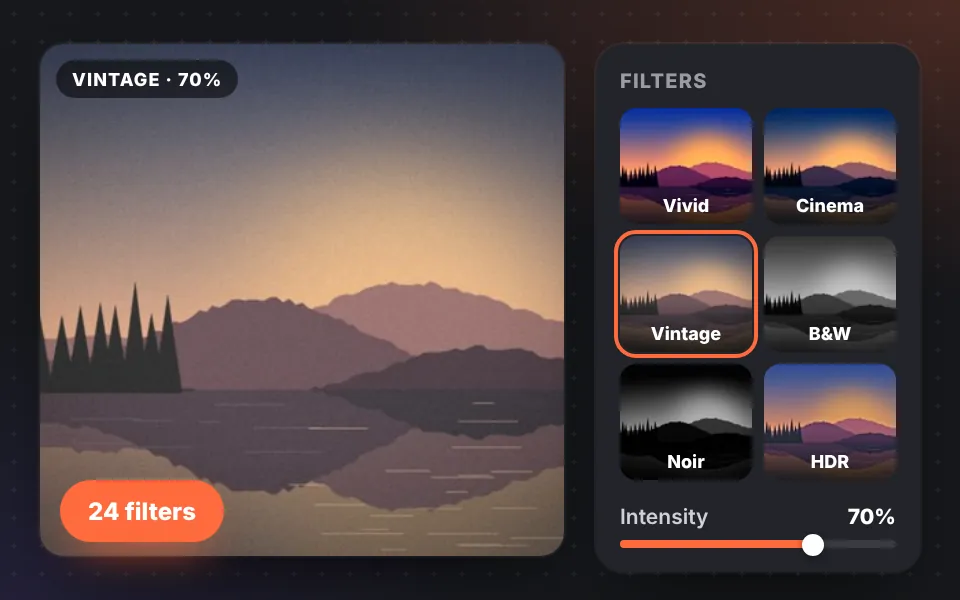
Photo filters
24 filters previewed on your own image: Vintage, Film, Cinema, B&W, Noir, HDR, Polaroid, Lomo, Cyberpunk and more, with strength control.
Free · no sign-up · no watermark · 100% private
Edit your photos in your browser: crop, apply filters and effects, remove the background with AI, add text and convert to WebP, AVIF, JPG or PNG. Nothing to install and no uploads.
Looking for something specific? See all the tools or
Features
A complete photo editor that runs in your browser, with the tools you need every day and creative ones to give your images a style of their own.
See the editor in actionWe made a short video so you can see most of its features in just a few minutes. Watch video 24 filters previewed on your own image: Vintage, Film, Cinema, B&W, Noir, HDR, Polaroid, Lomo, Cyberpunk and more, with strength control.
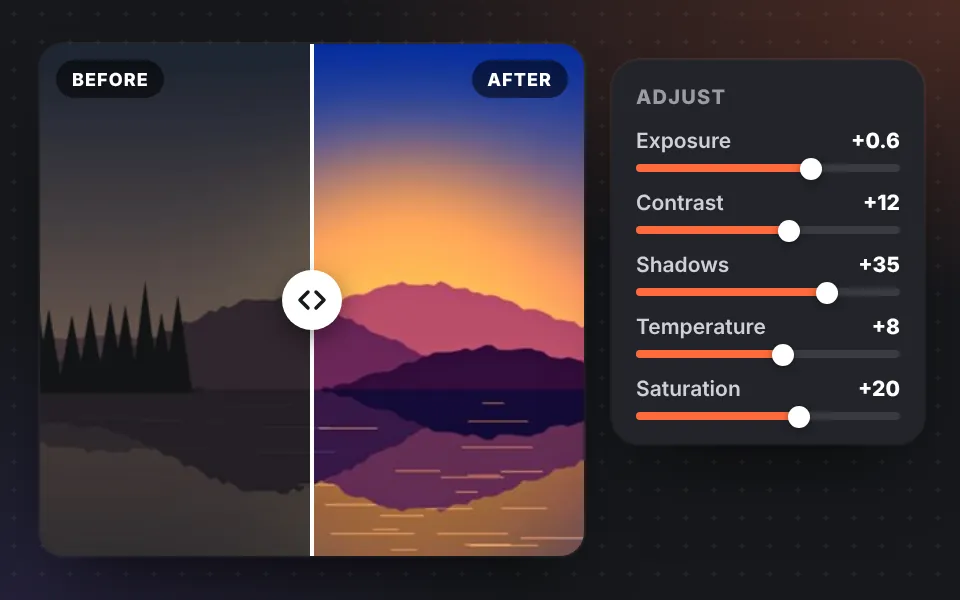
Fix dark or dull photos with exposure, brightness, contrast, highlights, shadows, whites, blacks, temperature, saturation, vibrance and RGB channels.
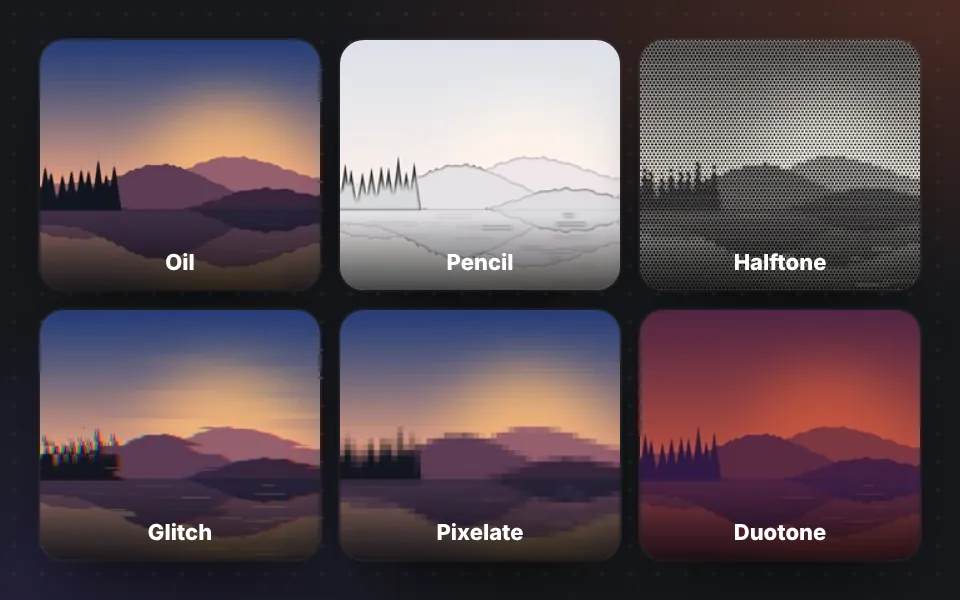
Turn a photo into an oil painting, a pencil sketch or a comic, or apply pixelate, glitch, chromatic aberration, vignette, film grain, tilt-shift and distortions.
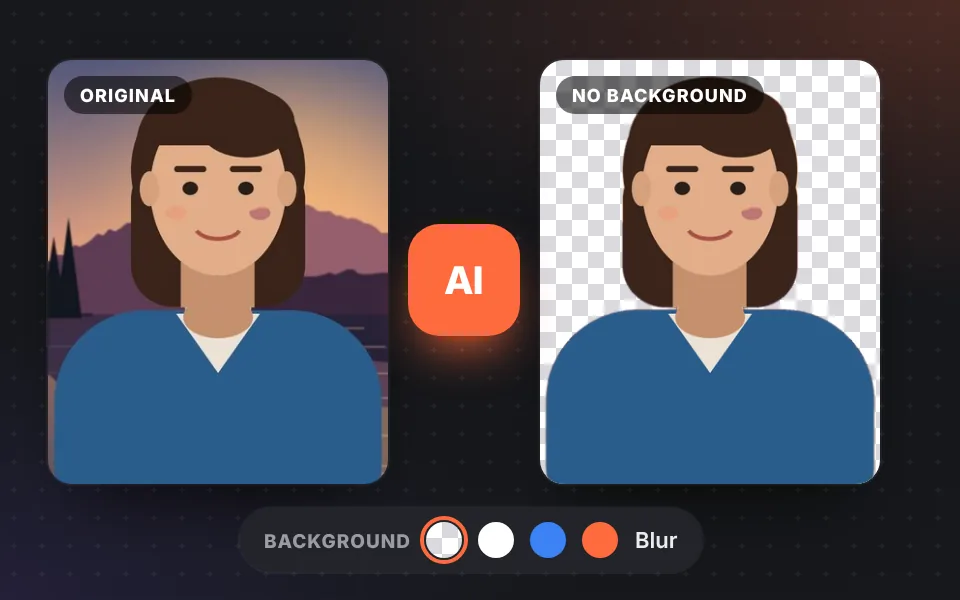
Artificial intelligence detects the person and removes the background to make it transparent or a solid color, or blurs it for a portrait effect.
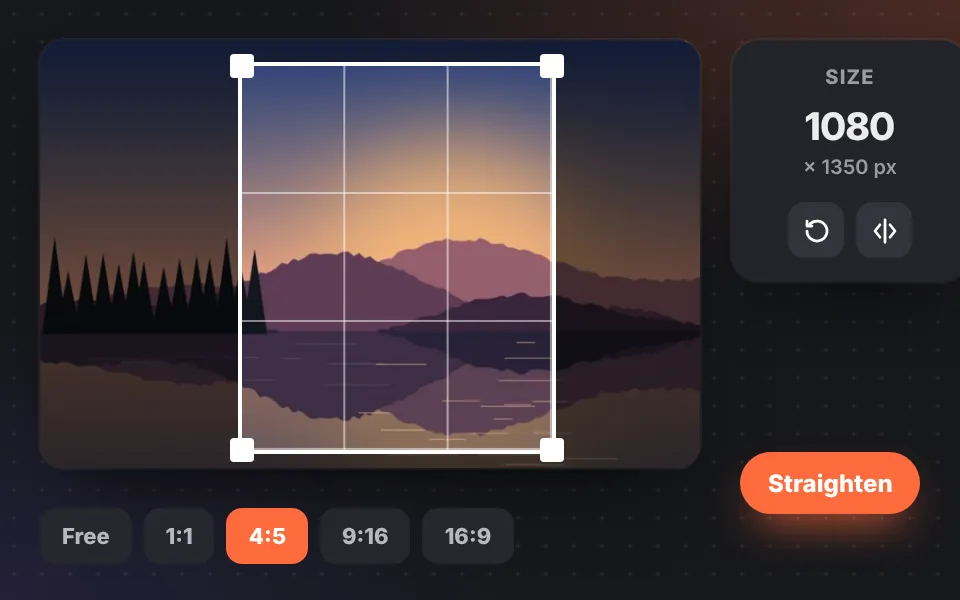
Crop to social media ratios (1:1, 4:5, 9:16, 16:9…) or into a circle for your profile picture, rotate, flip, straighten the horizon and set the exact size in pixels.
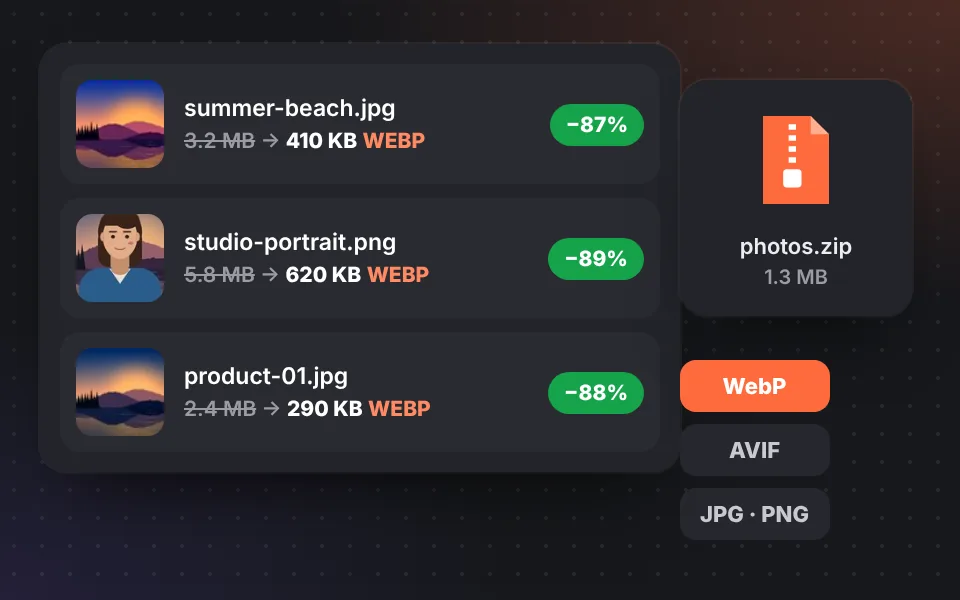
Convert many images at once to WebP, AVIF, JPG or PNG, reduce their file size and download them in a ZIP with SEO-friendly names.
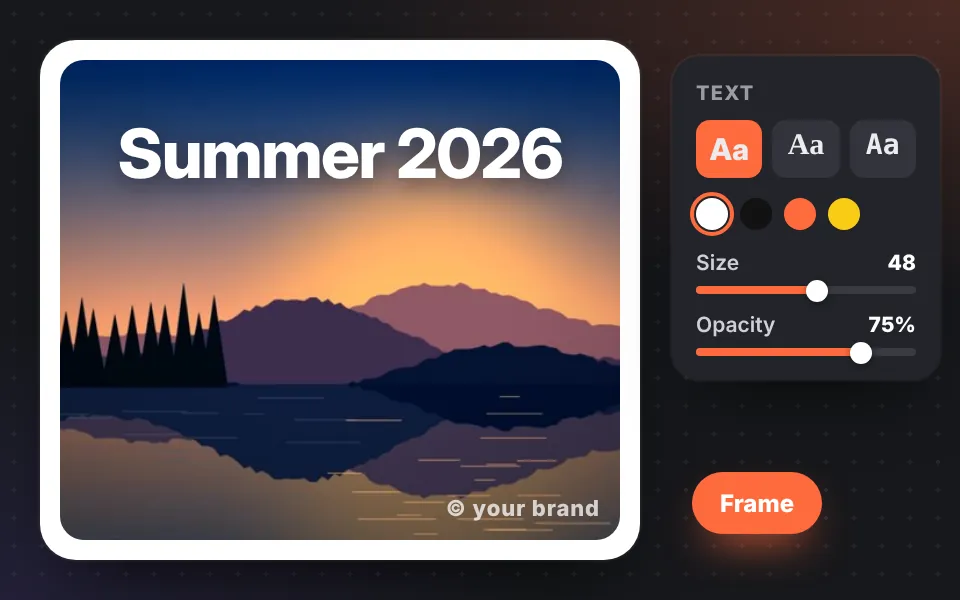
Add a title, a signature or your watermark with different fonts, colors, opacity and positions, and add a frame with rounded corners.
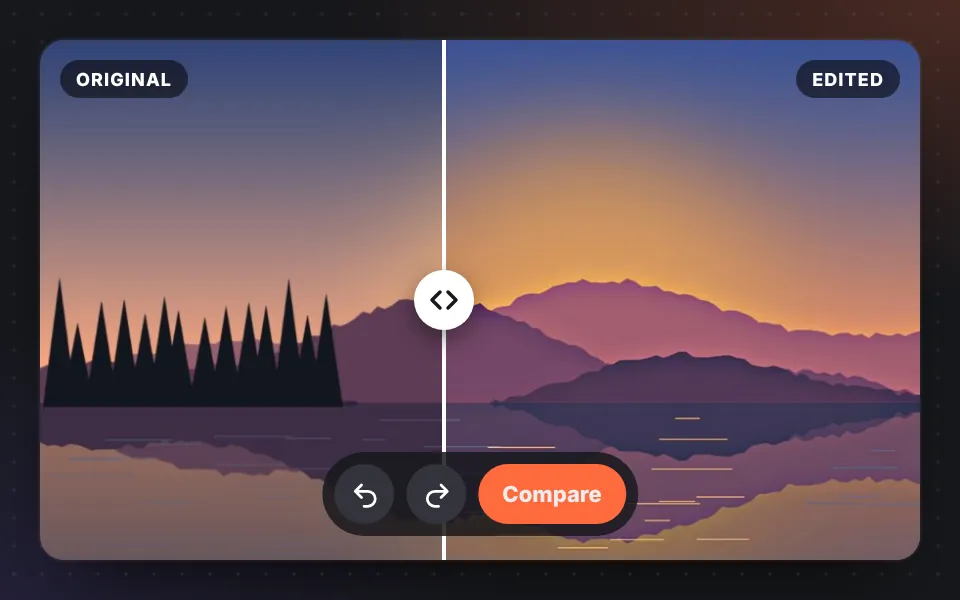
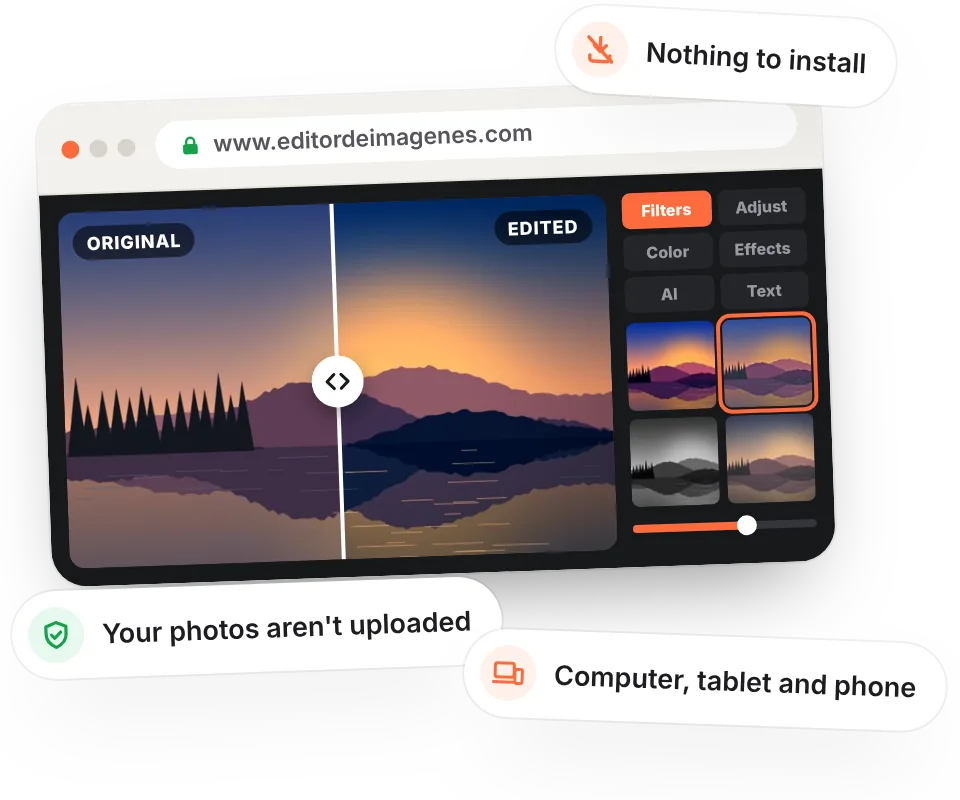
Compare the original photo with the edited one using a slider, and undo or redo any change whenever you want.
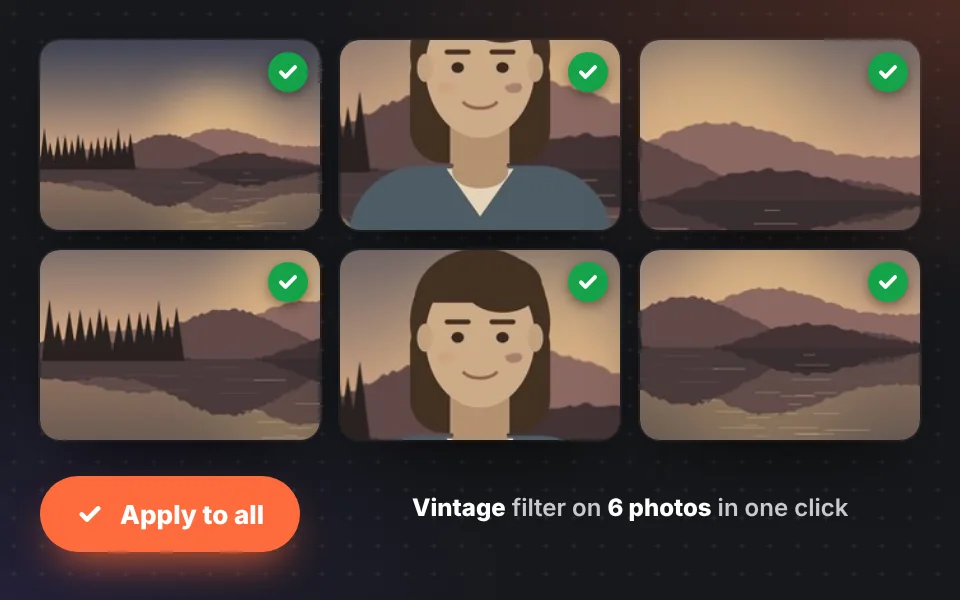
Apply the same edit to all your photos with one click: perfect for product catalogs, photo shoots or social media posts.
Tools
Only need one thing? Open the tool and your image will go straight to that feature.
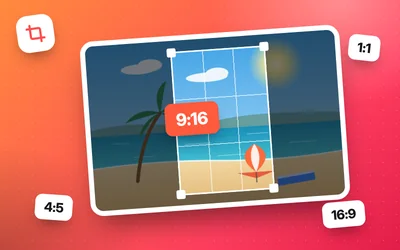
Freehand, in a circle or with aspect ratios for Instagram, TikTok and YouTube.
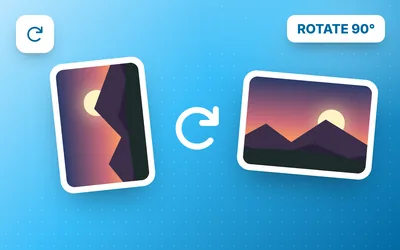
Rotate 90° or 180°, mirror and straighten one or many photos at once.
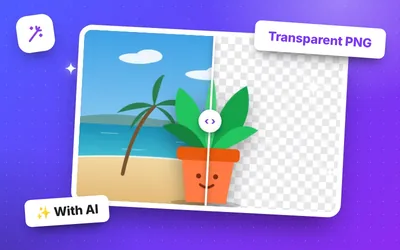
Transparent, solid color or blurred background with AI, right in your browser.
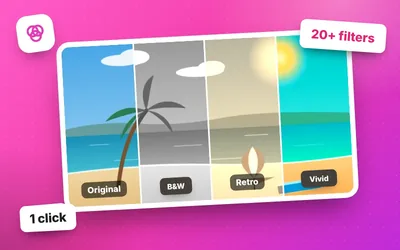
More than 20 filters with a live preview on your photo.
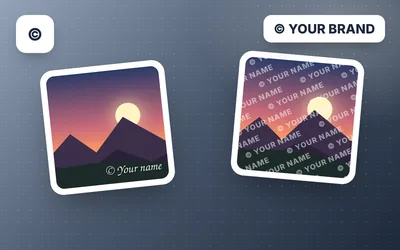
Your text or logo, on one photo or many at once.
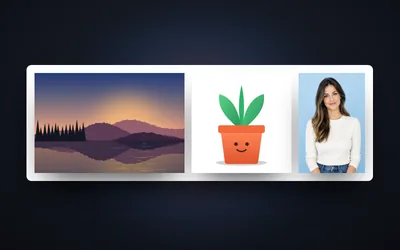
Put two or more photos side by side, stacked or in a grid.
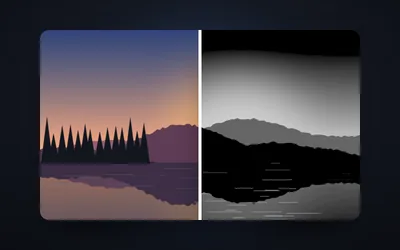
10 styles, color filters, sepia and selective color.
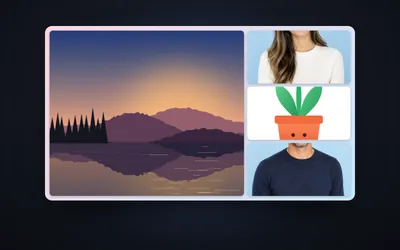
More than 50 templates, shapes, styles, filters and text.
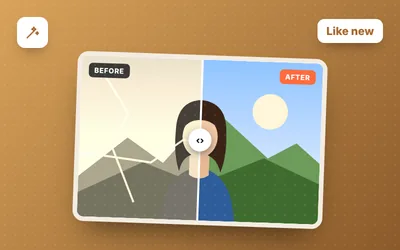
Remove cracks, creases and scratches with the auto mode and the repair brush.
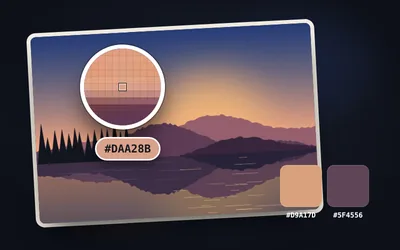
Get the HEX, RGB and HSL code from any image with a magnifier and zoom.
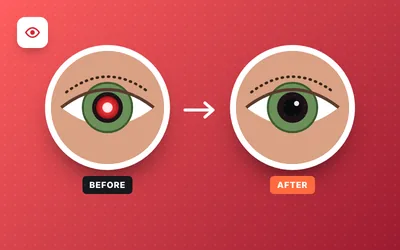
Fix red eyes automatically or with one click, also on dogs and cats.
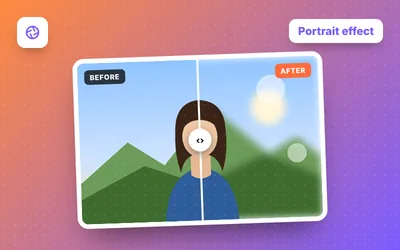
AI portrait effect: soft, bokeh or motion blur.
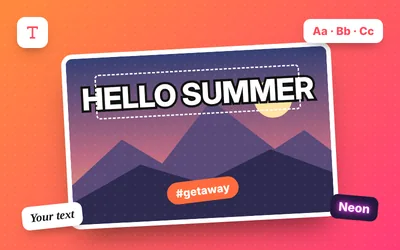
Several texts with fonts, outline, shadow, gradient and curved text.
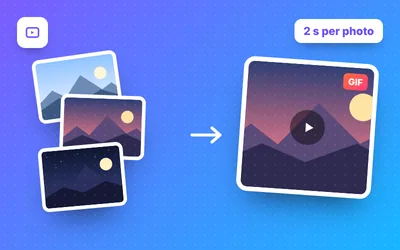
Animated GIF from photos or video with transitions, text and boomerang.
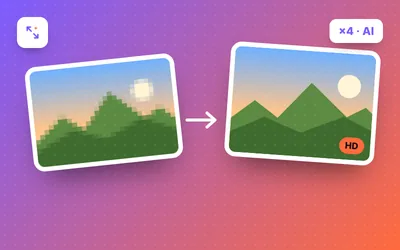
Upscale photos ×2 or ×4 with AI: sharp edges and no JPEG blocks.
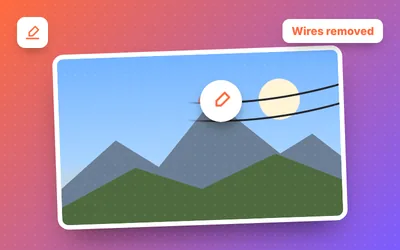
Paint what you do not want and our AI fills the gap with the background.
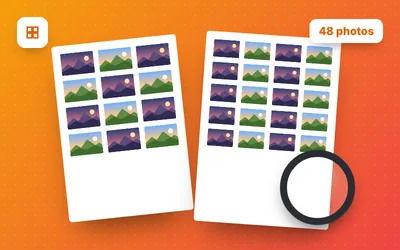
All your photos as thumbnails, with name and number, as PDF or JPG.
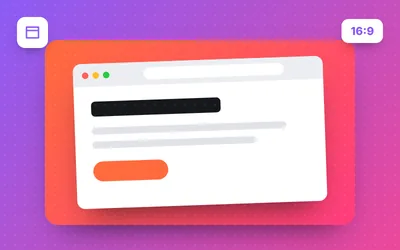
Put your screenshot in a browser or phone frame with a gradient background.
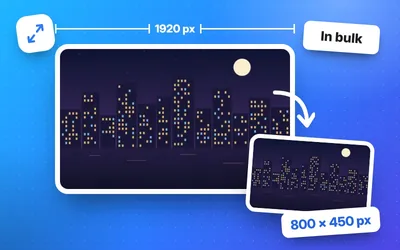
Change the size in pixels, one at a time or in bulk.
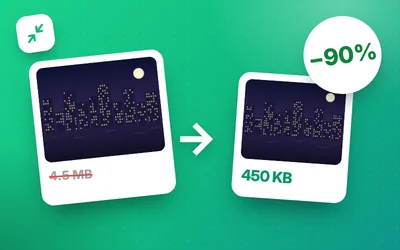
Reduce file size by up to 90% with no visible quality loss.
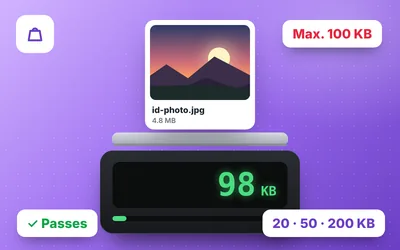
To 50, 100, 200 KB or the exact size you're asked for.
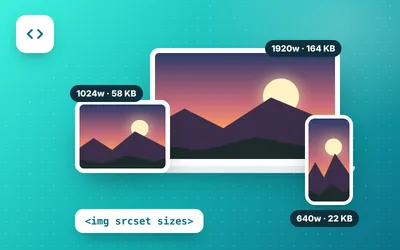
Responsive sizes in WebP and AVIF with the HTML code.
Favicon.ico, phone icons, manifest and HTML code in a ZIP.
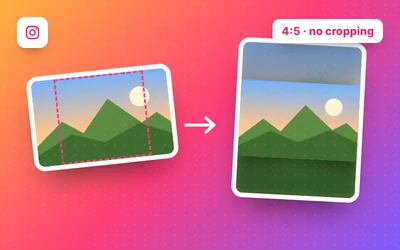
Post whole photos with a white, colored or blurred background.
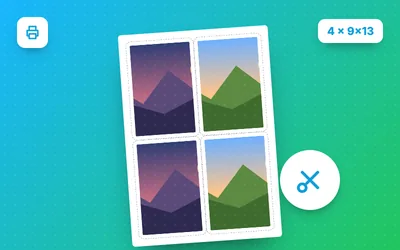
Place several photos at real size on A4 with cut lines.
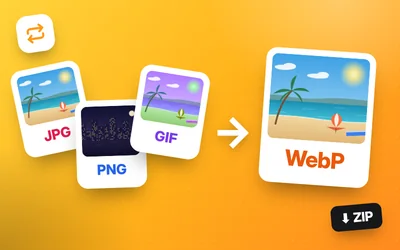
JPG and PNG to WebP in bulk, with ZIP download.
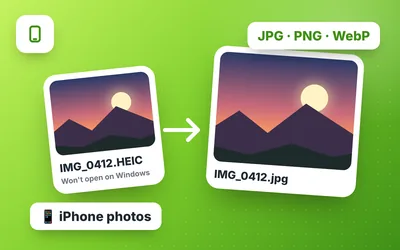
iPhone photos to JPG, PNG or WebP, all at once.
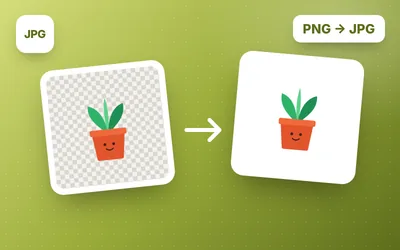
Smaller images, with the background and quality you choose.
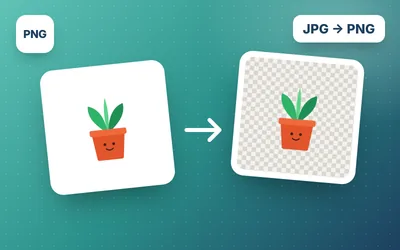
Convert to PNG and make the white background of logos and signatures transparent.
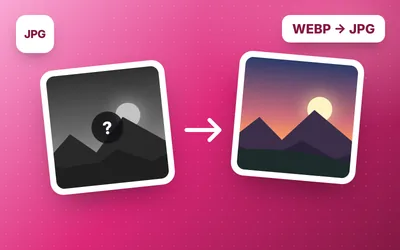
Open and upload the WebP images you download without problems.
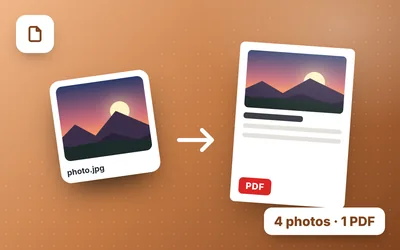
Combine several photos into a PDF and choose the order and page size.
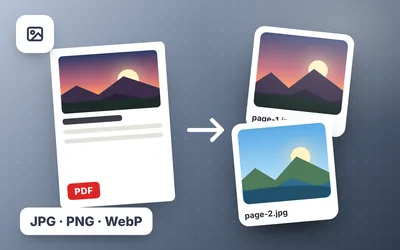
Every page as a JPG, PNG or WebP image, up to 300 DPI.
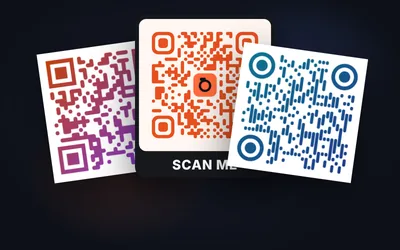
Create QR codes for websites, Wi-Fi, WhatsApp or contacts with your logo and colors.
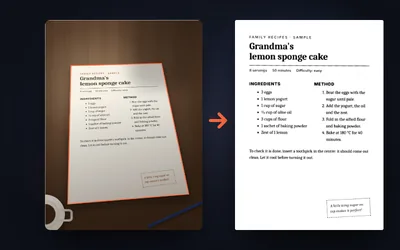
Phone photo to PDF: crops, straightens and removes shadows.
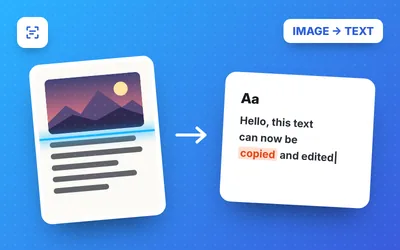
OCR in 9 languages: copy the text from photos, screenshots and scanned PDFs.
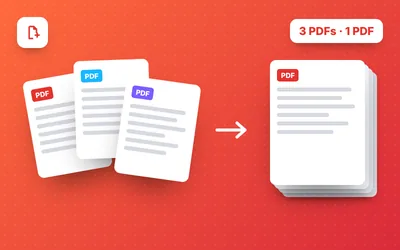
Combine several PDFs and photos, order the pages and compress the result.
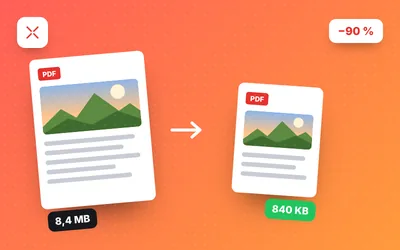
Compress PDFs with levels, exact size in KB and comparison.
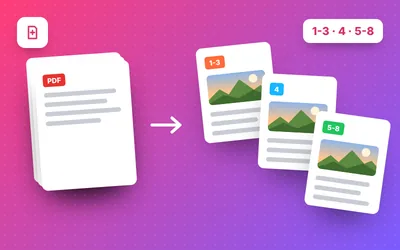
Extract pages, split by ranges or every N pages and download as ZIP.
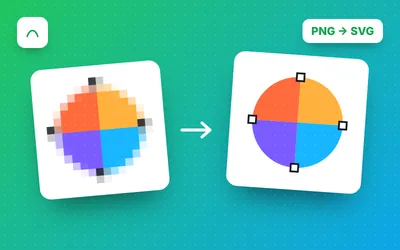
Convert JPG or PNG to SVG in color or black and white.
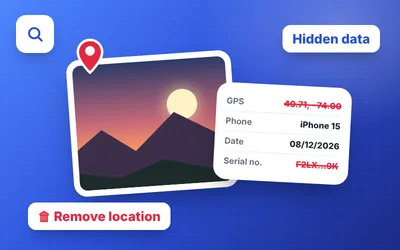
See where a photo was taken and remove its GPS location and hidden data.
Hide the plate of your car or motorcycle with automatic detection.
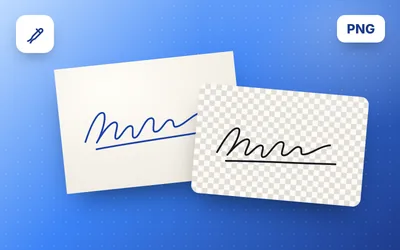
Your signature with a transparent background, in black or blue, for Word and PDF.
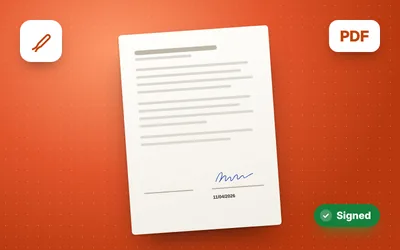
Sign a PDF with your finger, a photo or text, and add the date.
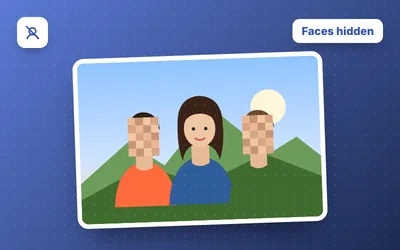
Blur or pixelate faces automatically and choose which ones to hide.
Step by step
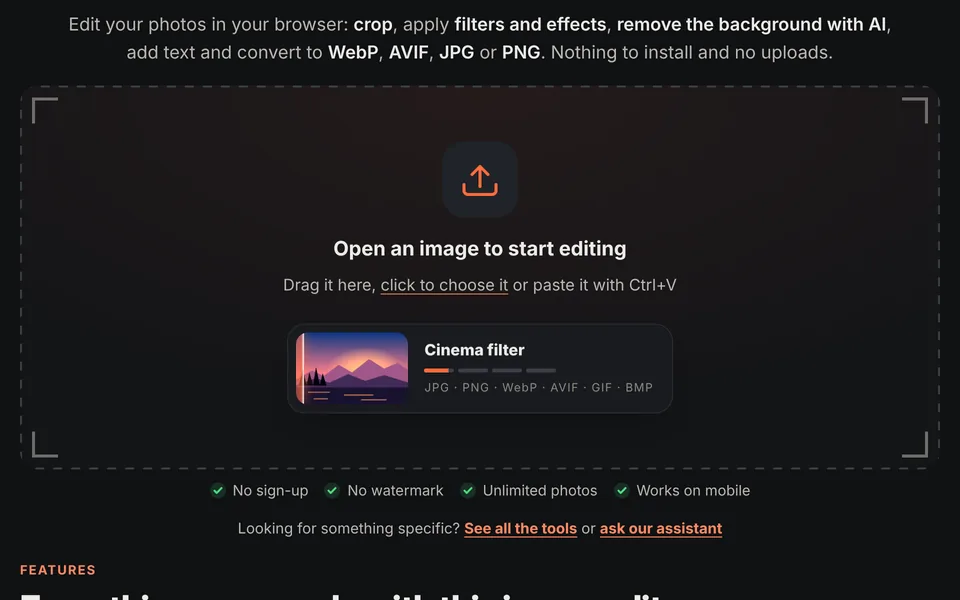
Drag the photo to the area at the top, click to find it on your device or paste it with Ctrl+V. You can open several at once.
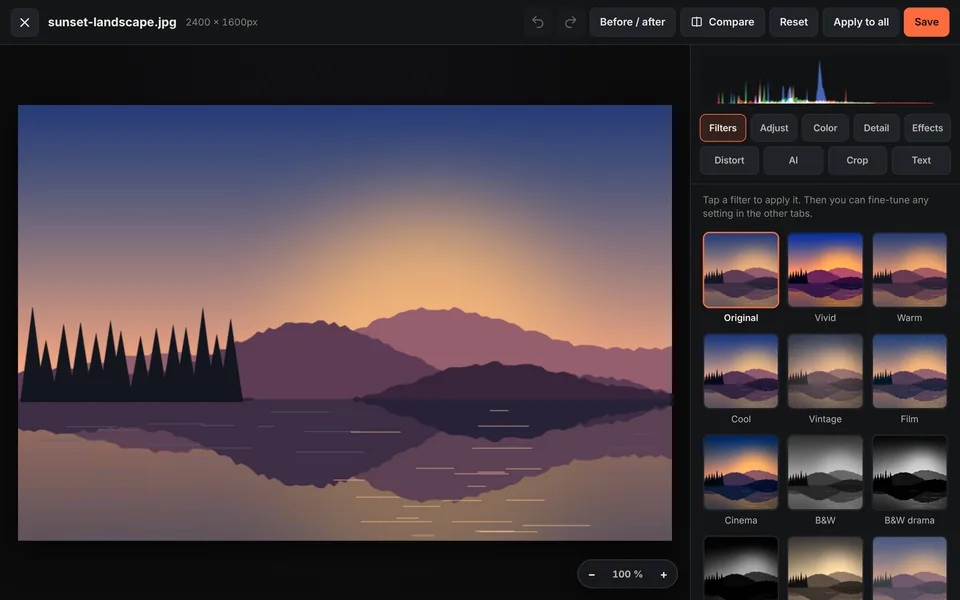
The image editor opens with all the tools organized in tabs: Filters, Adjust, Color, Detail, Effects, Distort, AI, Crop and Text.
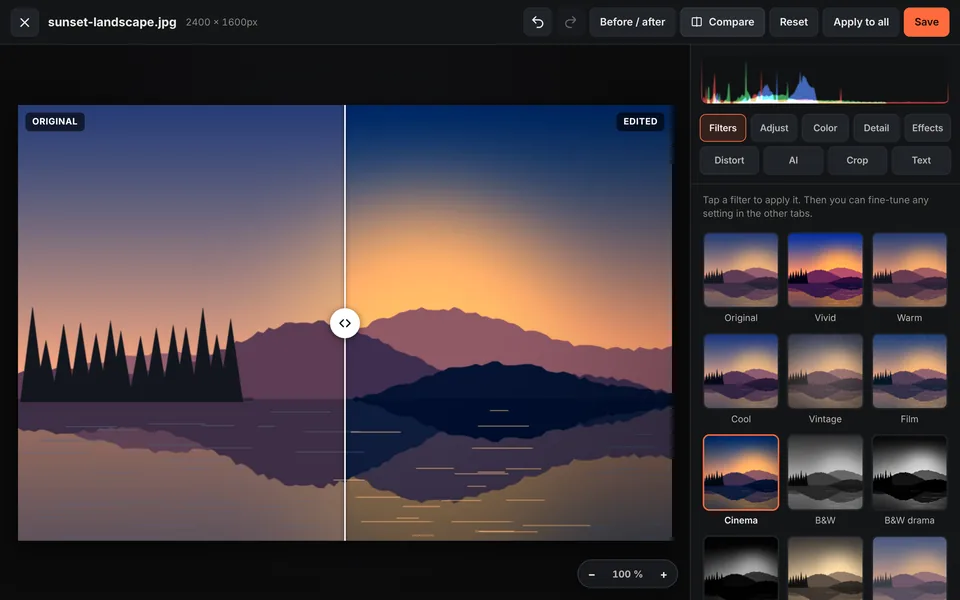
Pick a filter, adjust the light, crop, remove the background or add text. With "Compare" you see the before and after instantly.
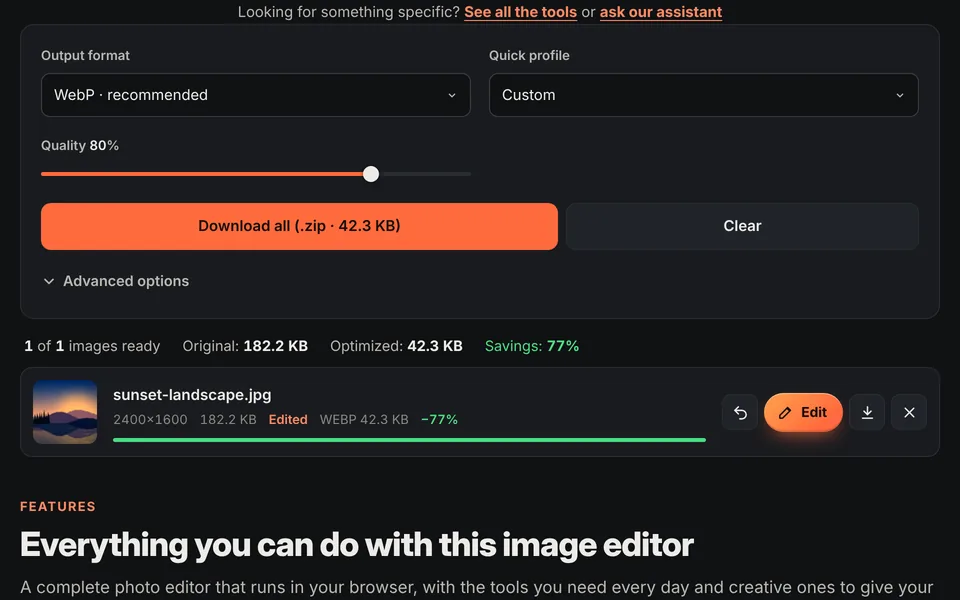
Click "Save", choose the format (WebP, AVIF, JPG or PNG) and the quality, and download the image or all of them together in a ZIP.
An online image editor is a web app that lets you edit photos without installing any software. All you need is a browser: open the image, make your changes and download it. It's the fastest way to improve a photo for social media, prepare images for an online store or reduce the file size of the photos on your website.
Unlike most online photo editors, here your images are never uploaded to a server. All the processing happens on your own device using browser technology (JavaScript and Canvas). That has three advantages: complete privacy, instant editing even on a slow connection, and no limits on file size or number of photos.
And it works the same on your computer, tablet or phone: open the site in Chrome, Safari, Edge or Firefox and you'll have filters, light and color adjustments, cropping, text and AI background removal on the same screen.
| Feature | This online editor | Desktop software | Mobile app |
|---|---|---|---|
| Installation | Not needed | Download and install | Download from the store |
| Price | Free | Usually paid | Free with ads or in-app purchases |
| Watermark | Never | No | Often in the free version |
| Privacy | Photos never leave your device | Local | Depends on the app |
| Devices | Computer, tablet and phone | Computer only | Phone only |
| Batch WebP / AVIF conversion | Yes | Depends on the software | Rare |
| Learning curve | Low | High | Low |
Uses
Crop to 1:1, 4:5 or 9:16, apply a filter and export at 1080 pixels for Instagram, TikTok, Facebook or WhatsApp.
Remove the background, make all your product photos the same size and convert them to WebP so your store loads faster.
Reduce image file size by up to 90%, improve loading speed and help your rankings on Google.
Improve travel and phone photos: straighten the horizon, recover shadows, boost the colors or turn them black and white.
Create covers, thumbnails and stylish pieces with duotone, halftone, glitch, text and frames.
Prepare screenshots and images for presentations, documents and emails at just the right size and file weight.
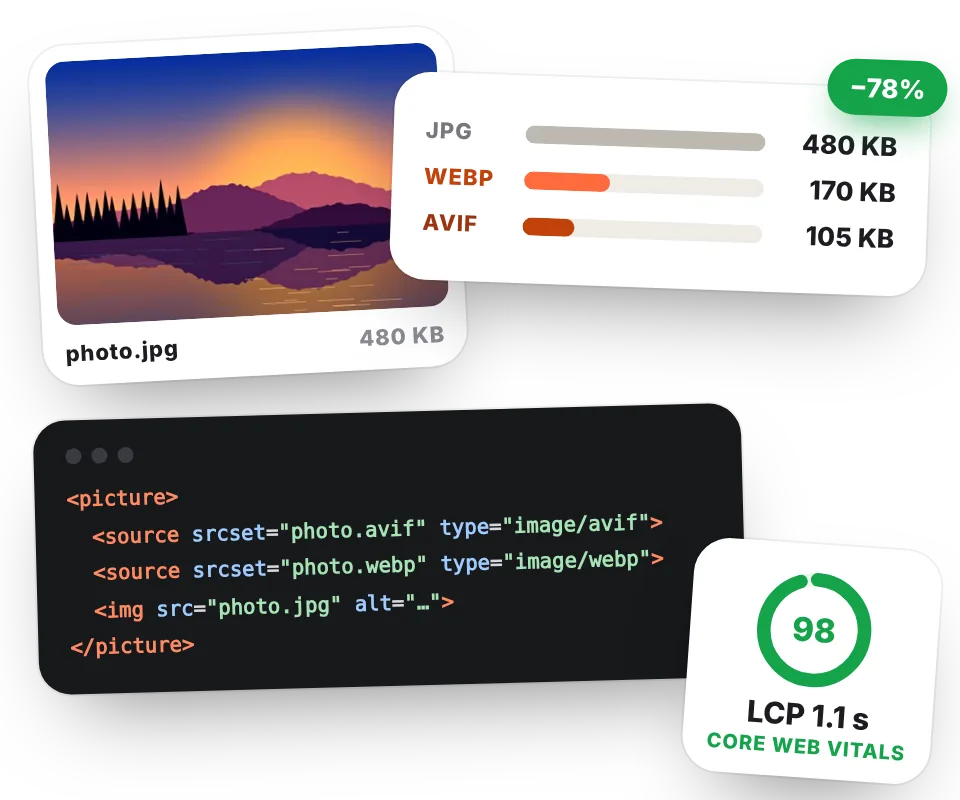
Images are usually the heaviest part of a web page. The WebP and AVIF formats take up much less space than JPG and PNG at the same visual quality, so your site loads faster, improves its Core Web Vitals and gives visitors a better experience, something Google takes into account.
If you have a website, our tool to optimize images for the web prepares each photo in several sizes in WebP and AVIF and gives you the HTML code ready to paste.
FAQ
It's a tool that lets you edit photos right in your browser, without downloading or installing any software. With our online image editor you can crop, adjust light and color, apply filters and effects, remove the background, add text and save the result as JPG, PNG, WebP or AVIF.
Yes, it's completely free. There's no paid version, no sign-up, no limit on the number of images and photos download without a watermark.
No. Everything happens inside your browser, on your own computer or phone. Your images are never sent over the internet, which makes the editor private and very fast.
Yes. The image editor works on Android and iPhone, as well as Windows, Mac and Linux, in any modern browser such as Chrome, Safari, Edge or Firefox.
Open the image in the editor, go to the AI tab and under "Background" choose "Remove (transparent)" or "Solid color". The artificial intelligence detects the person automatically. To keep the transparency, download the image as PNG or WebP. If that's all you need, use our tool to remove the background from an image.
In the Crop tab choose the 4:5 ratio for portrait posts, 1:1 for square ones or 9:16 for stories and reels. Adjust the box over the photo and click "Apply crop". The "Instagram" quick profile also sets the size to 1080 pixels. You can also use the tool to crop images.
Convert it to WebP or AVIF at a quality between 75% and 85%, and limit the maximum width to the size it will be displayed at (for example, 1600 pixels for a website). A photo can then be 60% to 90% smaller with no visible difference. If you need a specific size, like 100 KB, use the tool to reduce image size in KB.
AVIF compresses more and usually gives smaller files, but WebP works with more programs and browsers. For a website, the best option is the SEO Pack, which creates AVIF, WebP and JPG versions of each image so every browser uses the best format it supports.
Yes. You can add many images and convert them all in one go. In the editor, the "Apply to all" button copies the filters, adjustments, effects, text and frame to the rest of the photos, ideal for giving a whole shoot the same style or adding your watermark.
You can open JPG, PNG, WebP, AVIF, GIF and BMP images and save them as JPG, PNG, WebP or AVIF (the latter if your browser supports it).
Free, no sign-up and no uploading your photos anywhere.
Open the image editorYour rating helps us improve it and helps more people discover it.
5.0of 5
2 ratings
Real ratings from people who use this website: one vote per person and tool, no incentives, and we never remove negative ones. How they work.