Extract, divide or remove pages

Split PDF

Updated

Get only the pages you need from a PDF: extract pages, split by ranges or every few pages and remove the ones you do not want. Each page is marked with the color of its file and they are all downloaded in a ZIP, without losing quality. Free and without uploading your PDF.

Just want to try it?

  • Gratis
  • No quality loss
  • By ranges or pages
  • Sin marca de agua
  • Your PDF is not uploaded
How to split it

Create the PDFs

Pages are copied as they are: text stays selectable and quality does not change.

Everything happens in your browser with pdf.js and pdf-lib: your document never leaves your device.

How to split a PDF in 4 steps
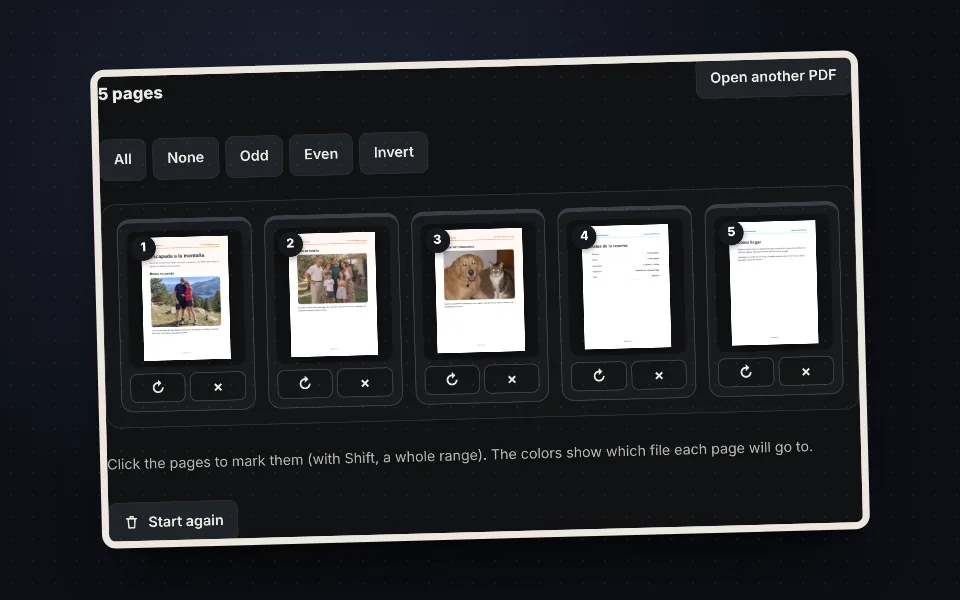
  1. PDF pages shown as thumbnails in the tool

    Upload the PDF

    Drag it or choose it. You see all its pages.
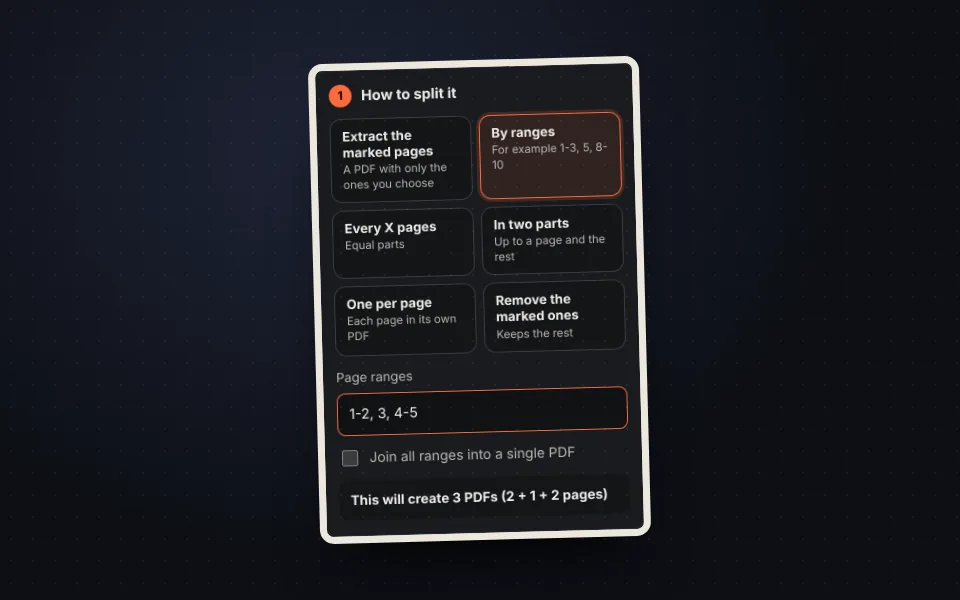
  2. Split options: marked pages, ranges, every X pages, two parts, one per page and remove

    Choose how to split it

    By ranges, every few pages, in two parts or page by page.
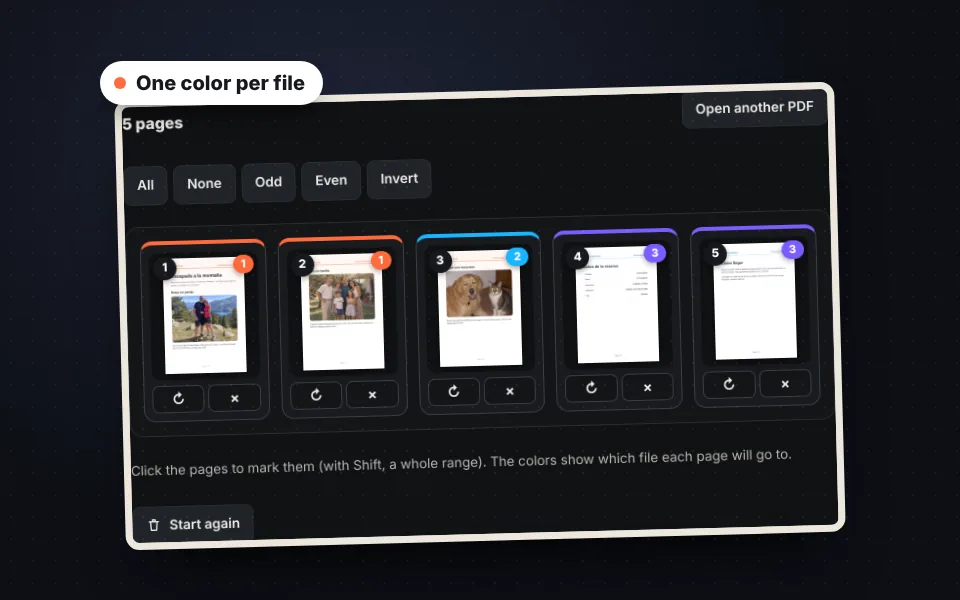
  3. Pages marked with colors according to their file

    Check the colors

    Each color is a file. Rotate or remove pages if needed.
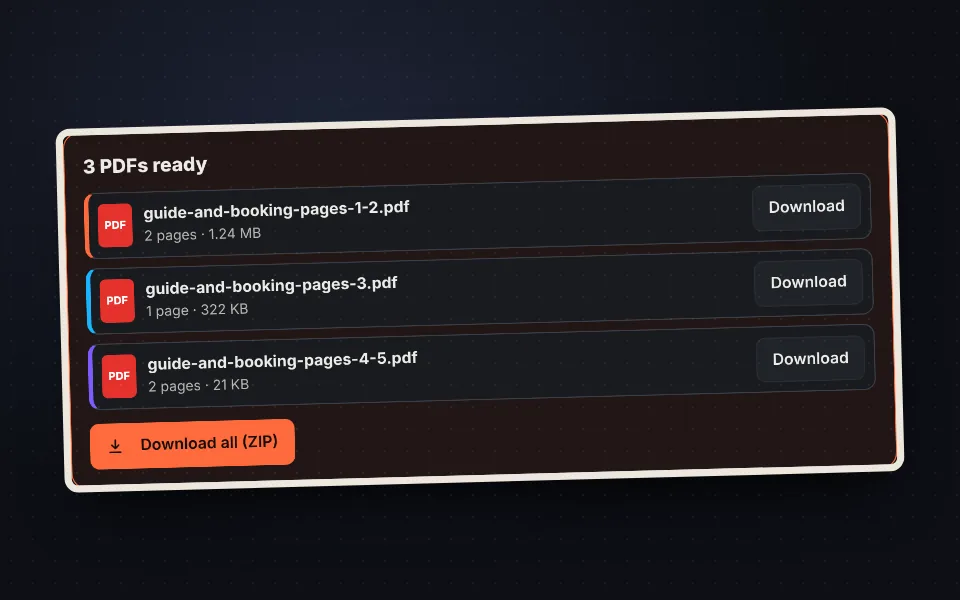
  4. List of split PDFs with their pages and size

    Download

    One by one or all in a ZIP.

Every way to split a PDF

  • Extract marked pages: a PDF with only the pages you choose.
  • By ranges: for example 1-3, 5, 8-10.
  • Every X pages: equal parts.
  • In two parts: up to a page and the rest.
  • One per page and remove the marked ones.
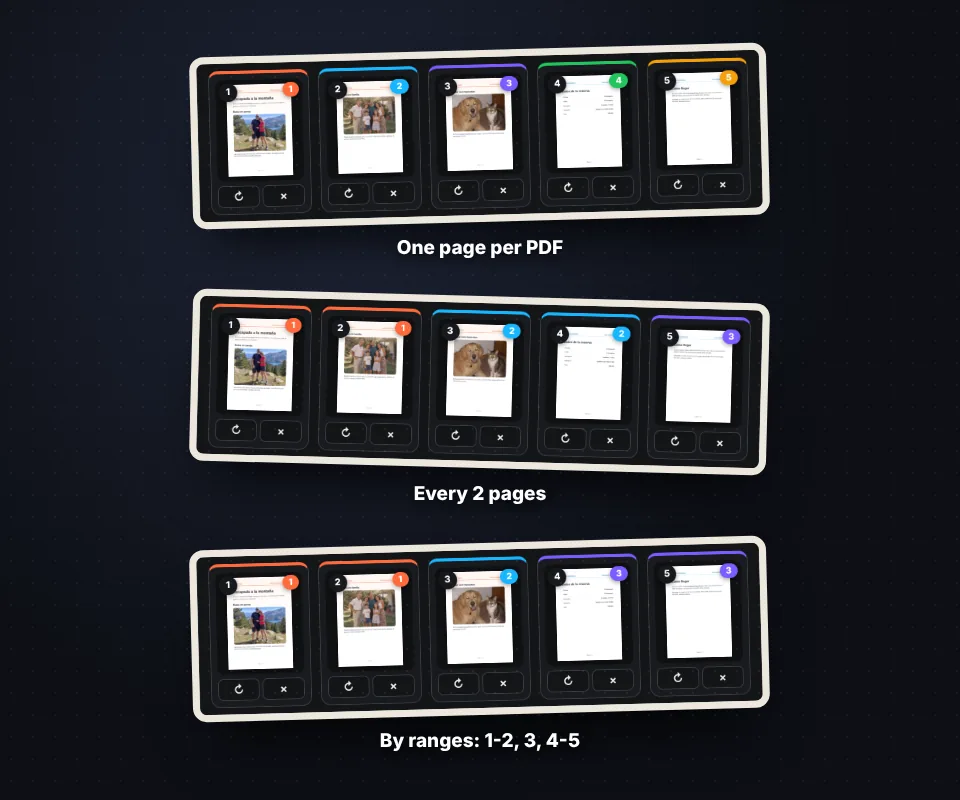
A five-page PDF split in three different ways with its colors

Colors to see the result

Each page shows the color and number of the file it will go to, so you know exactly what you will get before downloading.
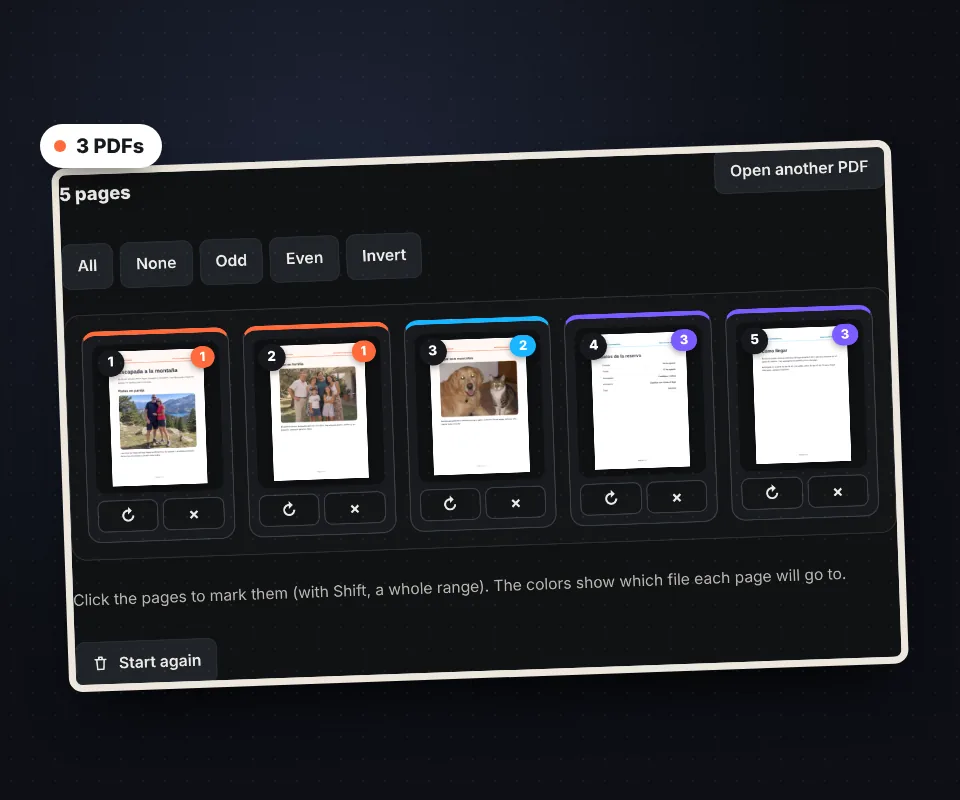
Pages marked with colors and numbers according to the file they will end up in

No quality loss

Pages are copied as they are: the text stays selectable, links still work and the size of each file is the minimum needed.
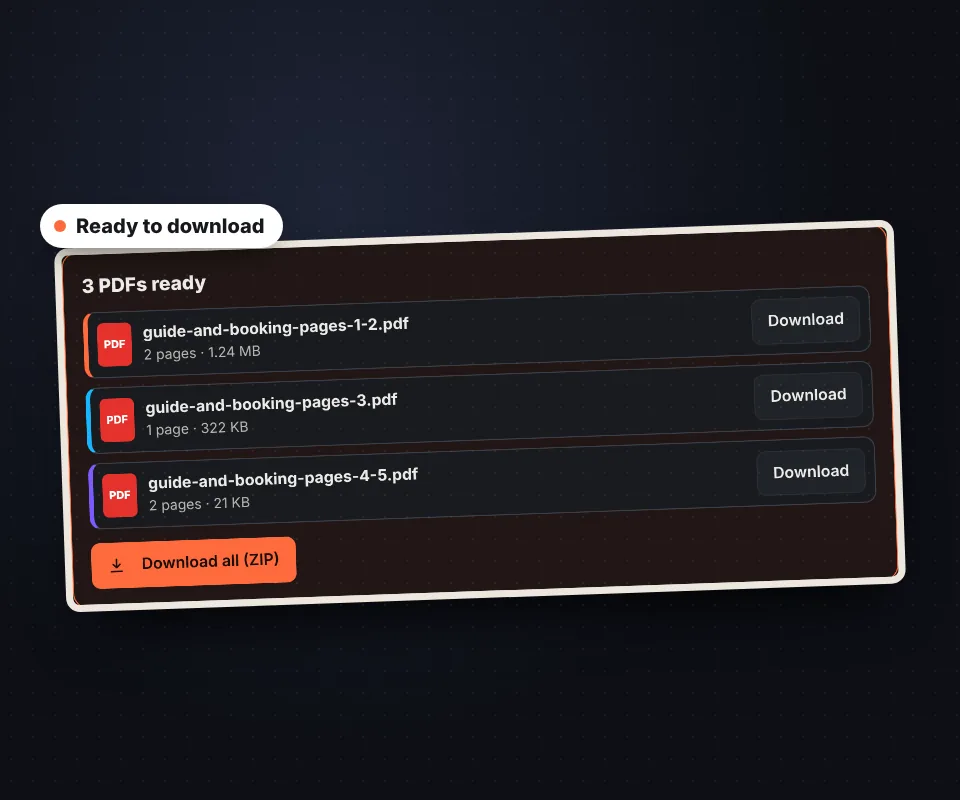
List of split PDFs with their pages and size, ready to download

Your PDF is not uploaded to any server

The PDF is split in your browser and never leaves your device.

Frequently asked questions

How do I extract pages from a PDF?

Upload it, mark the pages and press "Split the PDF".

Can I split a PDF into several files?

Yes, by ranges, every few pages or one per page.

Does it lose quality?

No. Pages are copied as they are.

Does it work with password-protected PDFs?

Yes, the tool asks for the password.

Are my files uploaded?

No. Everything happens in your browser.

Is it free?

Yes, free and with no sign-up.

Was this tool helpful?

Your rating helps other people find it and helps us improve it.

Your rating, from 1 to 5 stars

–of 5

No ratings yet. Be the first to rate it!

  • 5 ★0stars: 0 votes
  • 4 ★0stars: 0 votes
  • 3 ★0stars: 0 votes
  • 2 ★0stars: 0 votes
  • 1 ★0star: 0 votes

Real ratings from people who use this website: one vote per person and tool, no incentives, and we never remove negative ones. How they work.