From pixels to vectors that scale without losing quality

Convert image to SVG

Updated

Turn a logo, drawing or illustration into a vector file that can be scaled to any size without pixelation: the tool traces the outlines in black and white or with up to 16 colors, removes specks and smooths the curves. Download the SVG ready to cut, print or edit in Illustrator, Inkscape or Cricut. Free and without uploading your image.

Just want to try it?

  • Gratis
  • Up to 16 colors
  • Smooth curves
  • Sin marca de agua
  • Your image is not uploaded
Mode
8
Detail
600 px
8 px
0,8
Background
Download

Works best with logos, drawings, icons and flat-color illustrations. Photos become a poster with few colors.

Everything happens in your browser: your image never leaves your device.

How to convert an image to SVG in 4 steps
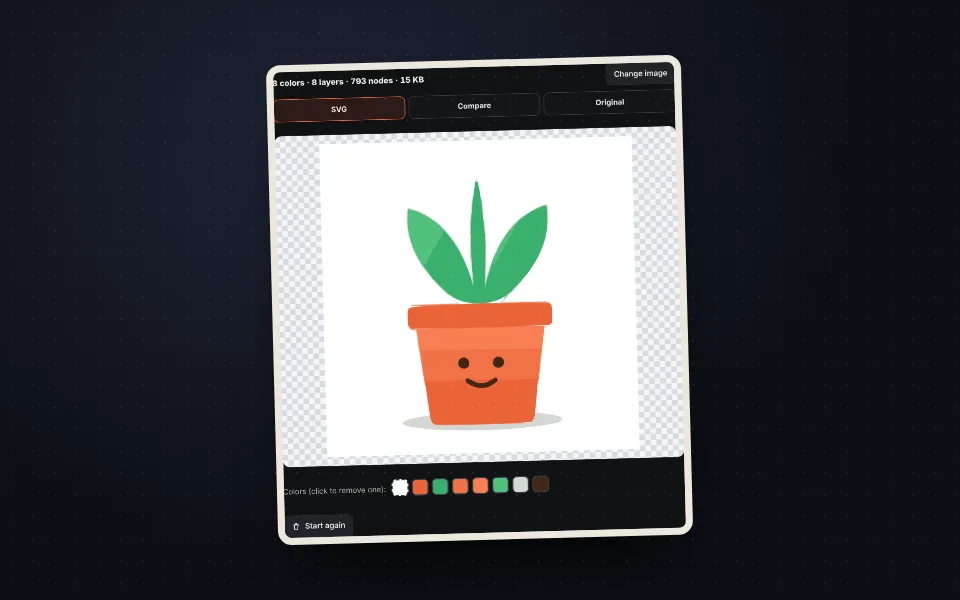
  1. Plant pot illustration uploaded and converted to SVG

    Upload the image

    A logo, drawing or illustration in JPG, PNG or WebP.
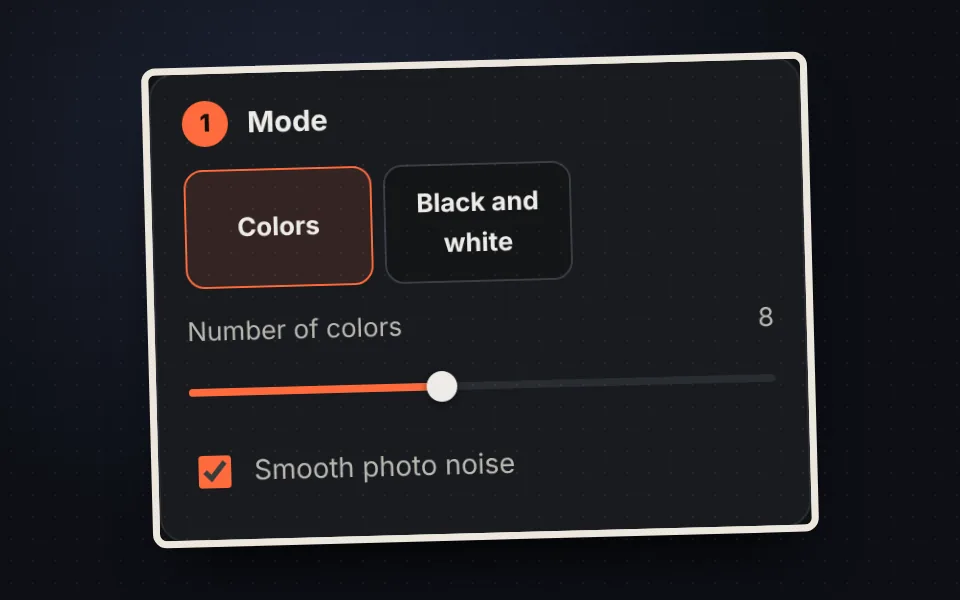
  2. Color and black and white mode options

    Choose colors or black and white

    Up to 16 colors, or black and white with automatic threshold.
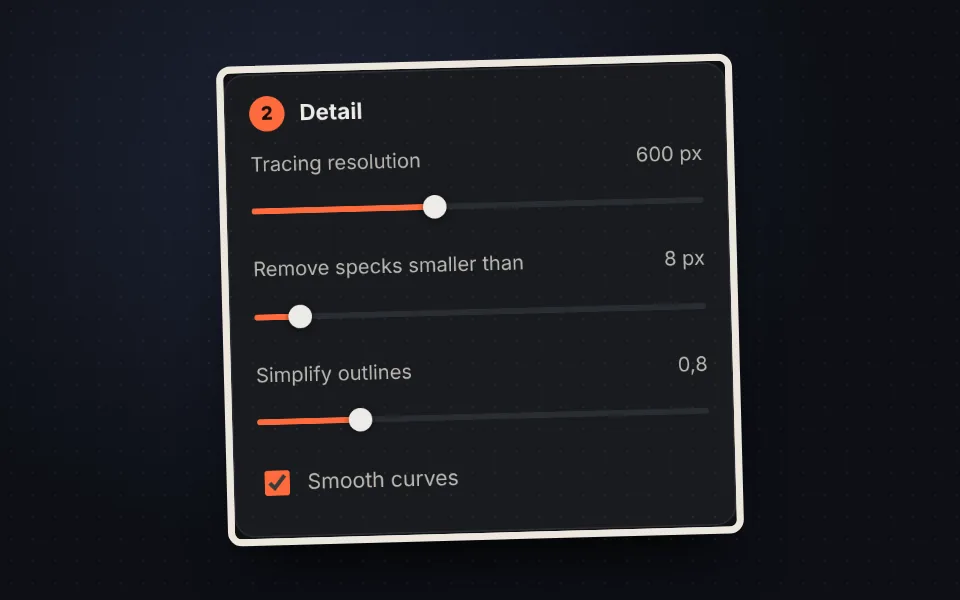
  3. Resolution, specks and outline simplification options

    Adjust the detail

    More resolution for more detail; remove specks and smooth curves.
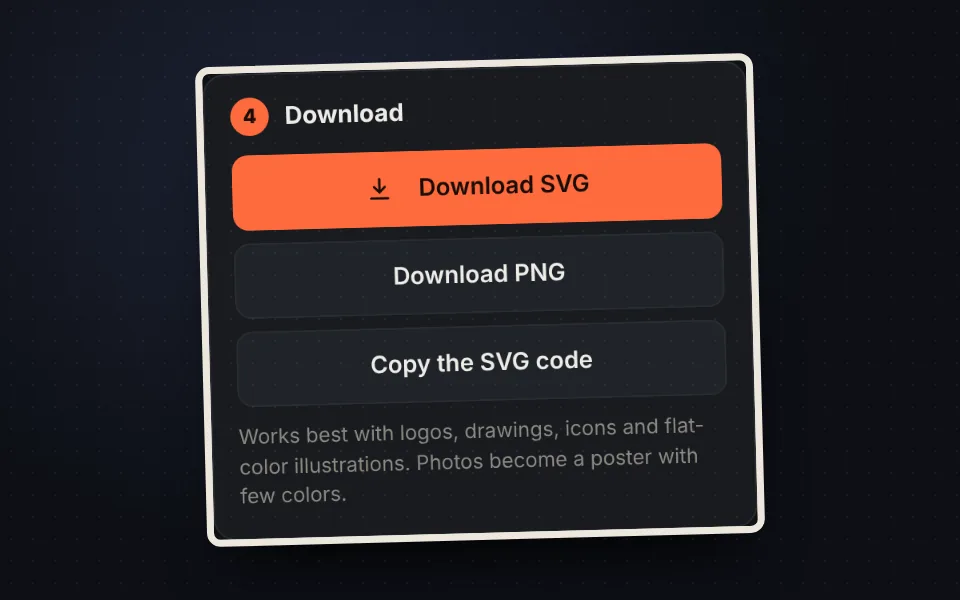
  4. Buttons to download the SVG, the PNG or copy the code

    Download the SVG

    Download it, copy it or get it as PNG too.

What an SVG is

A JPG or PNG is made of pixels. An SVG is made of shapes and curves, so it scales to any size without losing sharpness. It is used for logos, icons, signs, vinyl, laser engraving and cutting machines like Cricut or Silhouette.
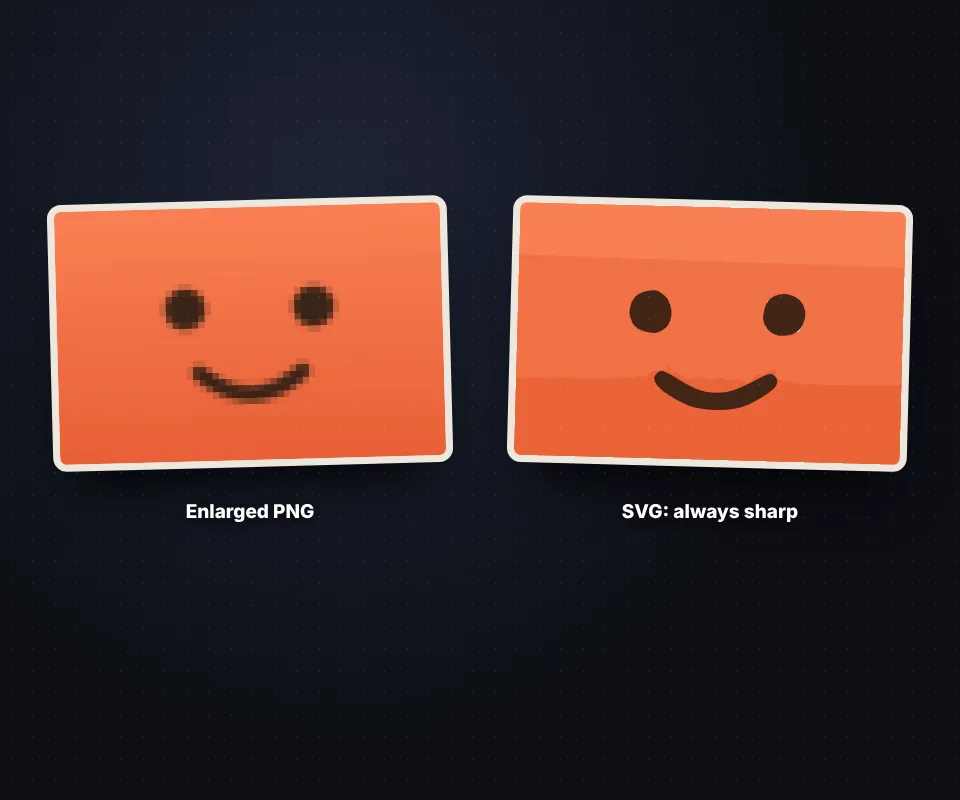
An illustration enlarged as PNG with visible pixels and the same illustration as sharp SVG

Colors or black and white

  • Colors: 2 to 16 colors, each traced as a layer. Click a color in the palette to remove it.
  • Black and white: ideal for signatures, stamps, ink drawings and cutting templates.
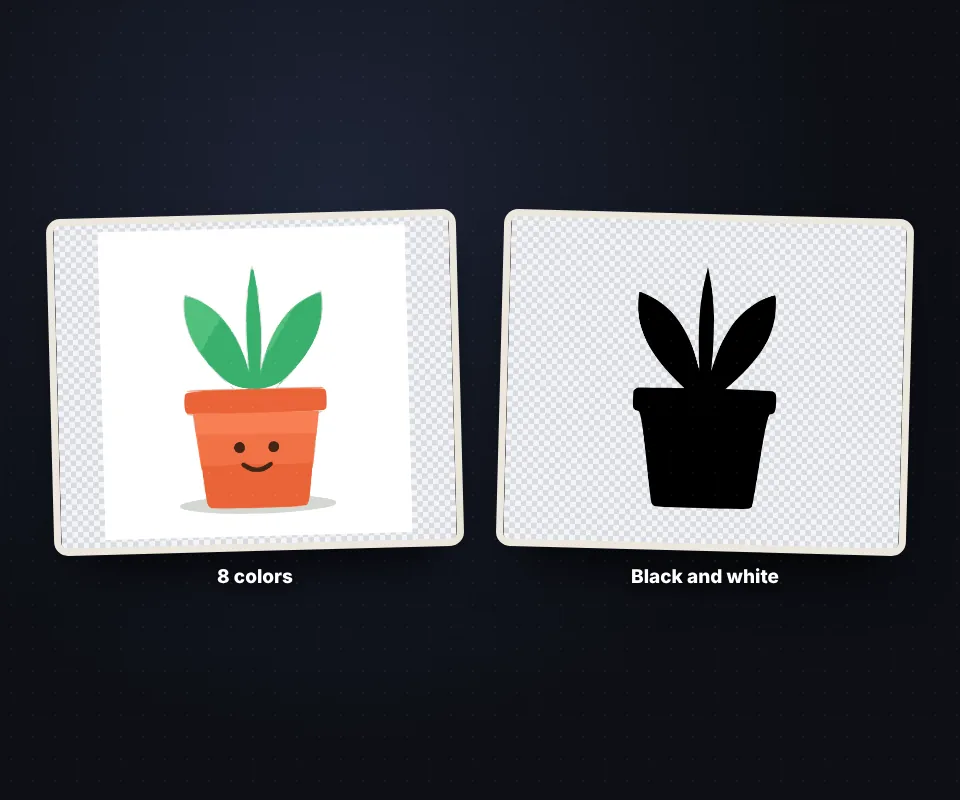
The same illustration converted to SVG with eight colors and in black and white

Tips for a good result

  • Use the largest, sharpest image you have.
  • If specks appear, raise "Remove specks".
  • For fewer nodes, raise "Simplify outlines".
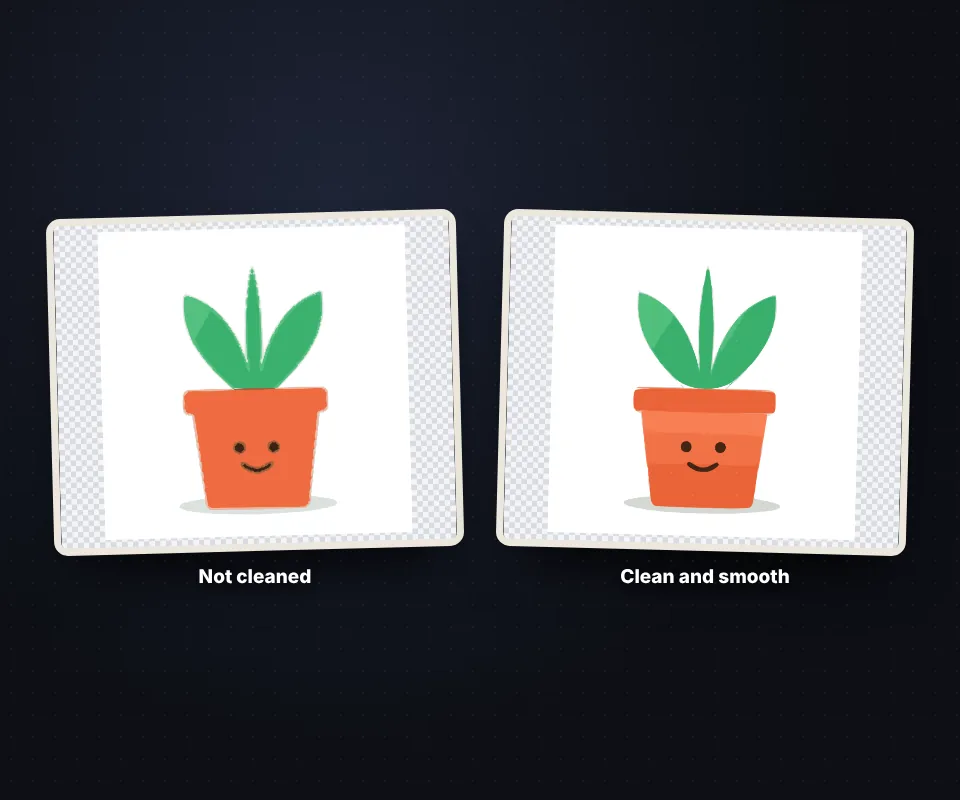
An SVG with specks and the same SVG clean and with smooth curves

Your image is not uploaded

Vectorizing happens in your browser, with no limits and no watermark.

Frequently asked questions

How do I convert JPG or PNG to SVG?

Upload it, choose colors or black and white and download the SVG.

Which images work best?

Logos, icons, drawings and flat-color illustrations.

How many colors?

From 2 to 16, or black and white.

Does it work for Cricut?

Yes, the SVG opens in Cricut Design Space, Silhouette, Illustrator and Inkscape.

Can I remove the background?

Yes, with "Remove the background".

Is it free?

Yes, free and with no watermark.

Was this tool helpful?

Your rating helps other people find it and helps us improve it.

Your rating, from 1 to 5 stars

–of 5

No ratings yet. Be the first to rate it!

  • 5 ★0stars: 0 votes
  • 4 ★0stars: 0 votes
  • 3 ★0stars: 0 votes
  • 2 ★0stars: 0 votes
  • 1 ★0star: 0 votes

Real ratings from people who use this website: one vote per person and tool, no incentives, and we never remove negative ones. How they work.