How to make a contact sheet in 4 steps
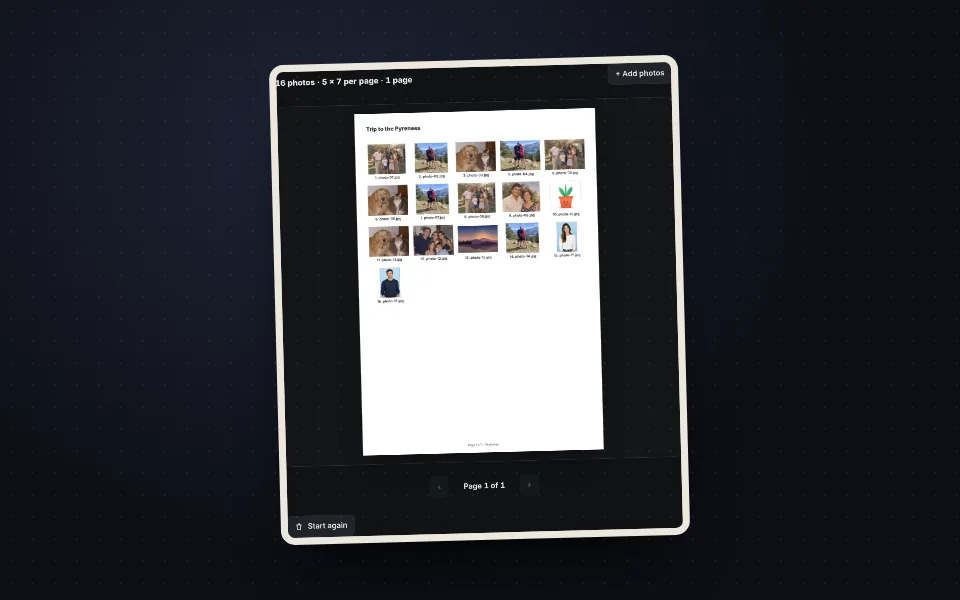
Upload the photos
Drag them all at once. They are placed automatically.
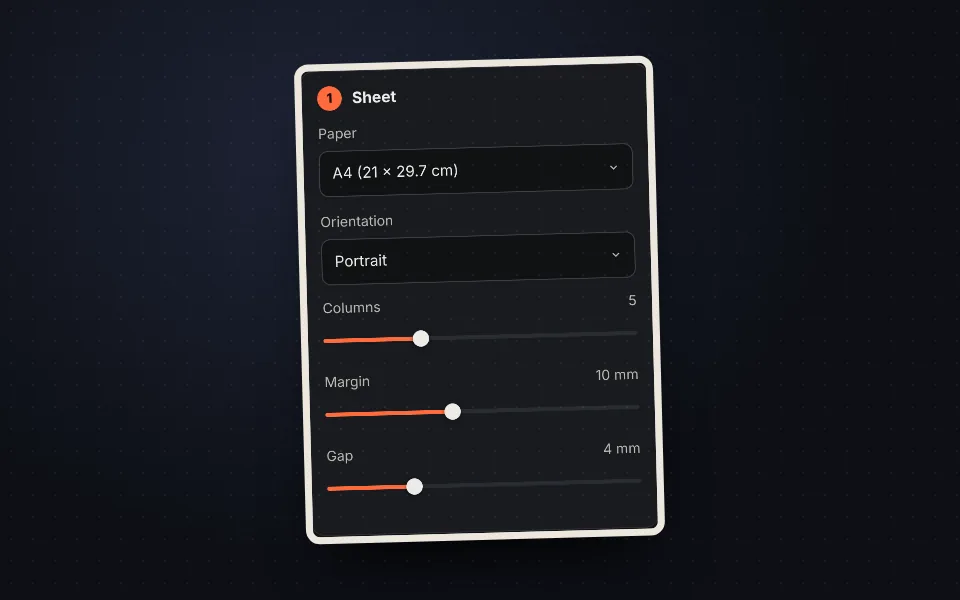
Choose the sheet
Paper, orientation and columns. Pages are calculated automatically.
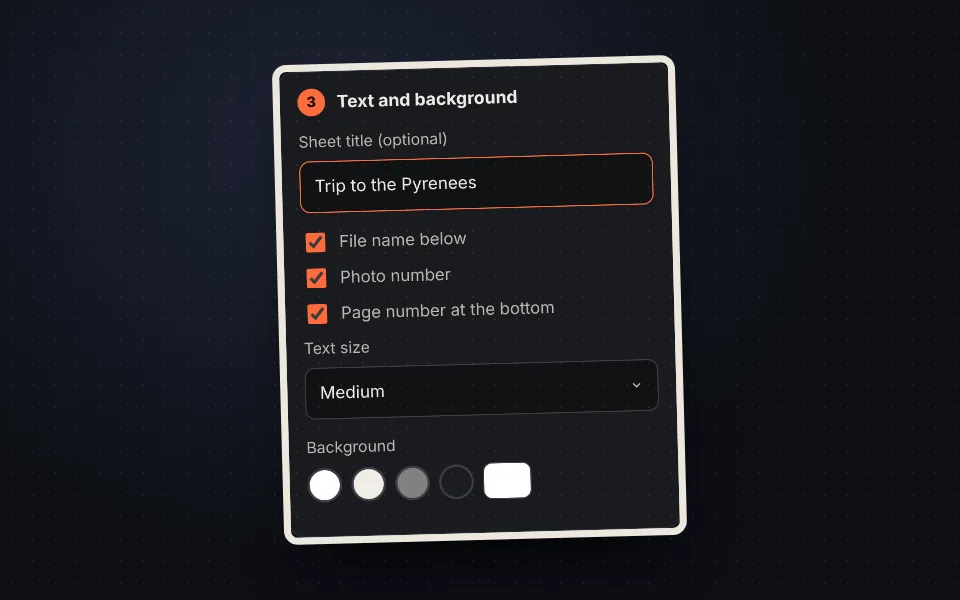
Add text
Title, name of each photo, number and background color.
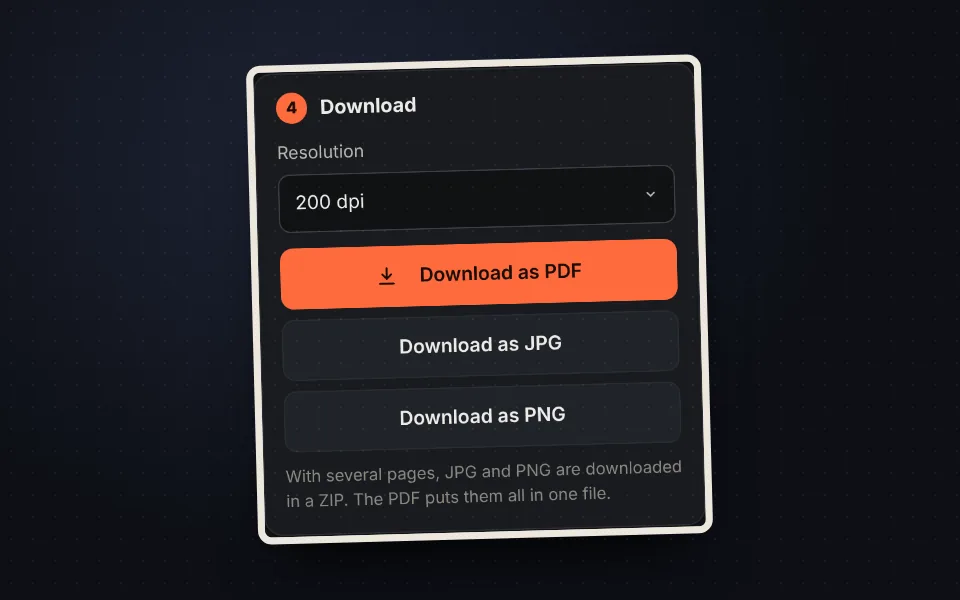
Download it
As a PDF with all pages, or as JPG and PNG.
What a contact sheet is
A sheet with the thumbnails of many photos on a grid. It comes from film photography, and today it is used to see a shoot, a trip or an event at a glance, choose the best photos or keep a printed index.
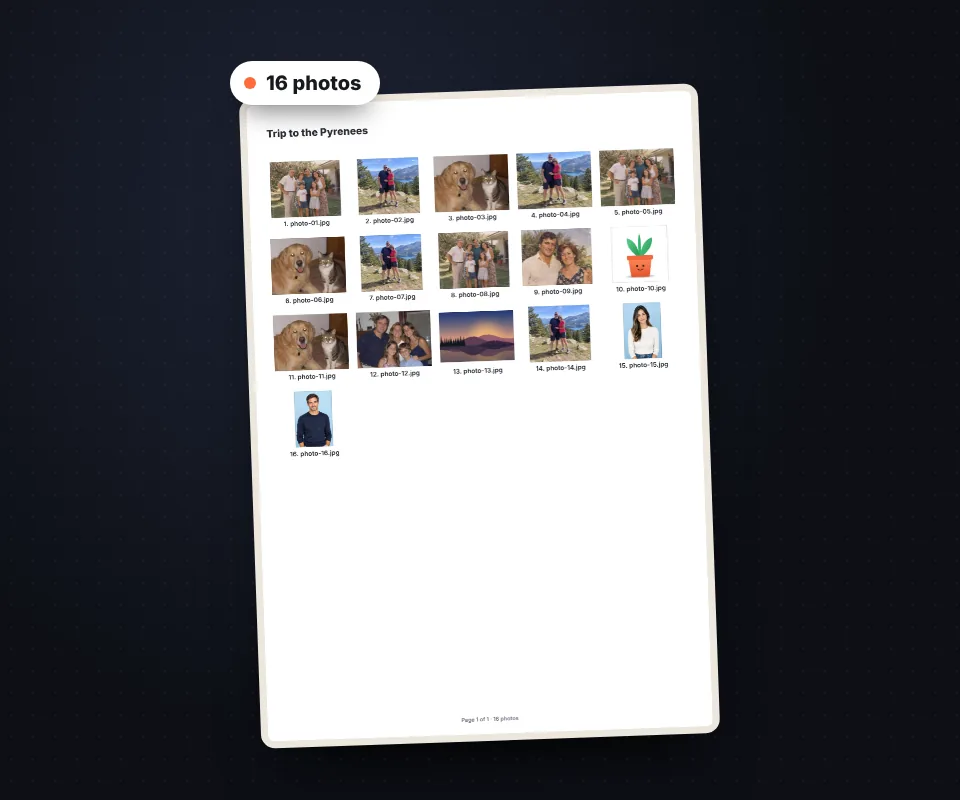
All the options
- Columns: from 2 to 12.
- Shape: whole photo or cropped square, landscape or portrait.
- Text: title, file name, number and page number.
- Background: any color; text switches to light or dark automatically.
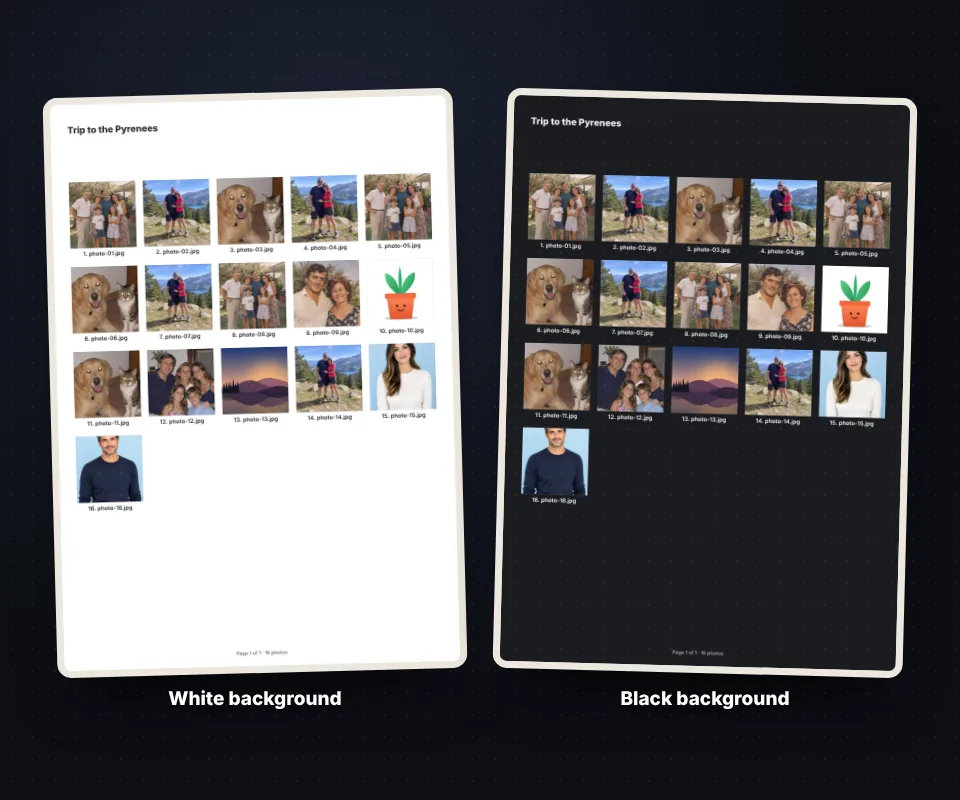
For photographers
Each thumbnail has its number and file name, so clients can just write down the numbers of the photos they want.
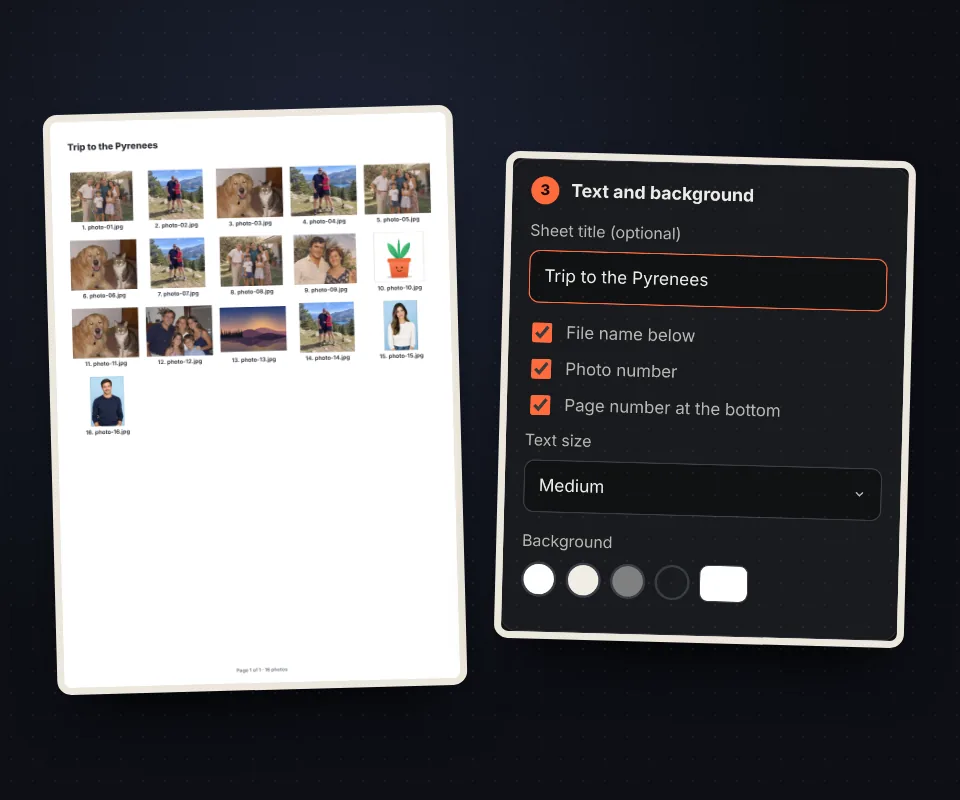
Your photos are not uploaded
The sheet is created in your browser, with no limits and no watermark.
Frequently asked questions
How do I make a contact sheet?
Upload the photos, choose paper and columns and download it.
How many photos can I add?
As many as you want, over several pages.
Can I show file names?
Yes, and numbers too.
Are photos cropped?
Only if you choose a square or fixed shape.
Which format is best for clients?
The PDF, with all pages in one file.
Is it free?
Yes, free and with no watermark.