How to make a photo black and white in 4 steps
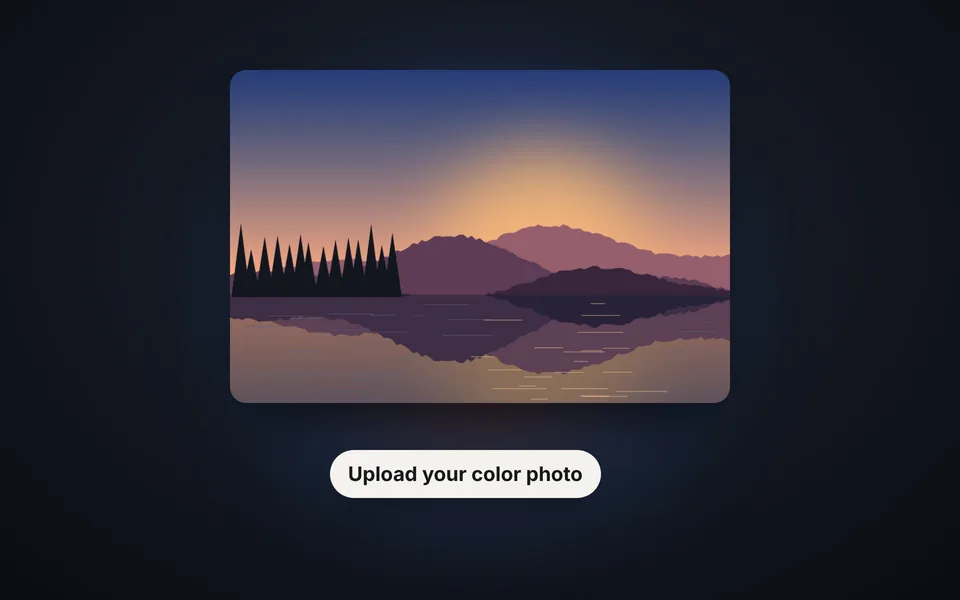
Upload the photo
Upload the photo from your phone or computer, or paste it with Ctrl+V. It's converted to black and white instantly.
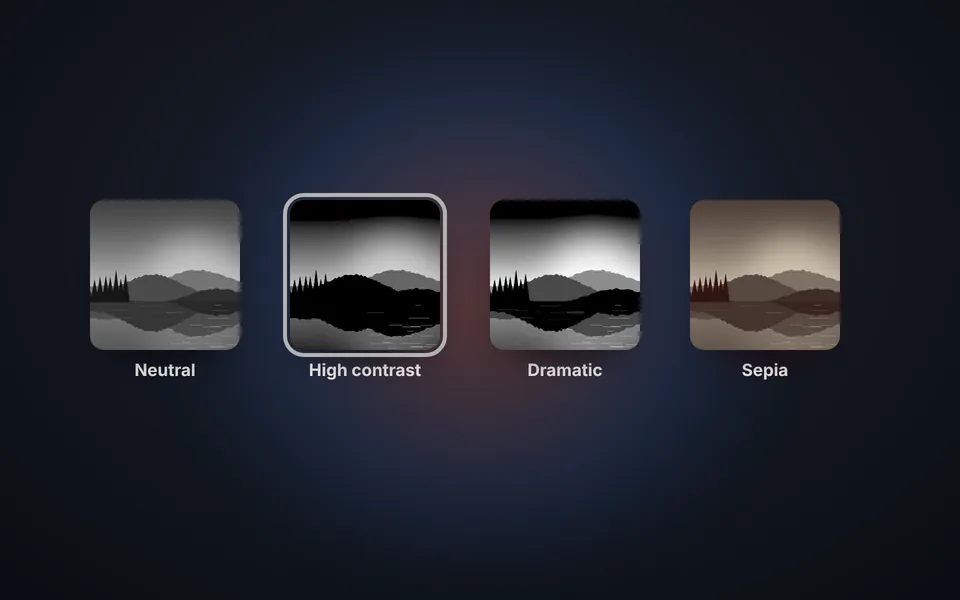
Choose a style
Try the 10 styles with their thumbnails: neutral, high contrast, dramatic, film, sepia and more.
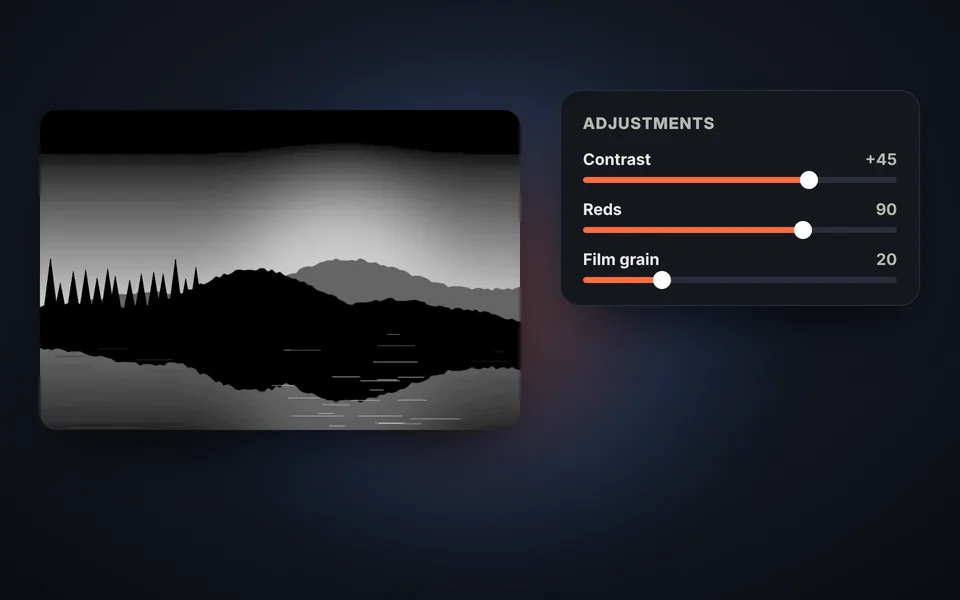
Adjust the result
Fine-tune the brightness, contrast, grain and color filter, or keep a single color with selective color.
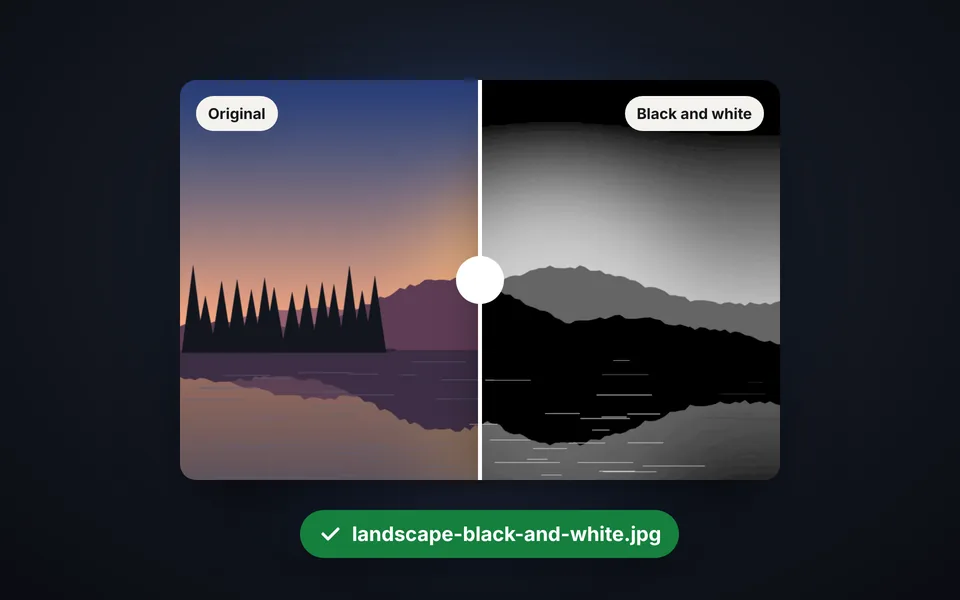
Download the photo
Compare before and after and download the black and white photo at full size.
Video tutorial: how to make a photo black and white
In this video you'll see how a photo is uploaded, how to choose a style, how to adjust light and texture, how to try the color filters, how to keep a single color and how to compare before and after downloading it. Click a chapter to jump straight to that part.
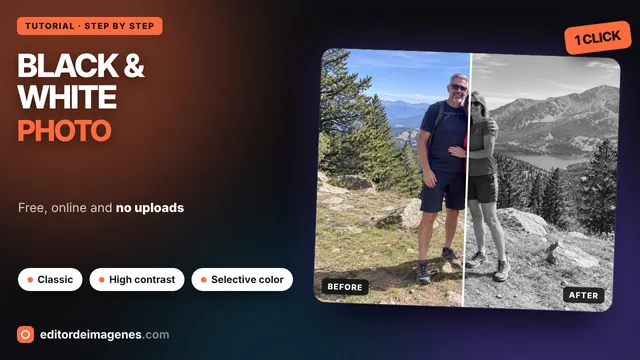
The video only loads from YouTube when you press play, and YouTube may then set its cookies. More information in the cookie policy.
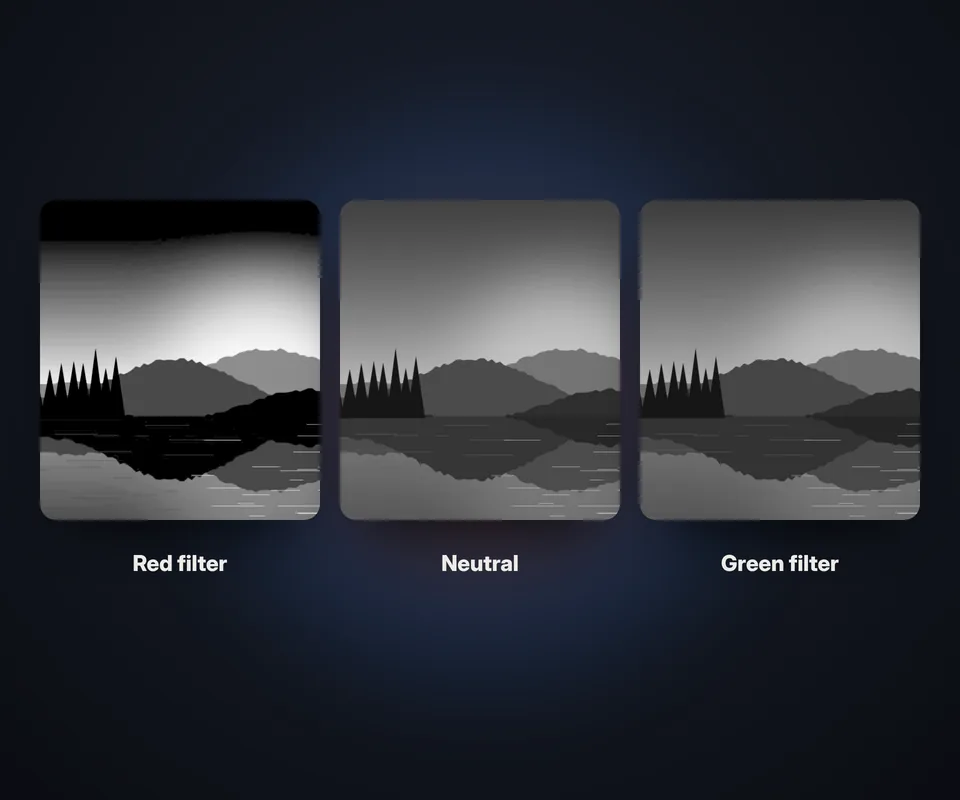
Color filters: the secret to great black and white
Simply removing the color usually gives a flat, gray photo. Photographers used color filters in front of the lens to decide which tones turned out light or dark, and here you can do the same:
- Red filter (Dramatic style): darkens the blue sky and makes the clouds stand out. Ideal for landscapes and architecture.
- Orange filter (Portrait style): smooths skin and imperfections. The favorite for portraits.
- Green filter (Landscape style): brightens foliage and adds detail to leaves and trees.
- Neutral: the standard conversion, true to how the eye perceives the light of each color.
For full control, move the reds, greens and blues sliders until you find the tone you're looking for.
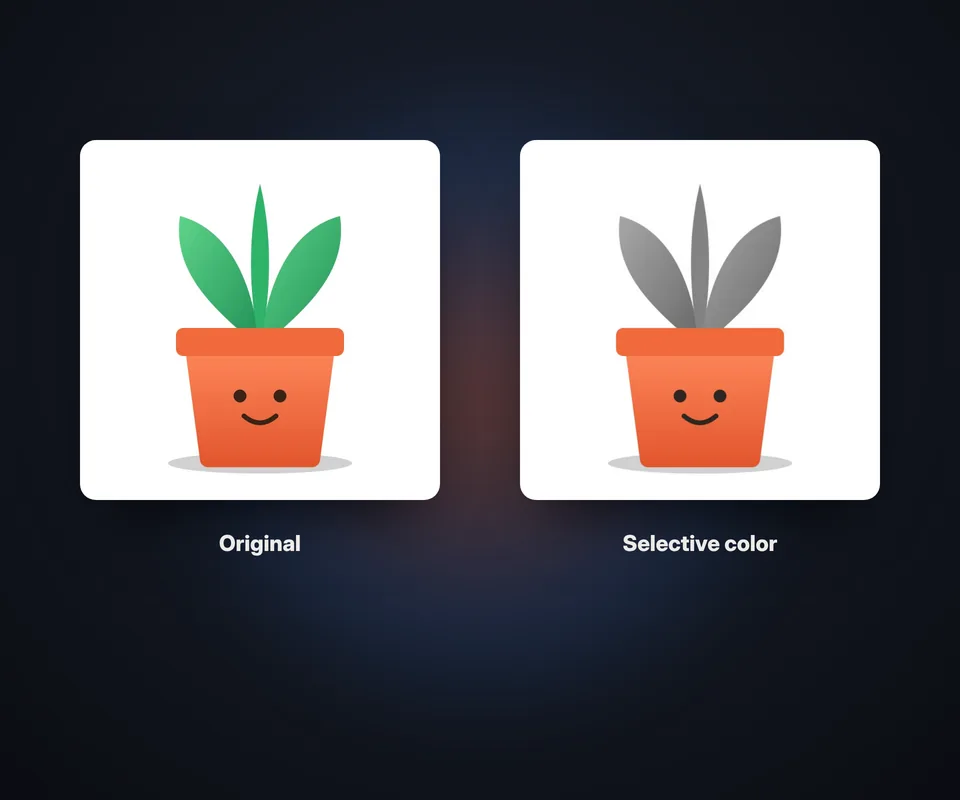
Selective color, toning and film effect
Besides classic black and white, you can give your photo a special finish:
- Selective color: keep the photo black and white except for one color, such as a red dress, yellow flowers or a blue sky. Adjust the range to include more or fewer shades.
- Sepia toning: the warm brown tone of old photographs.
- Selenium toning: a cool, elegant tone, widely used in darkroom prints.
- Cyanotype: the deep blue of the earliest photographs and architectural blueprints.
- Grain and vignette: add analog film texture and darken the edges to draw the eye to the center.
Which photos look best in black and white
Black and white works especially well for portraits with side lighting, landscapes with clouds, architecture with lines and textures, and street photography. Look for scenes with good contrast between light and shadow; if the photo is dull, raise the contrast or try the High contrast style. And if the photo has a standout color, selective color can turn it into a striking image. For more color effects, also try our Photo filters.
Frequently asked questions
How do I make a photo black and white?
Upload the photo and it's converted instantly. Choose one of the 10 styles, adjust the brightness and contrast if you like, and click Download in black and white.
What's the difference between black and white and grayscale?
Grayscale just removes the color. A good black and white decides which colors turn lighter or darker with color filters, and adjusts the contrast so the photo has impact.
How do I keep just one color in a black and white photo?
Choose the color under Keep one color: reds, oranges, yellows, greens, blues or purples. Adjust the range to include more or fewer shades of that color.
Can I make a sepia photo?
Yes. Choose the Sepia style or turn on sepia toning and set its intensity. Selenium and cyanotype are also available.
Does it lose quality?
No. The photo is downloaded at its original size; the preview is smaller only so it runs fast.
Can I see before and after?
Yes. Click Before and after and move the line to compare the original photo with the black and white one.
Does it work on my phone?
Yes, on Android and iPhone, right in the browser.
Is my photo uploaded to a server?
No. The photo is processed in your browser and never leaves your device.
Is it free?
Yes: free, no sign-up and no watermark.