How to blur a license plate in 4 steps
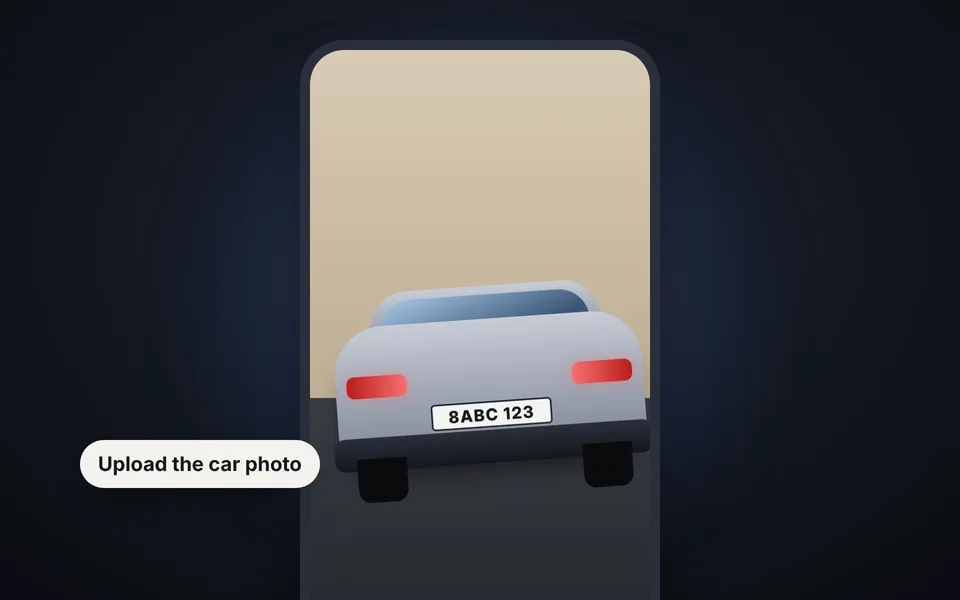
Upload the photo
Upload the photo of the car or motorcycle from your phone or computer. You can also paste it with Ctrl+V.
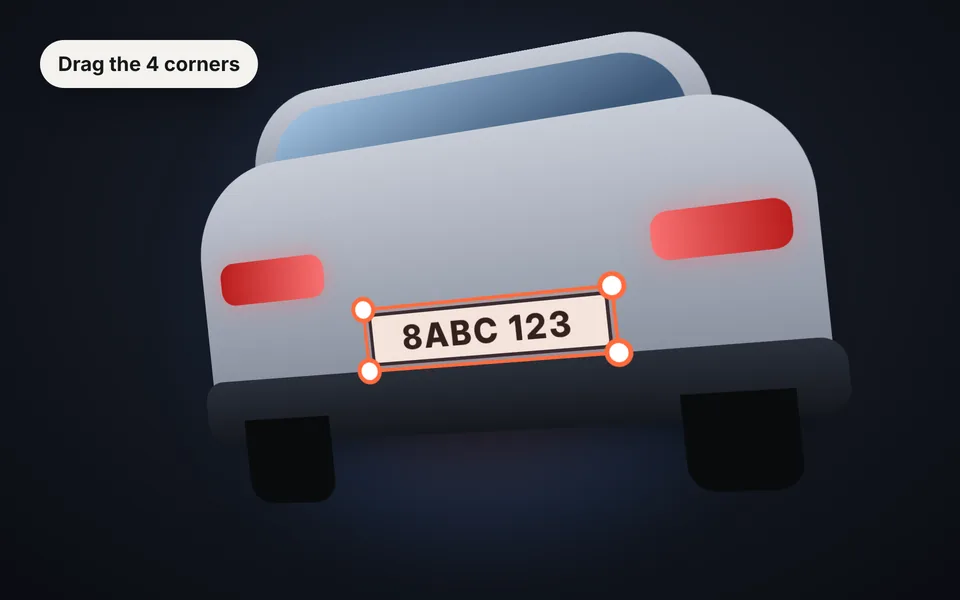
Check the boxes
Plates are detected automatically. If needed, drag the corners to fit tilted plates or plates seen at an angle.
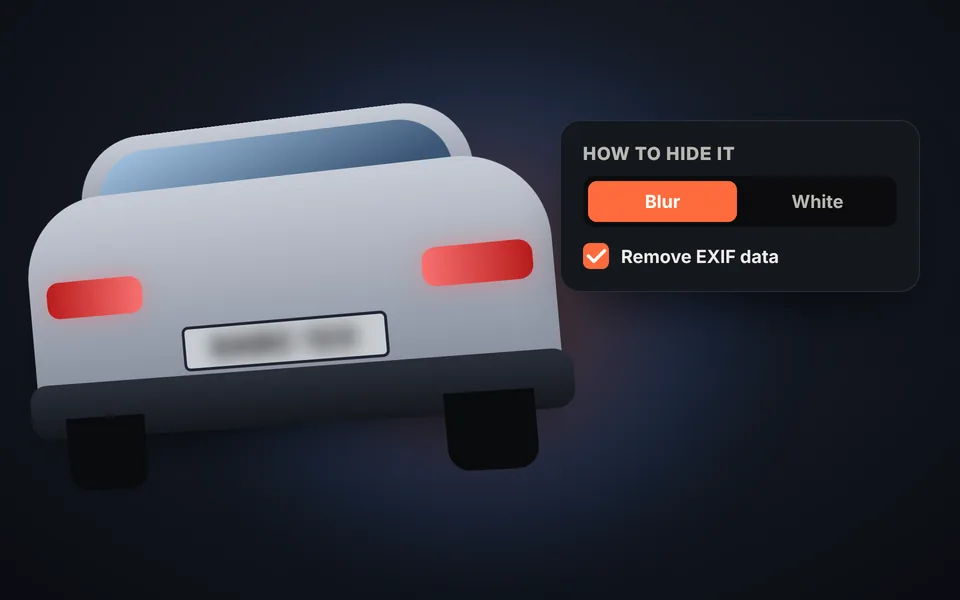
Choose how to hide it
Blur the plate or cover it with white or black, and leave EXIF data removal checked.
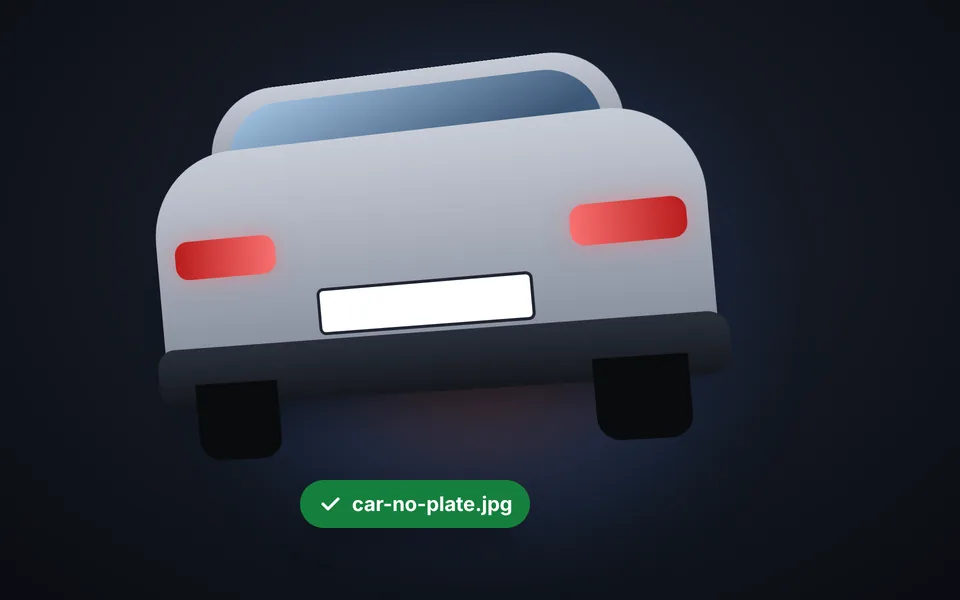
Download the photo
Download the photo with the plate hidden, ready for your listing or your social media.
Video tutorial: how to blur a license plate
In this video you'll see how the plates in a photo with two cars are found automatically, how to adjust the corners by hand, how to add or remove boxes, how to choose between blur, white or black, how to compare before and after and how to download the photo without EXIF data. Click a chapter to jump straight to that part.
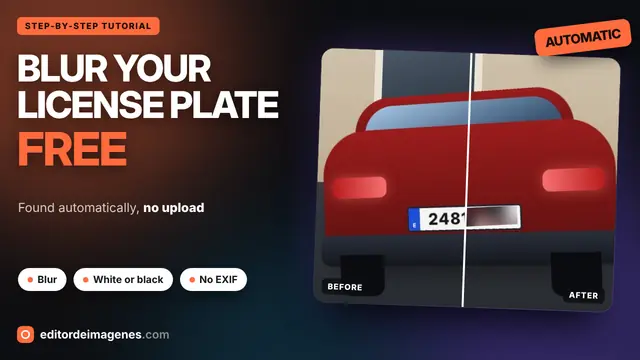
The video only loads from YouTube when you press play, and YouTube may then set its cookies. More information in the cookie policy.
Tilted plates or plates seen at an angle
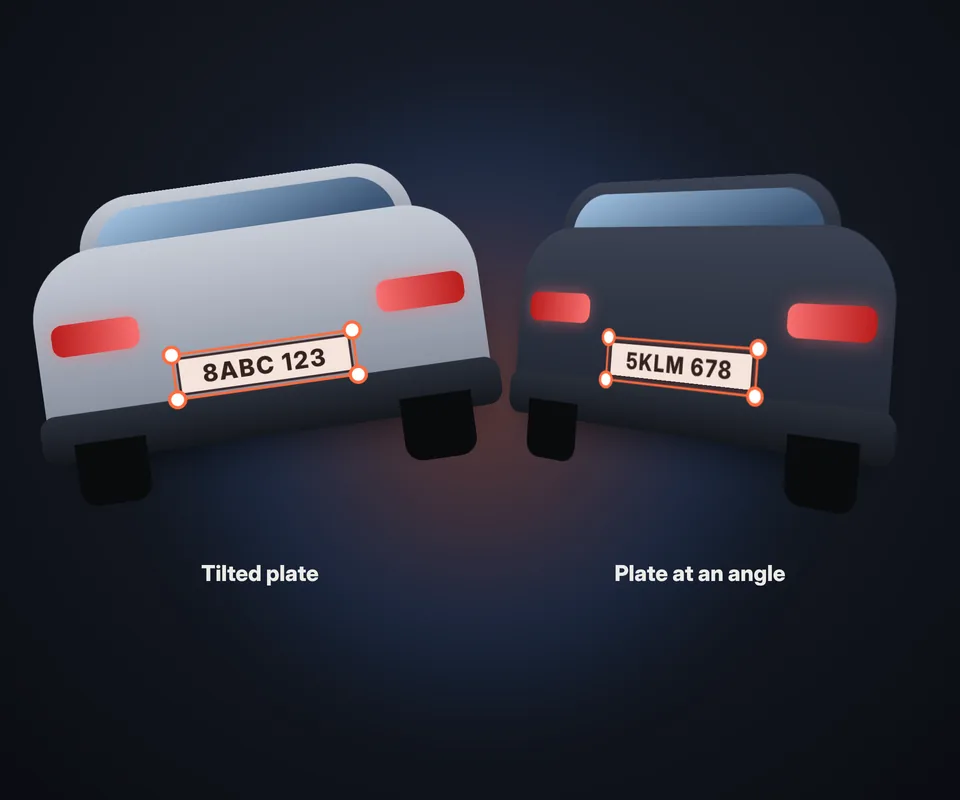
In almost no photo is the plate straight and facing the camera. That's why the box isn't a fixed rectangle, but a 4-corner shape you move one corner at a time:
- Tilted plate: if the photo is crooked, put each corner in place and the box rotates with it.
- At an angle: if the car is sideways, the plate looks like a trapezoid; adjust the corners and it's covered without hiding too much.
- Several plates: add a box for each car or motorcycle in the photo.
For a perfect selection, zoom in and check the result with the before and after comparison. You can also move the box with the keyboard: select it and use the arrow keys; hold Shift to move faster.
How to hide a motorcycle license plate
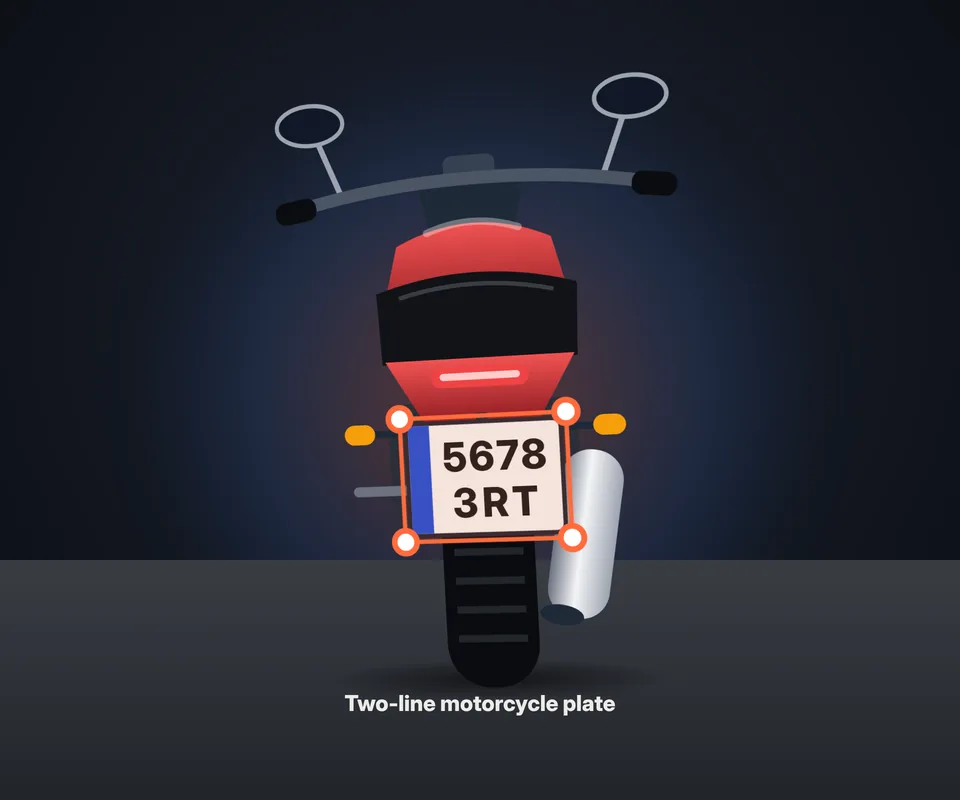
Motorcycle plates are smaller and some have the characters on two lines. The tool recognizes them just like car plates:
- Two-line plate detection: when you upload the photo, the box covers both lines at once.
- Photos from the side or from below: a motorcycle plate is often seen at an angle; adjust the 4 corners to follow its shape.
- Use zoom: since the plate is small, zoom in to place each corner precisely and check the result with the comparison.
- Motorcycle and car in the same photo: every visible plate is detected, whether it's a motorcycle or a car.
To sell your motorcycle online, take several photos and hide the plate in every one where it can be read.
Why hide the license plate before posting the photo
The plate identifies your vehicle, and anyone can see a posted photo. Hiding it is a simple precaution:
- Prevent plate cloning: with a sharp photo, fake plates can be made and used for tolls, parking or traffic violations in your name.
- Protect your privacy: together with the photo's location, the plate can reveal where you live or park.
- Sell your car or motorcycle: on Facebook Marketplace, Craigslist or Autotrader it's enough to show the vehicle; give the plate or VIN only to serious buyers.
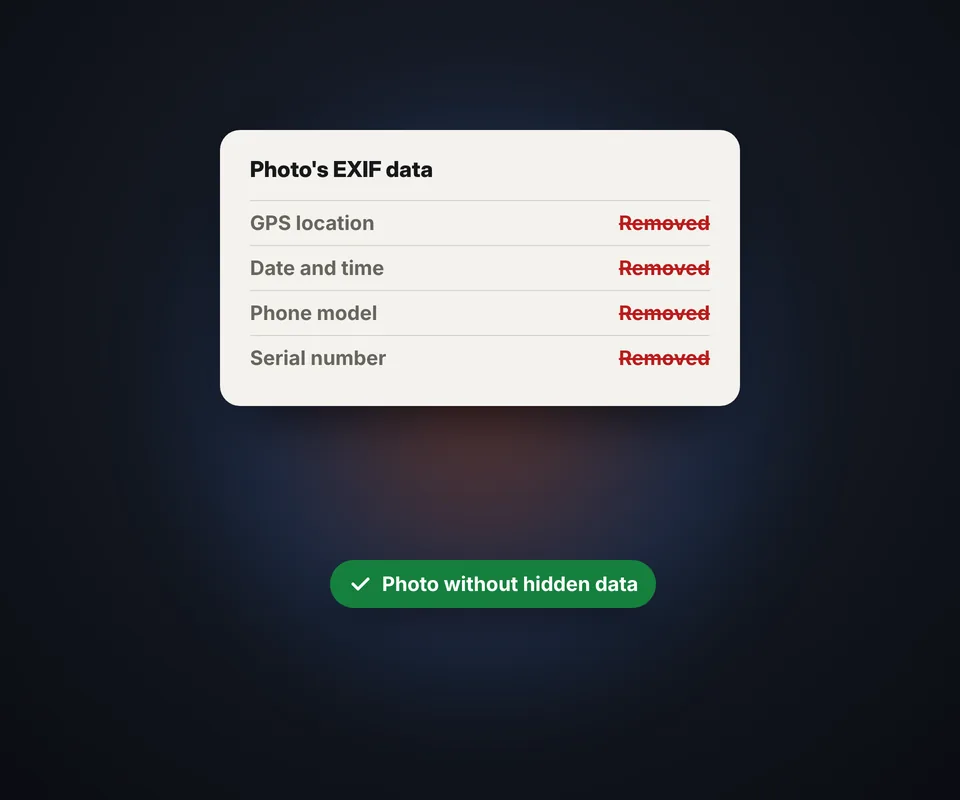
- EXIF data: phone photos store the GPS location, the date and the phone model. Once removed, the photo reveals nothing else.
If you also want to remove the metadata from other photos, use the EXIF viewer.
Blur or cover with white?
Blur looks more natural in listing photos: you can tell there's a plate, but it can't be read. Raise the strength if any character can still be made out. White or black covers the plate completely and is the safest option, because no trace of the characters is left.
In both cases the plate is hidden in the image itself when you download it: it isn't a layer that can be removed later.
Frequently asked questions
How do I hide my car's license plate in a photo?
Upload the photo, fit the 4 corners of the box to the plate, choose blur or white and download the photo. The plate stays hidden in the image.
Does it work if the plate is tilted or crooked?
Yes. The box has 4 corners that move independently, so it adapts to tilted plates and to plates seen at an angle as a trapezoid.
Does it detect the license plate automatically?
Yes. When you upload the photo, plates are found and a box is placed over each one. Check them: you can adjust the corners, remove an extra box or add another.
Can I hide several plates in the same photo?
Yes. If there are several cars or motorcycles, every visible plate is detected, and you can add more boxes by hand.
Can I zoom in to adjust the box better?
Yes. Use the + and − buttons, or Ctrl and the mouse wheel, to zoom in and place each corner precisely. With zoom on, you can drag the photo to move around it.
Does it work for motorcycle plates?
Yes. The detector recognizes motorcycle plates, which are smaller and sometimes have two lines of characters, and the box can fit any shape.
How do I hide my plate to sell my car online?
Upload the photo of the car, check the box over the plate, choose blur or white and download the photo for your listing on Facebook Marketplace, Craigslist or any other site.
What is EXIF data?
It's data the phone stores inside the photo, such as the GPS location, the date and the phone model. If you leave the option checked, it's removed when you download.
Is it better to blur or cover with white?
Blur looks more natural in a listing; white or black covers it completely and is the safest option.
Can the blur be removed afterward?
No. The plate is hidden in the pixels of the downloaded image, not in a separate layer.
Do I have to hide the plate to sell my car online?
It isn't required, but it's recommended to prevent plate cloning and protect your privacy.
Is my photo uploaded to a server?
No. The photo is processed in your browser and never leaves your device.
Is it free?
Yes, free, with no sign-up and no watermark.