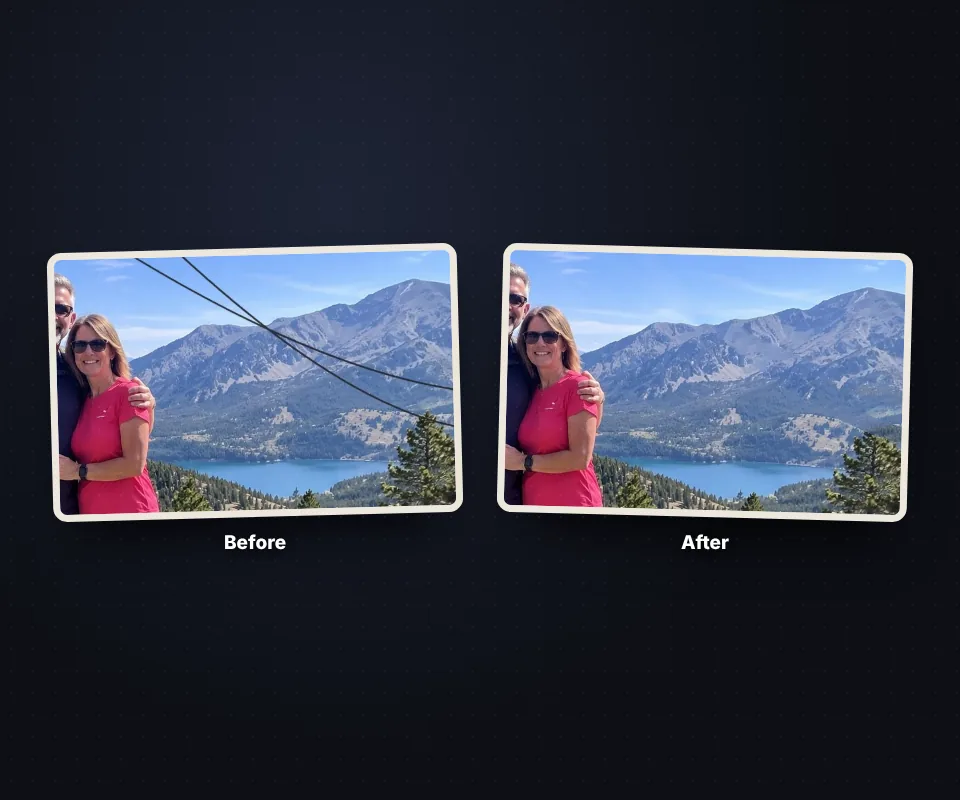
Paint what you do not want and it disappears

Remove objects from a photo

Updated

Remove what spoils your photos: people in the background, power lines, bins, signs, text or blemishes. Paint over it and our AI runs in your browser to fill the gap with the surrounding background, as if it had never been there. Repeat as many times as you like and download the photo with no watermark. Free and without uploading your photo.

Just want to try it?

  • Gratis
  • Sin marca de agua
  • Undo and redo
  • No limits
  • Your photo is not uploaded
Mark what you want to remove
40 px

[ ] change the size · Ctrl+Z undoes · the lasso surrounds large areas

Erase
Download

The photo is downloaded at its original size and without a watermark.

Everything happens in your browser: your photo never leaves your device.

How to remove objects from a photo in 4 steps
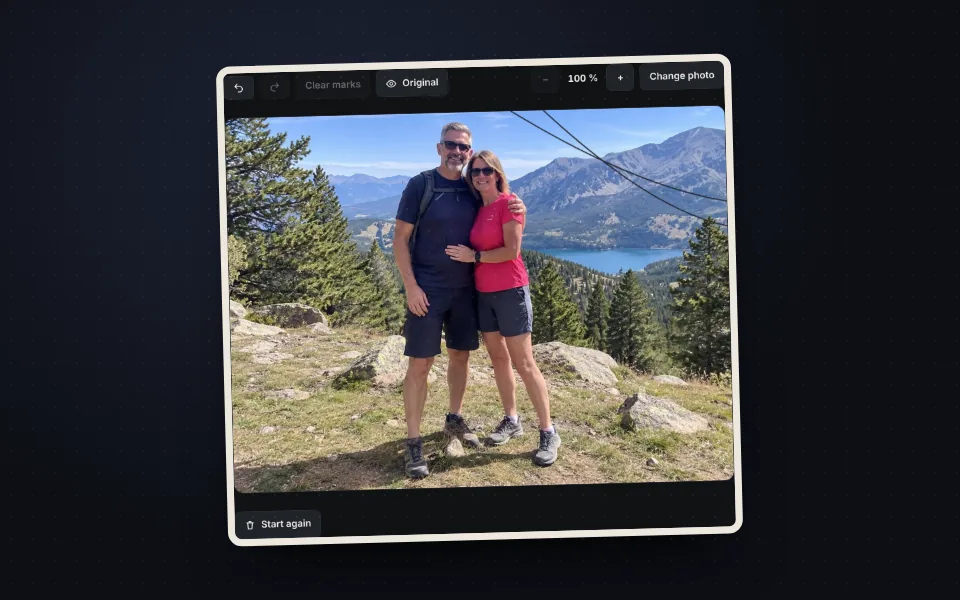
  1. Mountain photo with power lines opened in the tool

    Upload the photo

    Drag it, choose it or paste it with Ctrl+V.
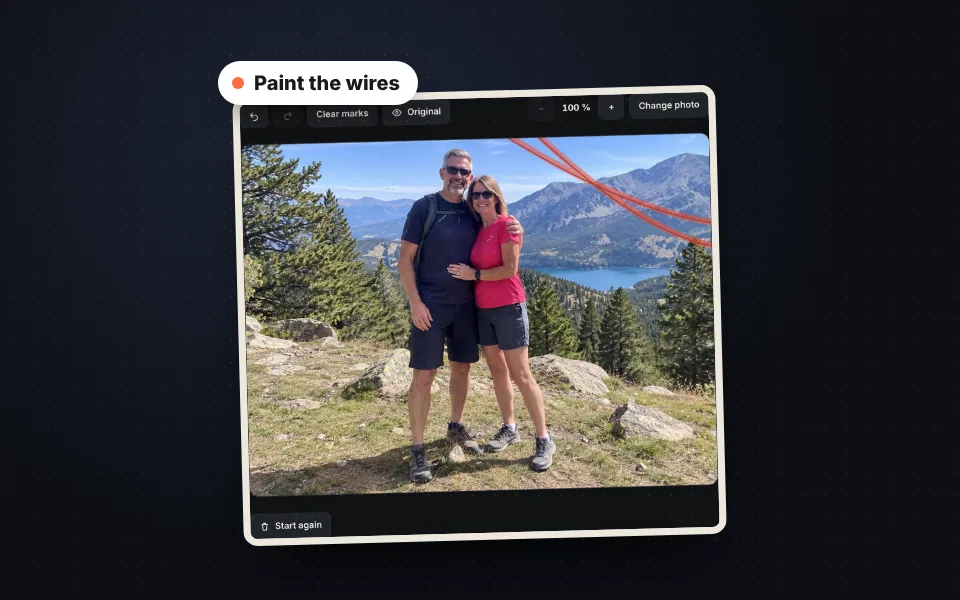
  2. Power lines painted orange with the brush to mark them

    Paint what you do not want

    With the brush or the lasso. Cover it completely, with a small margin.
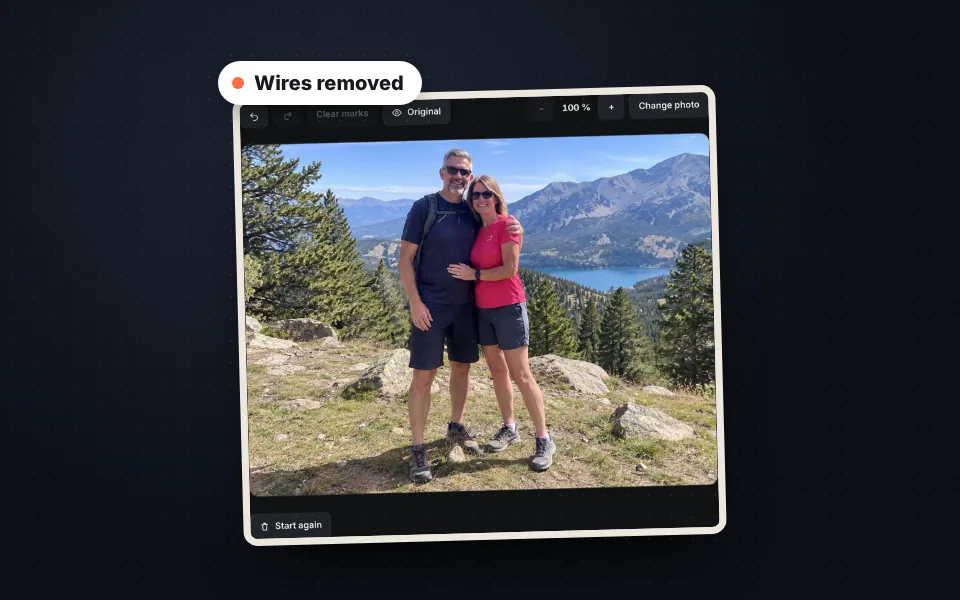
  3. The same photo with the lines removed and the sky rebuilt

    Press "Erase"

    Our AI fills the gap with the background. Repeat if anything is left.
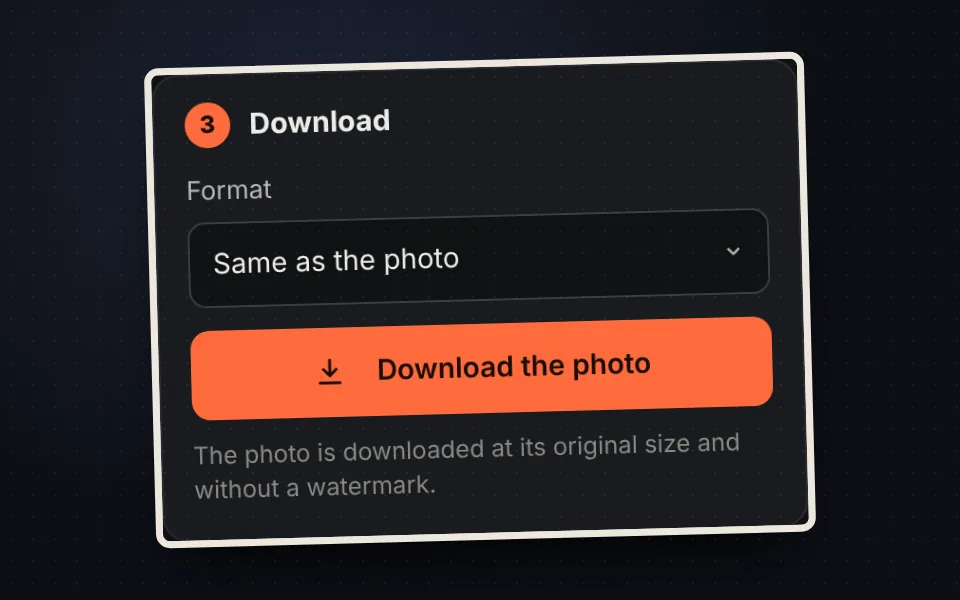
  4. Button to download the photo without the objects and without a watermark

    Download it

    At its original size and without a watermark.

What you can remove

  • People and tourists in the background of a travel photo.
  • Power lines, street lights, signs, bins and parked cars.
  • Dates, text and logos printed on the photo.
  • Spots, dust and scratches.
Mountain sky with power lines and the same sky with the lines removed

How the gap is filled

Our AI runs in your browser to look for the pieces of the photo that best match the edges of the marked area, and places them from coarse to fine until the background is rebuilt with its texture, lines and light. That is why the result keeps the photo sharp.
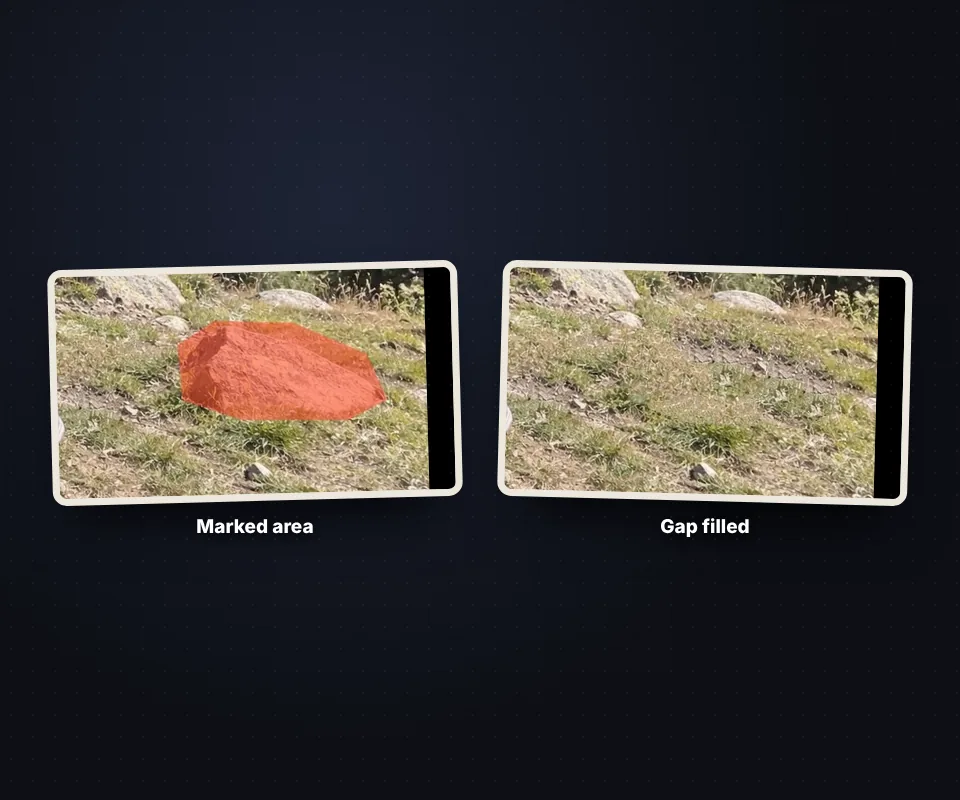
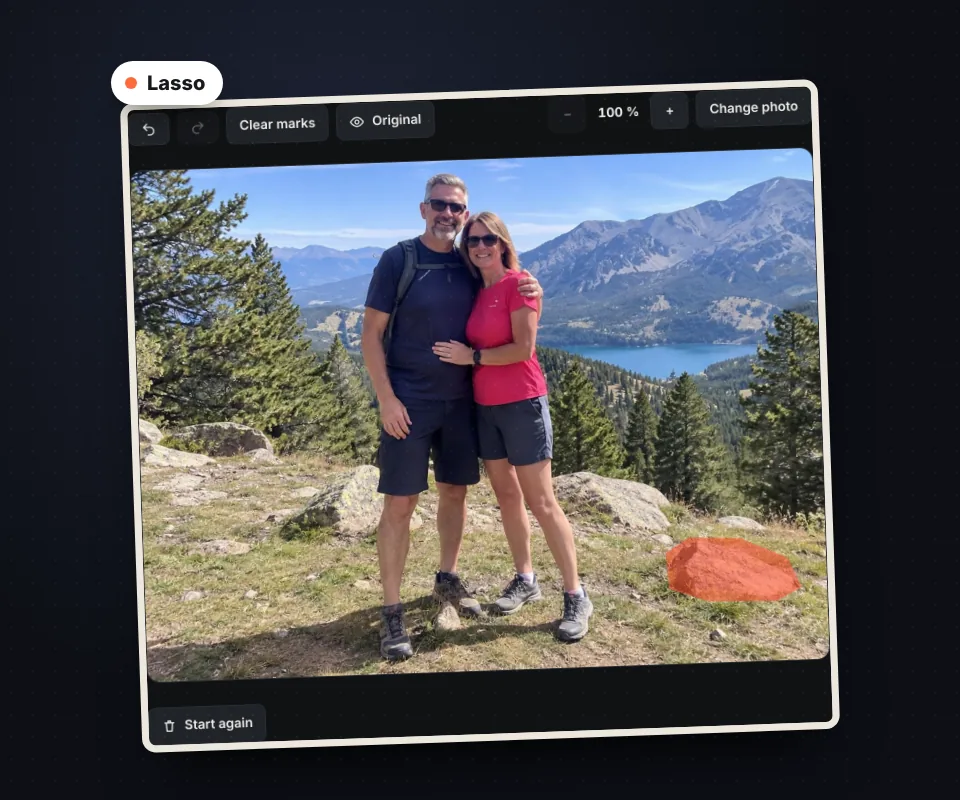
Rock marked in orange and the same ground filled with the surrounding grass

Tips for a perfect result

  • Mark the whole object, shadow included, with a little margin.
  • Remove large objects in parts.
  • Use the lasso for large areas and the eraser to fix the mark.
  • Hold Original to compare.
Rock surrounded with the lasso to mark it all at once

Your photo is not uploaded to any server

Everything happens in your browser, AI included. There is no limit and no watermark.

Frequently asked questions

How do I remove an object from a photo?

Upload the photo, paint over the object and press "Erase marked area".

Can I remove people?

Yes. Mark them completely, with their shadow.

Does it remove power lines?

Yes, the sky is rebuilt almost perfectly.

What if something is left?

Paint it and erase again.

Can I undo?

Yes, with Ctrl+Z, and redo with Ctrl+Y.

Does it lose quality?

No. Only the marked area changes.

Is my photo uploaded?

No. Everything happens in your browser.

Is it free?

Yes, free and with no watermark.

Was this tool helpful?

Your rating helps other people find it and helps us improve it.

Your rating, from 1 to 5 stars

–of 5

No ratings yet. Be the first to rate it!

  • 5 ★0stars: 0 votes
  • 4 ★0stars: 0 votes
  • 3 ★0stars: 0 votes
  • 2 ★0stars: 0 votes
  • 1 ★0star: 0 votes

Real ratings from people who use this website: one vote per person and tool, no incentives, and we never remove negative ones. How they work.