How to compress a PDF in 4 steps
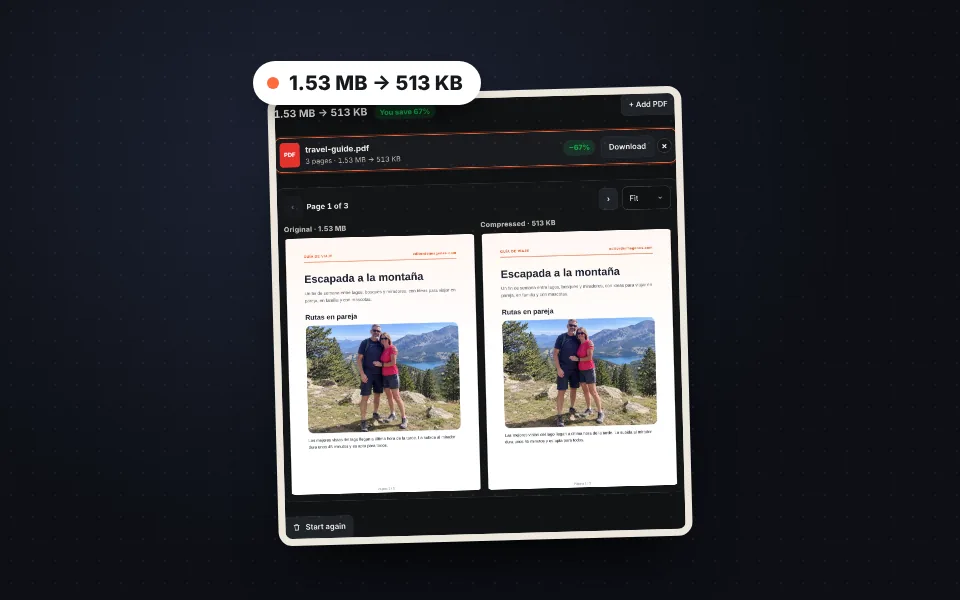
Upload the PDF
Drag one or more PDFs or choose them. They are compressed straight away.
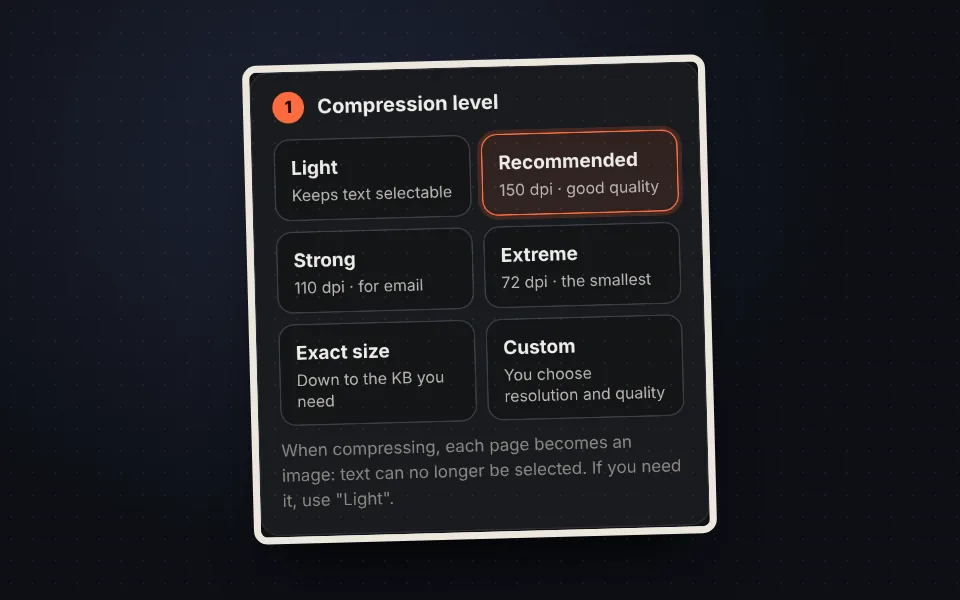
Choose the level
Recommended for most cases, or the exact size in KB.
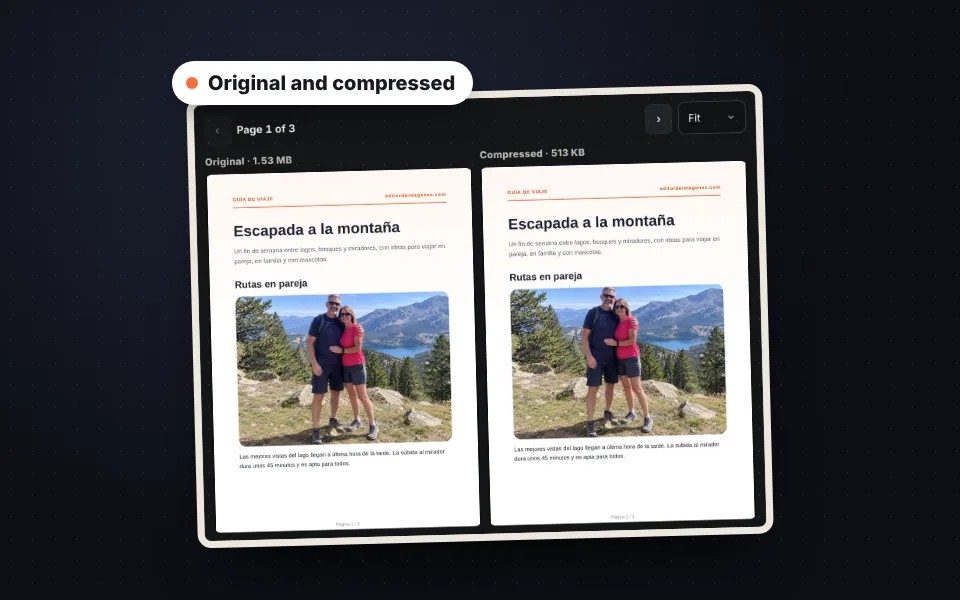
Compare
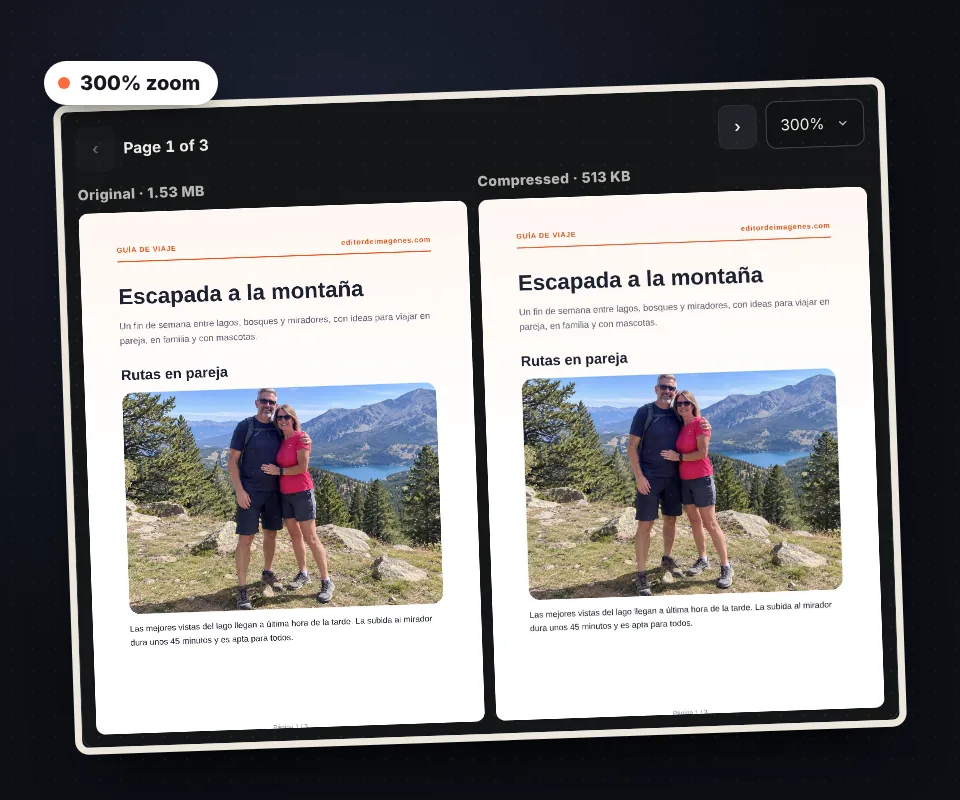
Check that the text still reads well with the zoom.
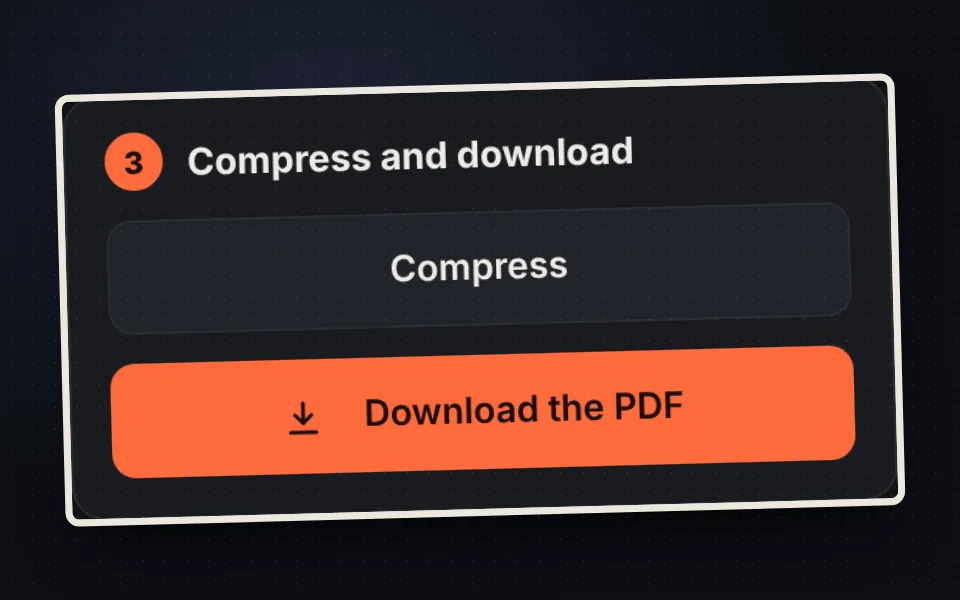
Download it
One by one or all together in a ZIP.
Compression levels
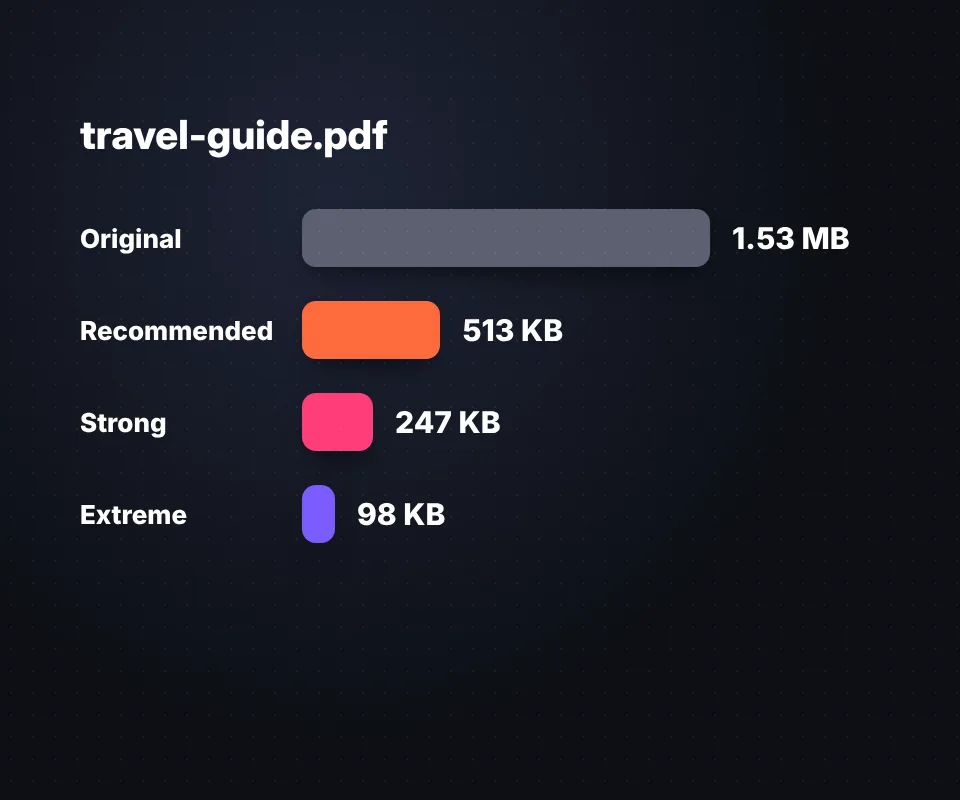
Each level turns the pages into images with a different resolution and quality:
- Light: keeps the text selectable and only removes unnecessary data.
- Recommended: 150 dpi, good quality for reading and printing.
- Strong: 110 dpi, ideal for email.
- Extreme: 72 dpi, the smallest file.
Compress a PDF to the exact KB
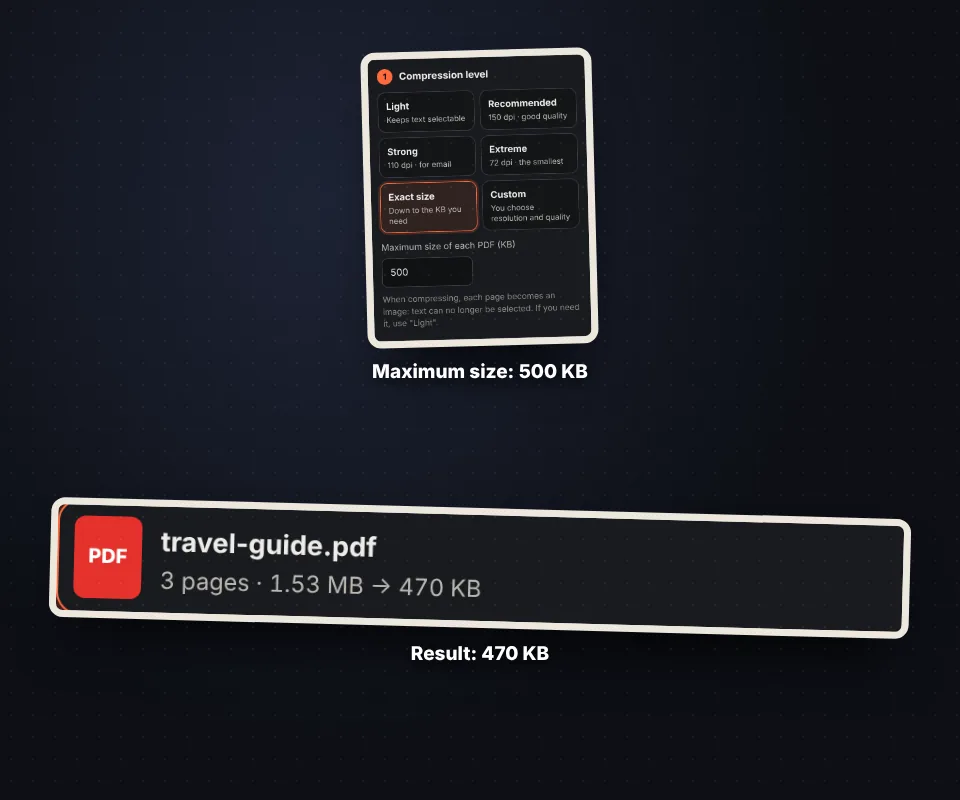
Many online forms ask for PDFs under 500 KB, 1 MB or 2 MB. Choose Exact size, type the KB and the tool tries several qualities until it gets the best one that fits.
Compare before downloading
The original and compressed page are shown side by side, with synchronized scrolling and zoom up to 300%, so you can check that the text is still sharp before downloading.
Your PDFs are not uploaded to any server
Compression happens in your browser. Your documents are not sent anywhere, so you can compress contracts, invoices or ID documents safely.
Frequently asked questions
How do I compress a PDF?
Upload it, choose a level and download it. The recommended level reduces most PDFs by 60% to 90%.
Can I compress a PDF to a specific size?
Yes. Choose "Exact size" and type the maximum KB.
Can I still select the text?
With "Light", yes. The other levels turn pages into images.
Does it work with password-protected PDFs?
Yes, the tool asks for the password.
Can I compress several PDFs at once?
Yes, and download them all in a ZIP.
Are my PDFs uploaded to a server?
No. Everything happens in your browser.
Is it free?
Yes, free, with no sign-up and no watermark.