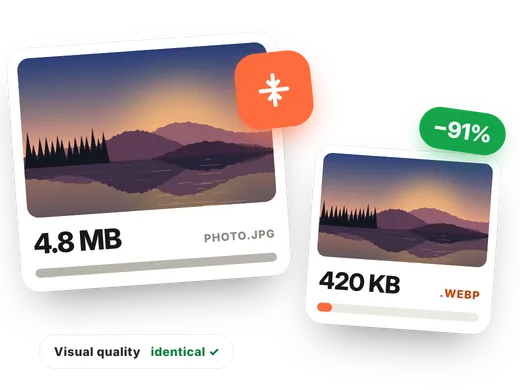
How to compress an image in 4 steps
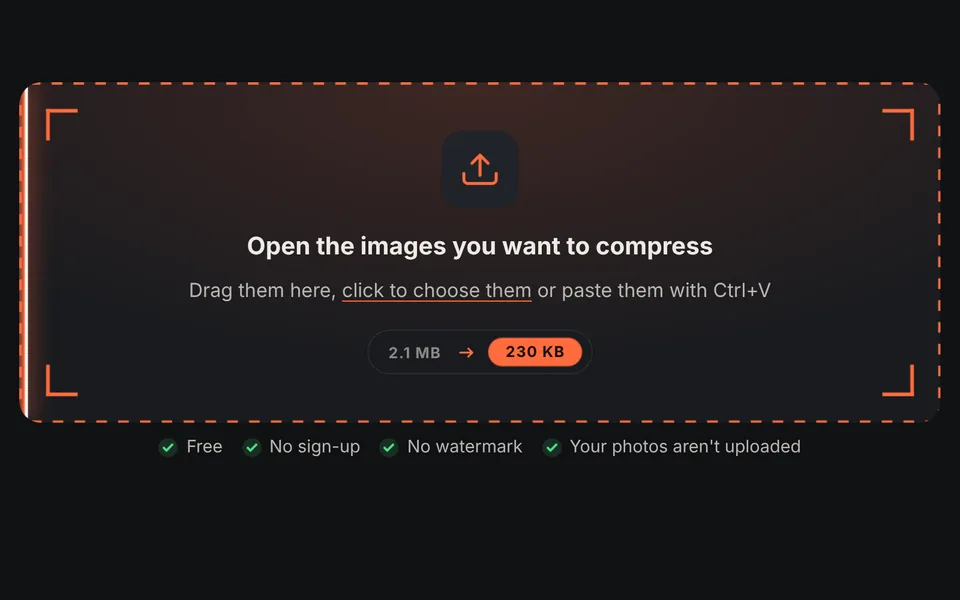
Add the images
Drag one or more photos. On this page compression starts right away at 75% quality and in WebP format.
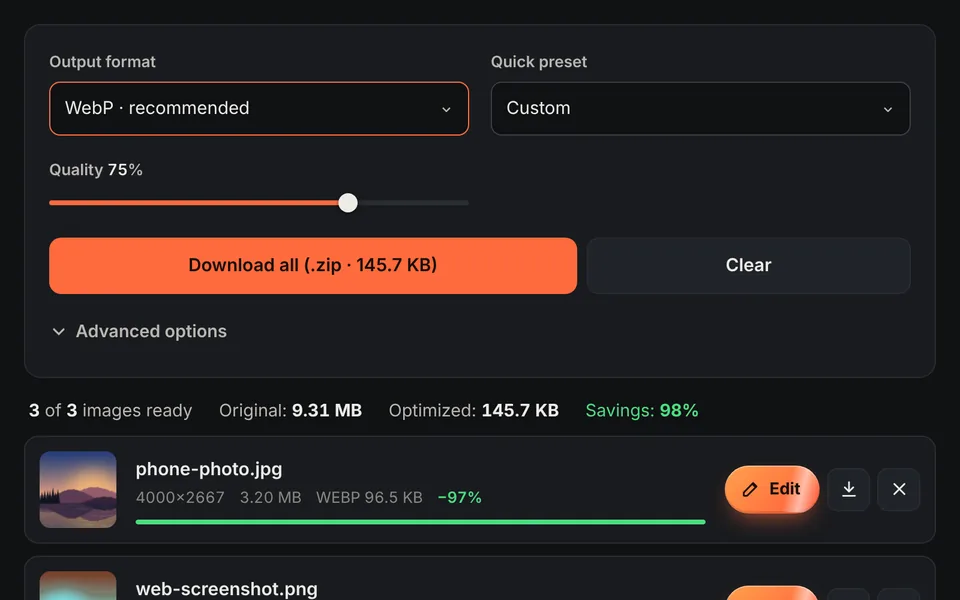
Choose format and quality
WebP or AVIF compress much more than JPG. Lower the quality for more savings, or raise it if you notice a loss.
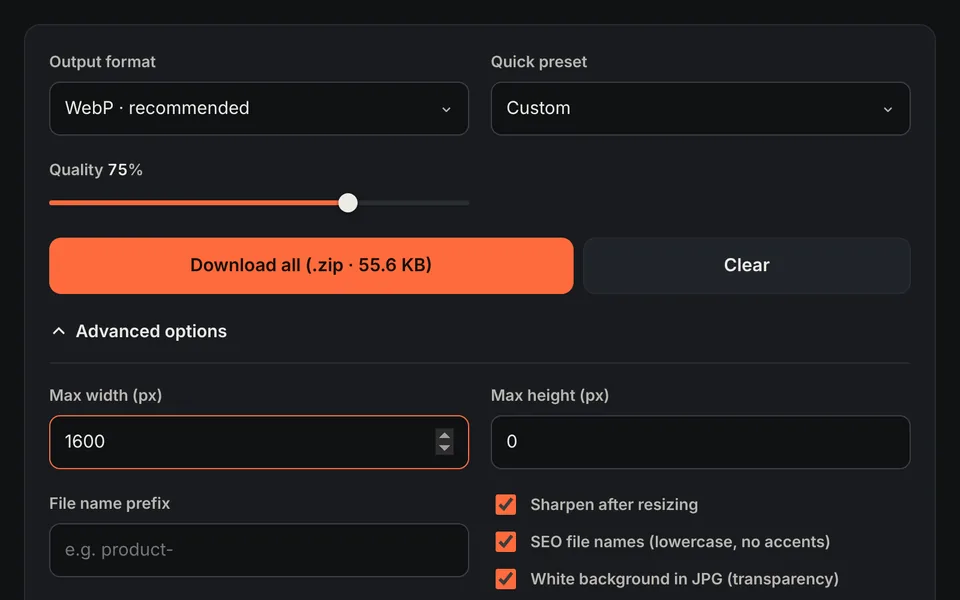
Limit the size
In "Advanced options" set a maximum width: it's the most effective way to shrink large photos.
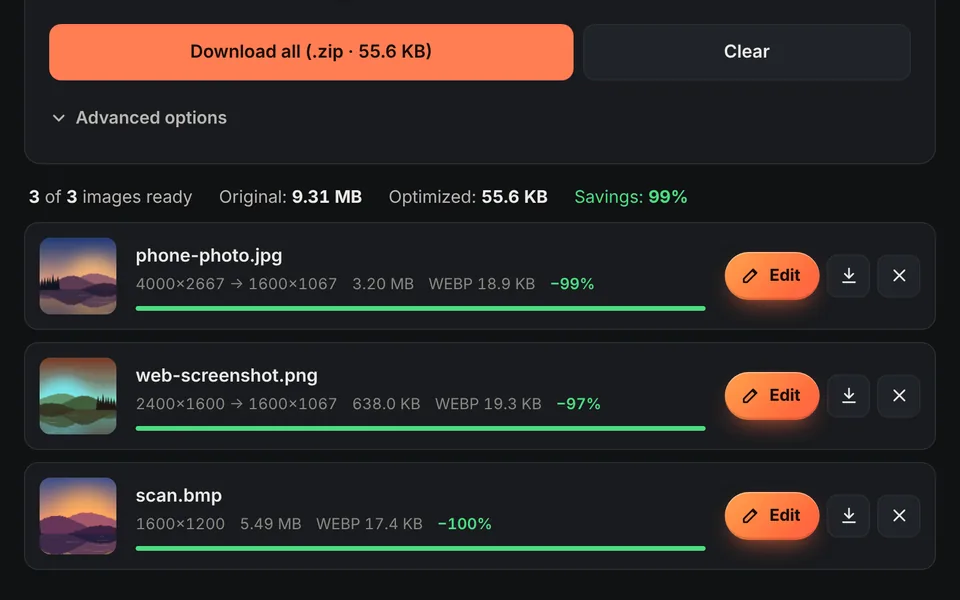
Download
Check the savings for each image and download them one by one or all together in a ZIP.
Video tutorial: how to compress images
In this video you'll see how to compress several photos at once and go from 17.7 MB to 1.6 MB: adjust the quality, choose the format, use the quick profiles, limit the size in pixels and download them all as a ZIP. Click a chapter to jump straight to that part.
The video only loads from YouTube when you press play, and YouTube may then set its cookies. More information in the cookie policy.
Why compress your images
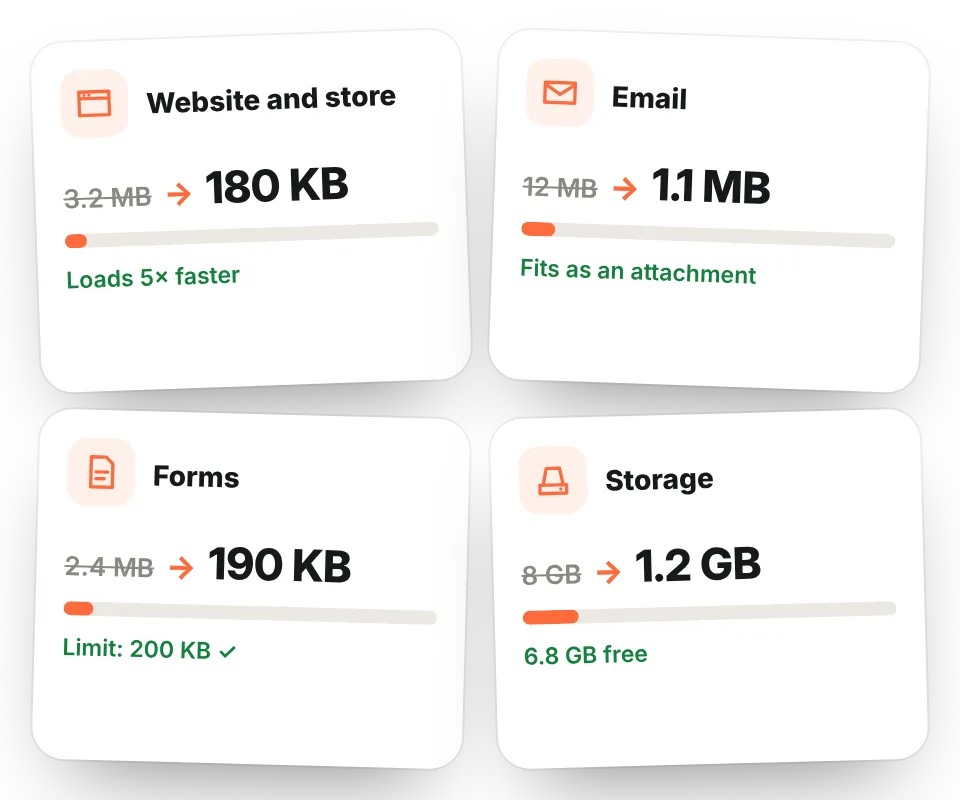
A photo taken with a phone can weigh 3, 5 MB or more. To send it by email, upload it to a website or attach it to a form, that's too much. Compressing an image reduces its size in kilobytes while keeping practically identical visual quality.
- Faster websites and online stores, with a better experience and better Google rankings.
- Emails and messages that stay within attachment limits.
- Forms and applications that require images under a certain size.
- More free space on your phone, in the cloud or on your hosting.
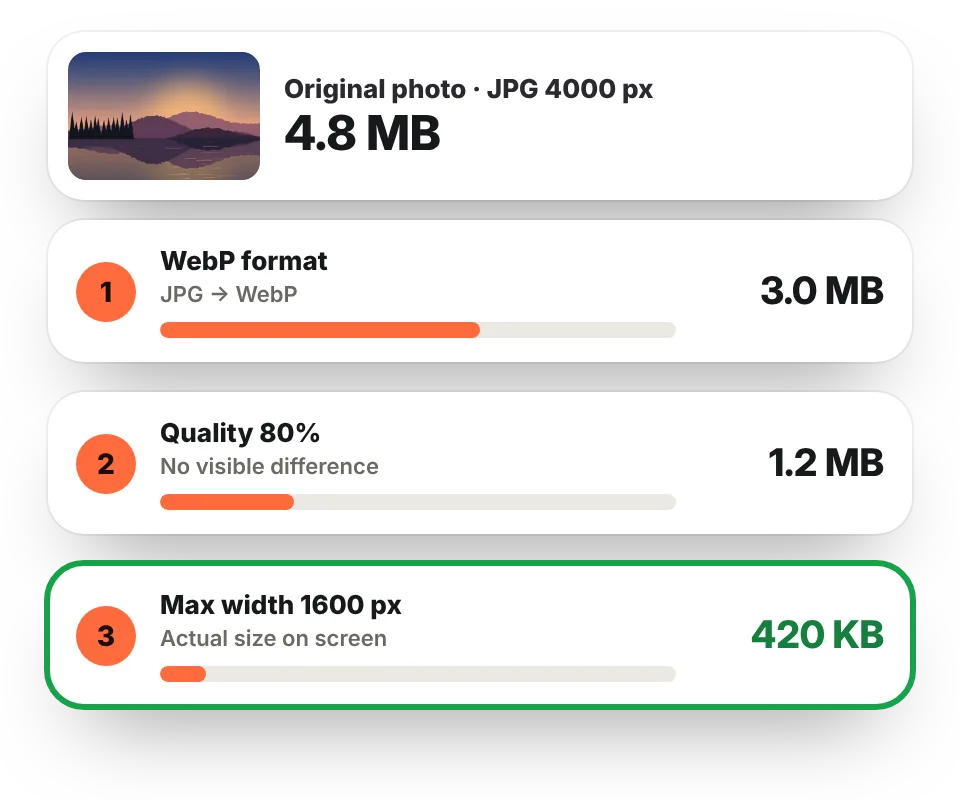
The three keys to reducing an image's file size
1. Use a modern format
Converting from JPG or PNG to WebP or AVIF saves the most space without losing quality. A PNG photo can go from several megabytes to a few hundred kilobytes.
2. Adjust the quality
Between 70% and 85% the difference from the original is almost impossible to see, but the file is much lighter. Below 60%, artifacts may appear in gradients and edges.
3. Reduce the dimensions
A 4000-pixel-wide photo displayed at 1200 pixels is wasting space. Set a maximum width in "Advanced options" or choose a quick preset (Web, Blog, Online store, Email). Learn more in resize image.
What quality to choose for each use
| Use | Format | Quality | Max width |
|---|---|---|---|
| Website or blog | WebP | 75–80% | 1200–1600 px |
| Online store | WebP | 80–85% | 1000–1500 px |
| Social media | JPG | 85–90% | 1080 px |
| JPG | 70–75% | 800–1000 px | |
| Printing | JPG | 90–95% | Original |
| Logos and screenshots with text | PNG or WebP | — | Depends on use |
100% private compression
Many online compressors upload your photos to their servers and limit the number or size of files. Here compression happens in your browser: no limits, no upload wait and your images never leave your device. If you just need to change the format, visit convert to WebP, and if you're asked for a specific limit in KB, use reduce image size in KB.
Frequently asked questions
How do I reduce an image's file size without losing quality?
Convert it to WebP or AVIF at 75–85% quality and reduce its width to the size it will be displayed at. That way it usually weighs 60% to 90% less with no visible difference.
How do I compress a JPG image?
Open the JPG on this page. You can keep it as JPG by lowering the quality to 70–80% or, to compress more, convert it to WebP.
How do I compress a PNG?
Photos saved as PNG are very large. Convert them to WebP (which keeps transparency) or to JPG if they have no transparency: the savings are usually huge.
How do I make an image smaller than 1 MB or 200 KB?
Set a maximum width (for example 1200 px) and lower the quality gradually. The final size is shown on each image so you can check that it meets the limit. For an exact limit, use reduce image size in KB.
Is there a limit on images or size?
No. You can compress as many images as you want; the only limit is your device's memory.
Are my images uploaded to a server?
No. Compression happens in your browser and your photos never leave your device.