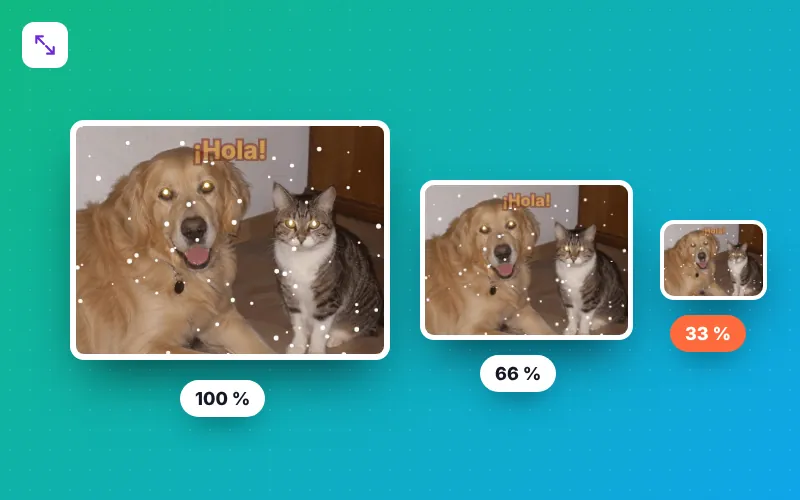
How to resize a GIF in 4 steps
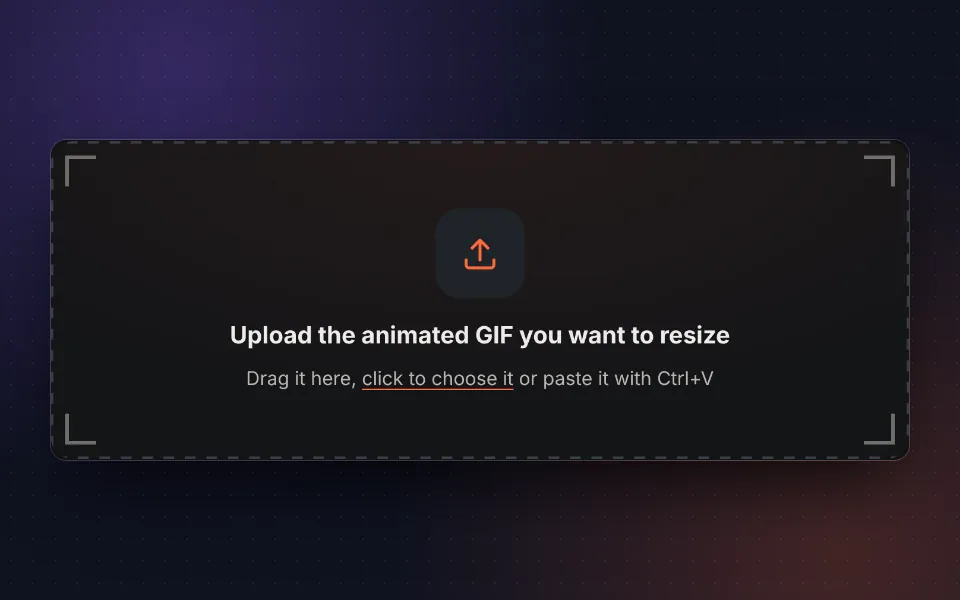
Upload the GIF
Drag your animated GIF, choose it or paste it with Ctrl+V. You can also try the sample.
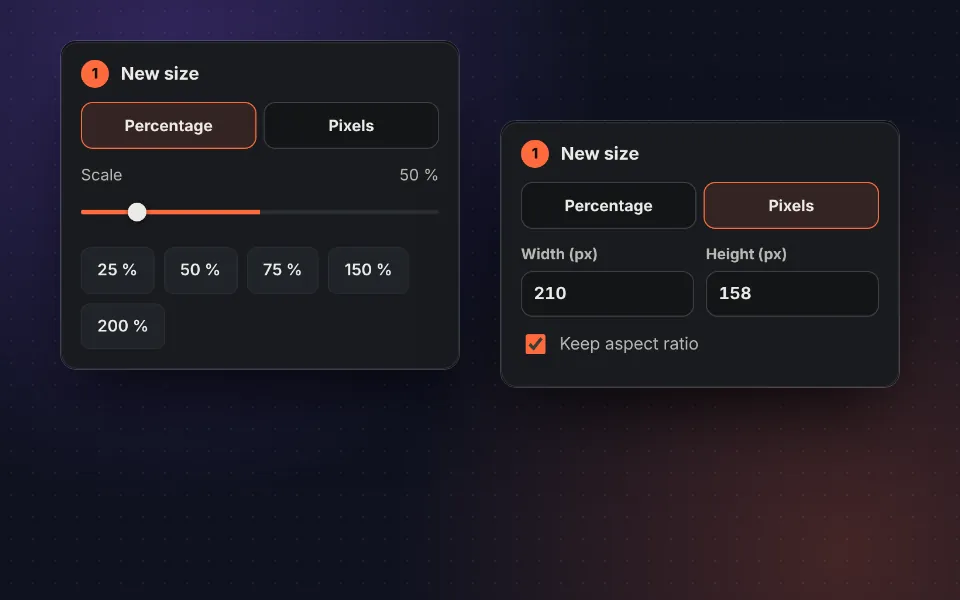
Choose the size
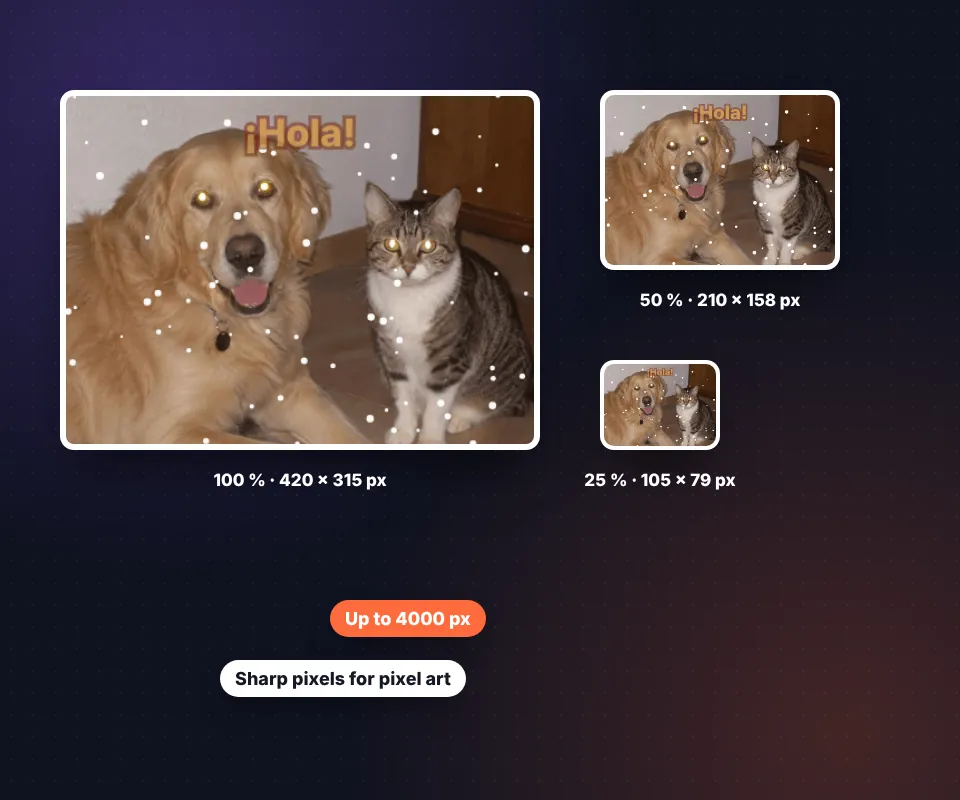
Use a percentage such as 50 % or type the width and height in pixels.
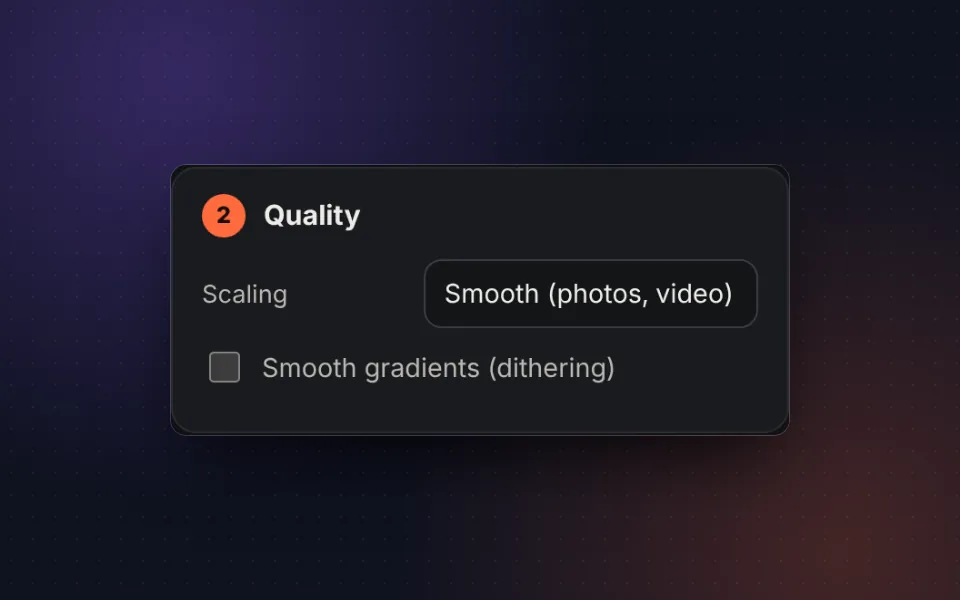
Choose the quality
Smooth for photos and videos, or Sharp pixels for drawings and pixel art.
Resize and download
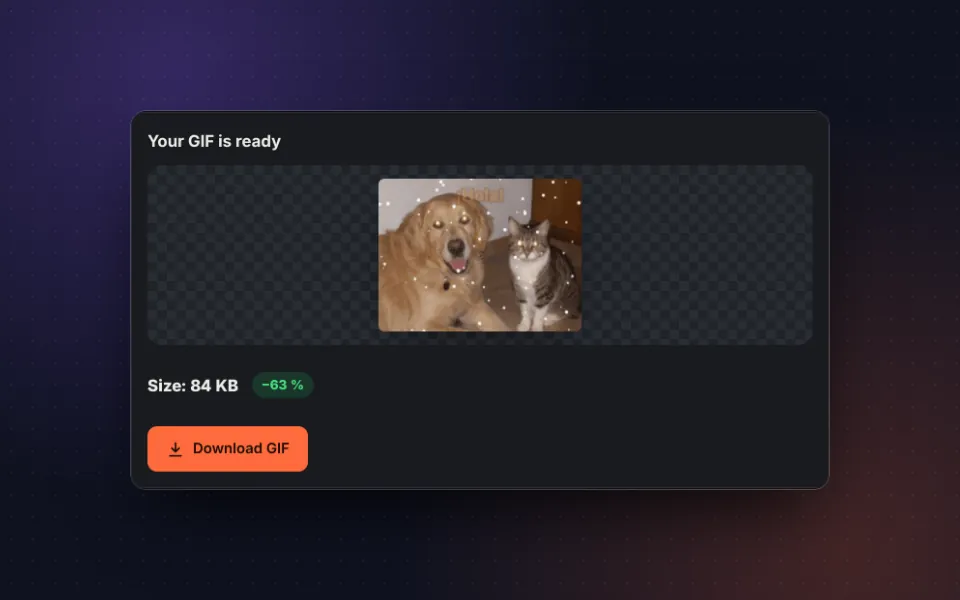
Press Resize GIF, compare the size with the original and download it.
Change the size of a GIF without it stopping
If you open a GIF in a regular photo editor and make it smaller, most likely only the first frame will be saved. This tool to resize animated GIFs processes every frame one by one, keeps their timing and looping, and rebuilds the animation at the new size.
The most common use is to reduce the size of a GIF so it weighs less and can be sent over WhatsApp, email or Discord, or loads faster on a website. But you can also enlarge a small GIF, such as a video game sprite or an emoji, and with Sharp pixels mode the edges stay perfect, without blurring.
Common GIF sizes
- Discord and Slack emojis: 128 × 128 px.
- Telegram stickers: 512 px on the longest side.
- WhatsApp, Telegram and social media: 320 to 480 px wide.
- Websites and blogs: 600 to 800 px wide, depending on the design.
- Email signatures: less than 300 px wide so it loads quickly.
Need to change the shape as well? First crop the GIF to the ratio you want and then resize it.
How much a GIF weighs depending on its size
The size of a GIF grows with the number of pixels. These are approximate values for a 3-second GIF at 10 frames per second:
| Width | Pixels per frame | Approximate size |
|---|---|---|
| 240 px | 43,200 | 200-500 KB |
| 320 px | 76,800 | 400-900 KB |
| 480 px | 172,800 | 0.8-2 MB |
| 640 px | 307,200 | 1.5-3.5 MB |
| 800 px | 480,000 | 2.5-5 MB |
If you want to cut the size even more without changing the dimensions, use compress GIF, which reduces colors and stores only what changes between frames.
Privacy: your GIF never leaves your device
The whole process happens in your browser. The GIF is not uploaded to any server, it is not stored and nobody else can see it.
Frequently asked questions
How do I resize an animated GIF?
Upload the GIF, choose the new size as a percentage or type the width and height in pixels and press Resize GIF. Every frame is resized and the animation is kept.
Will the GIF get distorted when resizing?
No, as long as Keep aspect ratio is on: when you change the width, the height is calculated automatically. If you turn it off you can stretch it to an exact size.
Can I make a GIF bigger?
Yes, up to 4000 pixels per side. For drawings and pixel art choose Sharp pixels, which enlarges without blurring the edges.
Does making it smaller reduce the file size?
Yes. Halving the width and height gives the GIF four times fewer pixels, and it usually ends up three to four times lighter.
What size is best for WhatsApp or Discord?
For messaging and social media, 320 to 480 pixels wide is enough. Discord custom emojis are shown at 128 × 128 px and Telegram stickers at 512 px.
Does the GIF lose quality?
When shrinking, high-quality scaling is used to avoid jagged edges, and the colors are recalculated for the new size.
Is it free and without a watermark?
Yes. It is free, there is no sign-up and no watermark.
Is the GIF uploaded to a server?
No. The GIF is processed in your browser and never leaves your device.