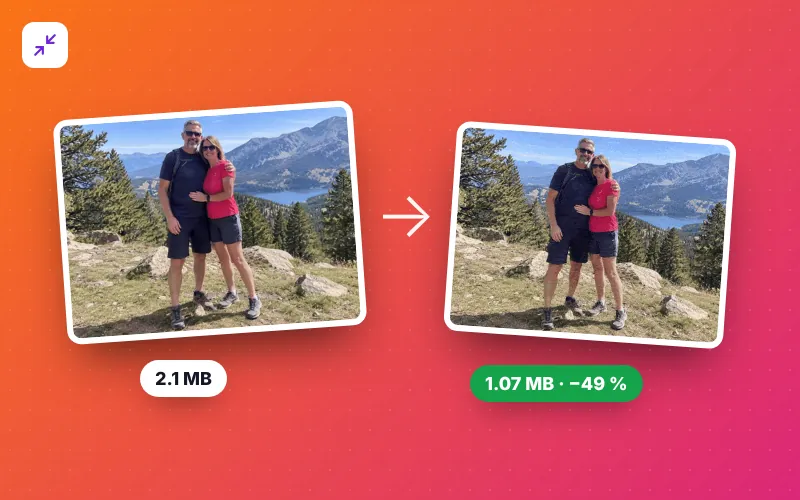
How to compress a GIF in 4 steps
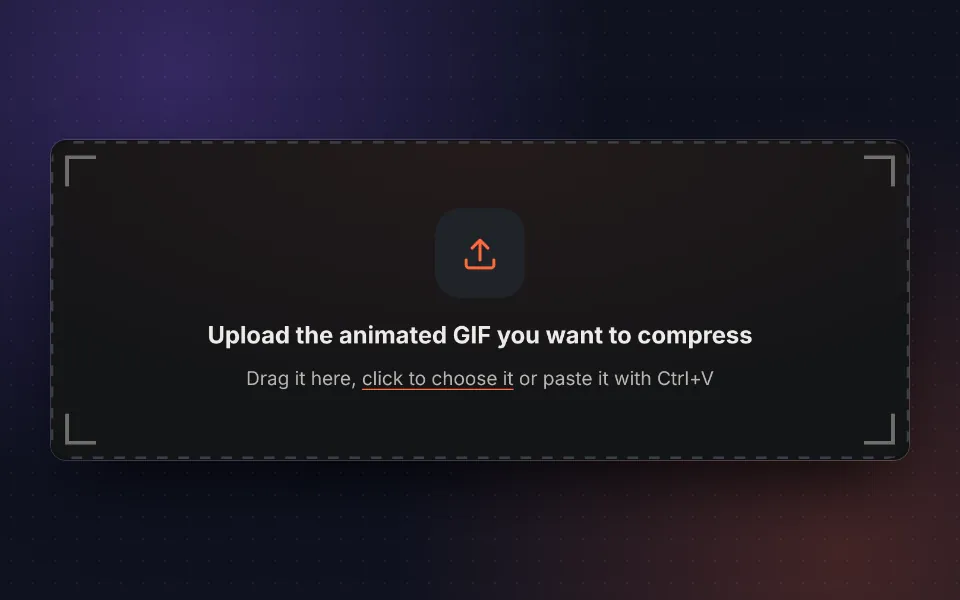
Upload the GIF
Drag your animated GIF, choose it or paste it with Ctrl+V. You can also try the sample.
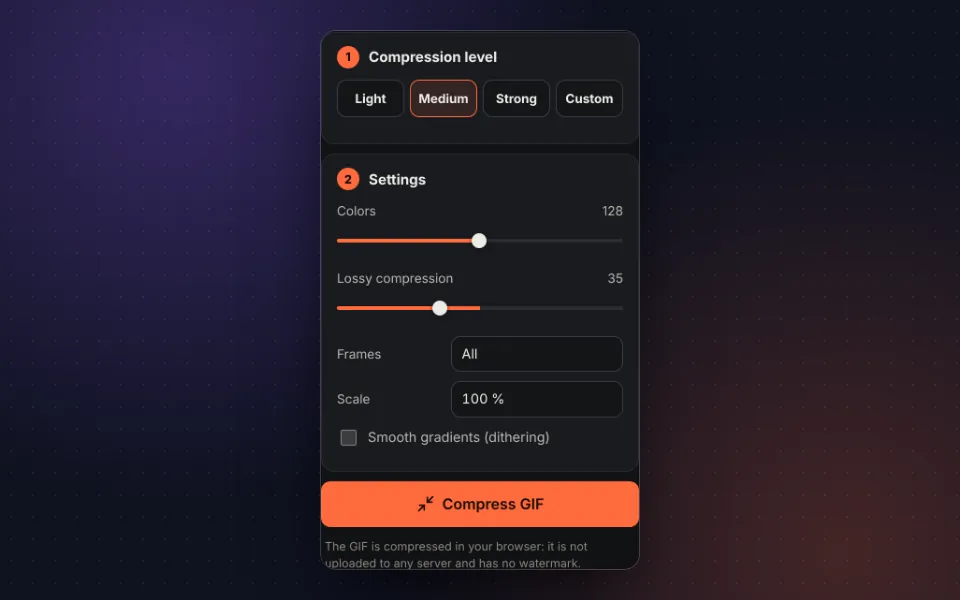
Choose the level
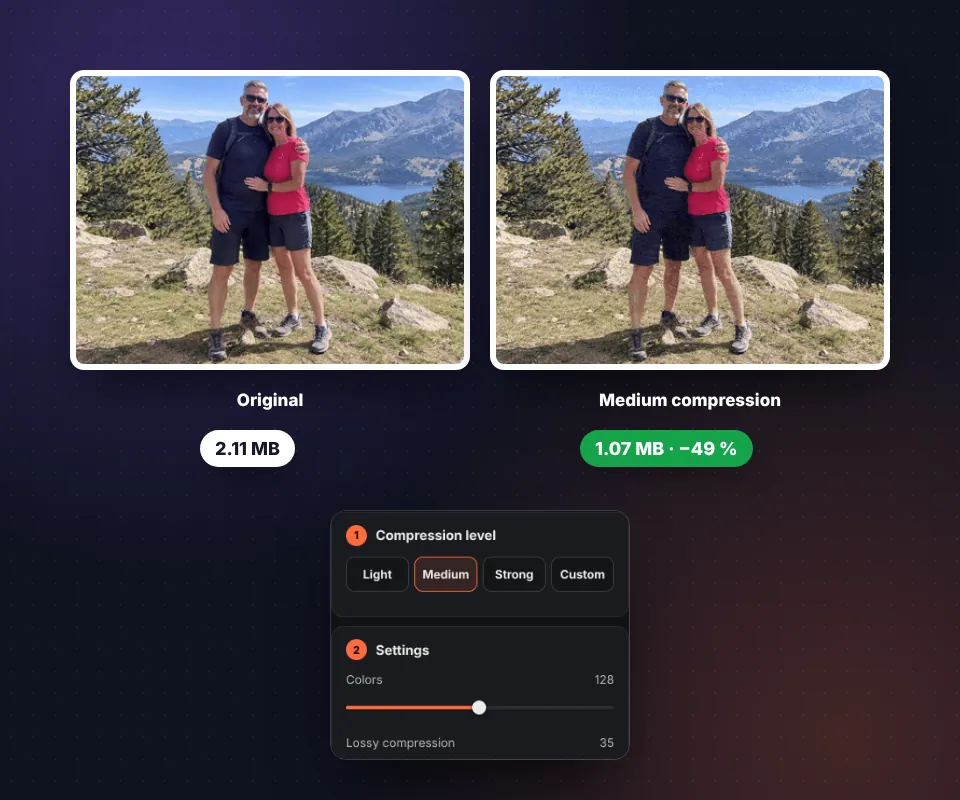
Light, medium or strong. If you like, adjust colors, loss, frames and scale by hand.
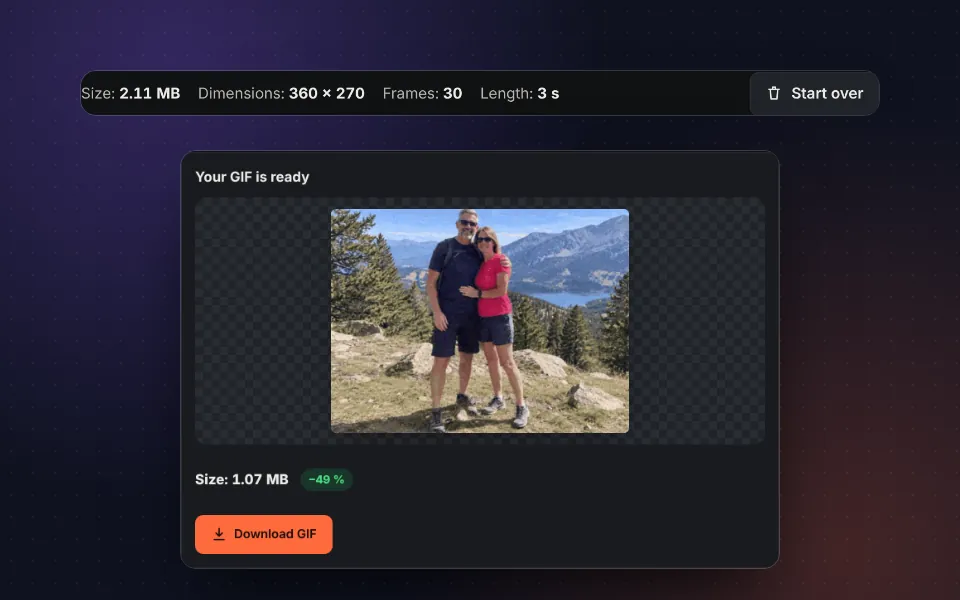
Compare the result
Look at the compressed GIF, its new size and the percentage you saved.
Download it
Press Download GIF or share it directly from your phone.
Why GIFs are so heavy and how they are optimized
The GIF format dates from 1987 and stores each frame almost as a complete image, with at most 256 colors. That is why a GIF lasting a few seconds can weigh several megabytes. To compress a GIF without losing the animation, this tool combines four techniques:
- Optimized palette: picks the colors that best represent each frame and removes the rest.
- Only what changes: in each frame it stores only the area that moves and leaves the rest transparent.
- Lossy compression: groups pixels of almost identical colors so the GIF's internal compression works better, and treats pixels that barely change from one frame to the next as equal. This is what reduces GIFs made from video the most.
- Fewer frames or smaller size: if you need to go further, it removes in-between frames or reduces the scale.
Which compression level to choose
- Light: keeps all 256 colors with minimal, barely noticeable loss. Ideal for high-quality GIFs or GIFs with text.
- Medium: the best balance between size and quality for most GIFs.
- Strong: 64 colors, one frame in two and 75 % scale. For when size is all that matters.
- Custom: move any setting and create your own combination.
If your GIF has very large dimensions, it is sometimes best to resize the GIF first and then compress it.
GIF size limits in apps and social media
| Platform | Maximum size |
|---|---|
| Discord (without Nitro) | 10 MB per file |
| Discord emojis | 256 KB |
| Slack (emojis) | 128 KB |
| X (Twitter) | 15 MB |
| Giphy | 100 MB (under 8 MB recommended) |
| Ideally under 1 MB |
Limits can change; check them on each platform if you are close to the limit.
Privacy: your GIF never leaves your device
The compression happens in your browser. The GIF is not uploaded to any server, it is not stored and nobody else can see it.
Frequently asked questions
How do I reduce the size of an animated GIF?
Upload the GIF, choose a compression level (light, medium or strong) and press Compress GIF. You will see the new size and how much you saved before downloading it.
How much can a GIF be compressed?
It depends on the GIF. Those made from video usually shrink by 40 to 80 %. Those already optimized, like many GIFs from the internet, shrink less.
Does compressing reduce quality?
With the light level the difference is barely noticeable. Stronger levels reduce colors and frames, so it is worth comparing the result with the original before downloading it.
What does each setting do?
Colors limits the palette, Lossy compression groups pixels of almost identical colors and ignores small changes between frames, Frames removes one in every two or three and Scale reduces the dimensions. Each one cuts the size in a different way.
How do I make a GIF under 10 MB for Discord?
Start with the medium level. If it is still too heavy, use the strong level or reduce the scale to 75 %, which on its own almost halves the size.
Is the animation speed kept?
Yes. When frames are skipped, the time of the removed ones is added to the previous frame, so the animation lasts the same.
Why is the GIF sometimes larger?
If the original was already highly optimized, compressing it again with the light level may not improve anything. Try the medium or strong level.
Is it free and without a watermark?
Yes. It is free, there is no sign-up, no usage limit and no watermark.
Is the GIF uploaded to a server?
No. The GIF is compressed in your browser and never leaves your device.