New 2027 photo calendar to print
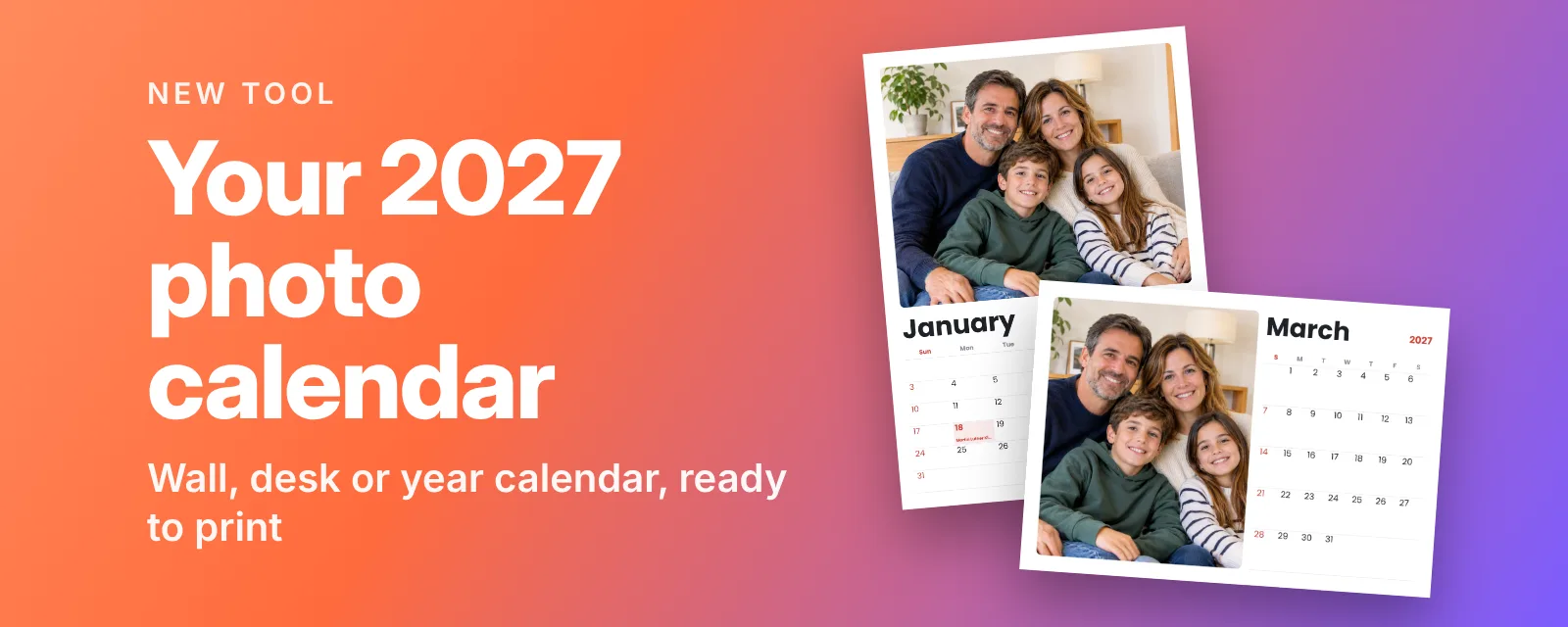
You can now make your 2027 photo calendar on EditorDeImagenes.com: wall, desk or year calendar, with a different photo every month, holidays already marked and your family's birthdays. When you're done, you download it as a PDF to print, for free and without uploading your photos to any server.
Why a 2027 calendar already in November?
For the same reason as the Christmas special: Google takes days or weeks to discover, crawl and index a new page, and this website still has little authority, so its pages take longer to show up in the results. If I published it in December, when people search for it most, it would be too late.
Also, a photo calendar is one of the most typical Christmas gifts, especially for grandparents, and it has to be prepared and printed in advance. Unlike Christmas cards, people keep looking for calendars in January and February, so it will stay available after the holidays.
What you can do with the tool
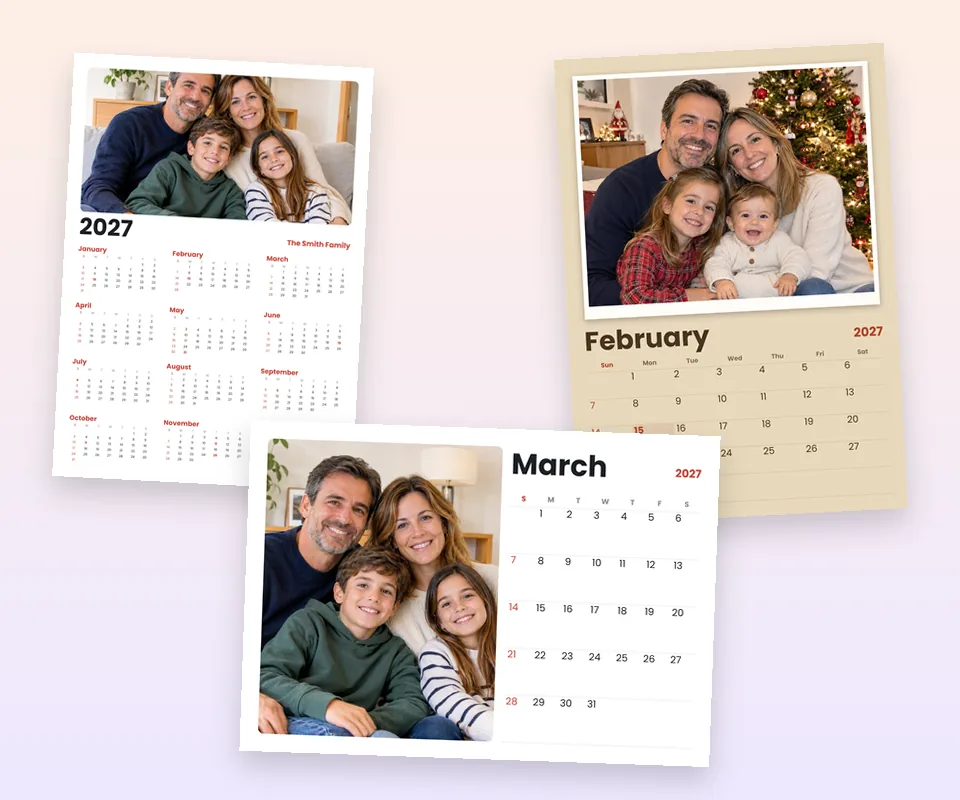
- Three formats: A4 or A3 wall calendar with a cover and 12 months, A5 landscape desk calendar and a year calendar with the whole year on one sheet.
- One photo per month: upload up to 13 photos and they are spread automatically. You can change any month's photo, frame it by dragging and zoom in.
- 6 styles and 4 fonts: classic, modern, minimal, dark, kraft with a polaroid frame and pastel, with the color you like for Sundays and holidays.
- Holidays marked: US federal holidays or UK bank holidays appear with their names. You can also choose the holidays of Spain, France, Italy or Germany.
- Birthdays and important dates: type the date and a short text, like "Grandma's birthday", and it appears on its day. They repeat every year and are saved in your browser.
- Download to print: a 300 dpi PDF with one page per month, a ZIP with one JPG per page, or just the page you're looking at.
Six styles to choose from
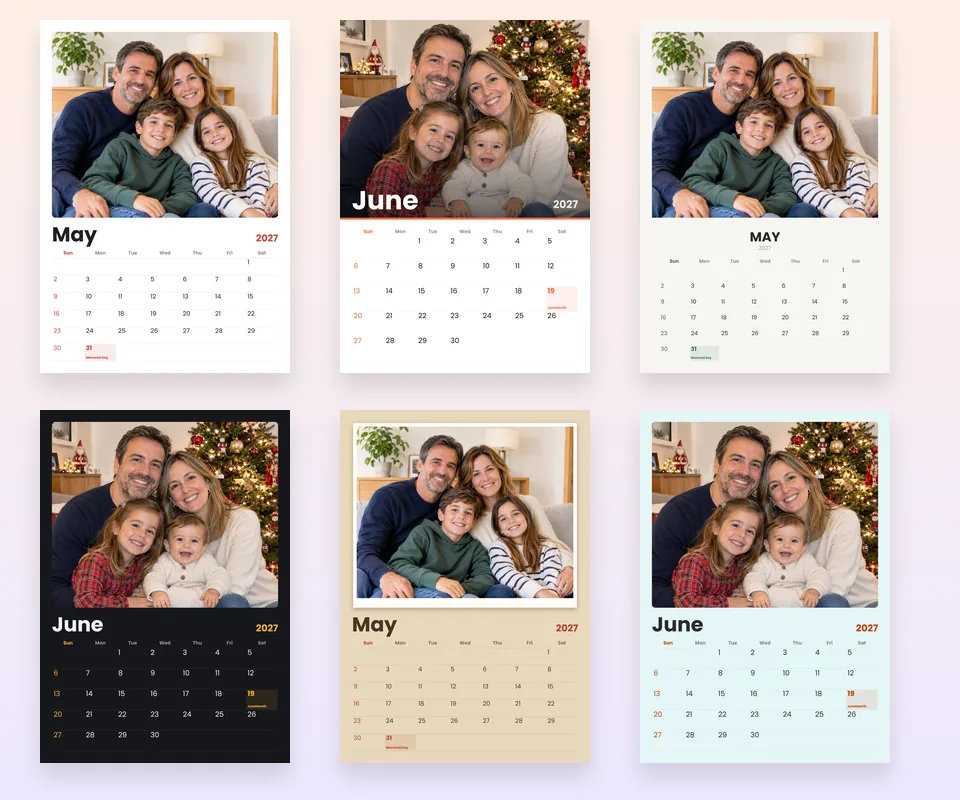
Every style works with every format. If you like how one month looks, one click uses that same photo for every month.
How to make it in 4 steps
- Open the photo calendar and upload your photos, or try it with the sample photo.
- Choose the format, the style and the color.
- Check the holidays and add the birthdays and dates you want to remember.
- Download the PDF and print it at home or at a print shop.
A tip for printing at home: in the print window choose Actual size or 100 %, not Fit to page, and use matte photo paper or card stock. To hang it, the easiest option is asking a copy shop for a spiral binding with a hanger.
Your photos stay on your device
Like every tool on the site, the calendar is made entirely in your browser. Your family photos aren't uploaded to any server or stored: only the important dates stay saved in your own browser for next time.
If you try it and miss something, like another style, another format or your local holidays, write to me. There's still time to add it before Christmas.