Welcome to the blog: the Christmas special is here
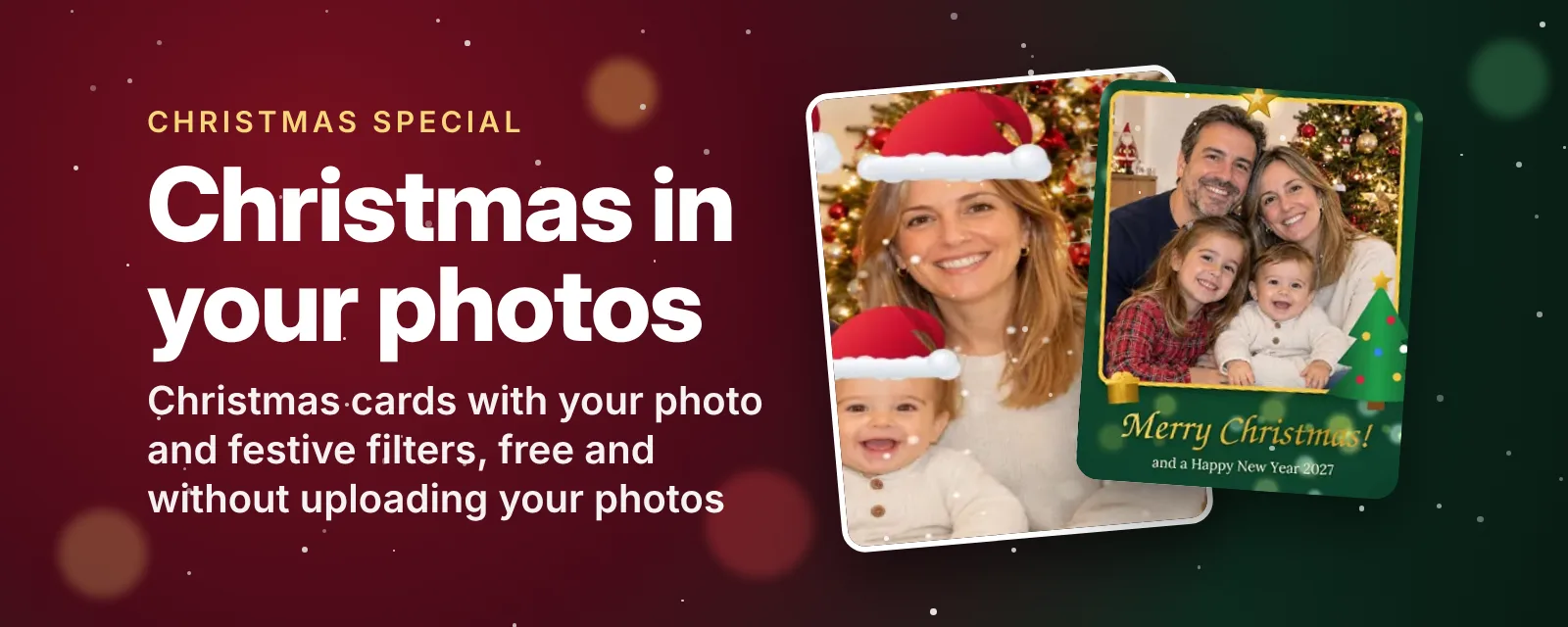
Welcome to the EditorDeImagenes.com blog. I'm opening it with the Christmas special: two free tools to make Christmas cards with your photo and add festive filters to your pictures. Here I tell you what you'll find on the blog, why the special is already live and what each tool can do.
What you'll find on this blog
I'll publish practical guides about images, explained simply and with examples:
- Image formats: JPG, PNG, WebP, AVIF, GIF or HEIC, when to use each one and how to convert to WebP or go from HEIC to JPG.
- Size and weight: how to compress images or reduce a photo to an exact size in KB for a form or a website.
- Editing tips to get more out of tools like remove background, remove objects or the GIF maker.
- New features, explained in detail. Small changes will still appear on the what's new page.
Why the Christmas special is live in November
It may seem early, but there's a reason: Google doesn't show a new page in its results the day it's published. First it has to discover it, then crawl it and finally index it, and that can take days or weeks.
On top of that, EditorDeImagenes.com is a new website. It still has little authority for Google, meaning few links from other sites and little history, so its pages take longer to rank than those of sites that have been around for years. If I launched the special in mid-December, when many people are already looking for how to make their card, it would be too late.
There's also a practical reason: if you want to print your Christmas cards or send them by post, you prepare them in advance. Launching it now gives you time to try the tools calmly.
Christmas card with photo
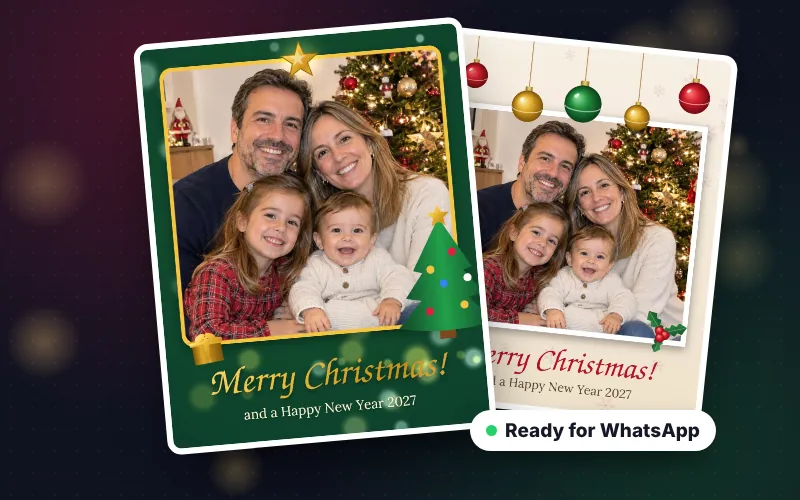
With the Christmas card with photo you turn a family photo into a card in four steps: upload the photo, choose a template, write your message and send it.
- 16 templates that adapt to any format, from an Instagram square to a printable card.
- 18 fonts: calligraphic, elegant, storybook or handwritten, with gold, outline or shadow effects.
- More than 20 decorations: baubles, stars, holly, snowflakes, gifts and even Santa's hat or reindeer antlers.
- Christmas and New Year messages ready to use if you don't know what to write.
- Send it directly by WhatsApp, Telegram or email, or download it to print.
Christmas photo filters
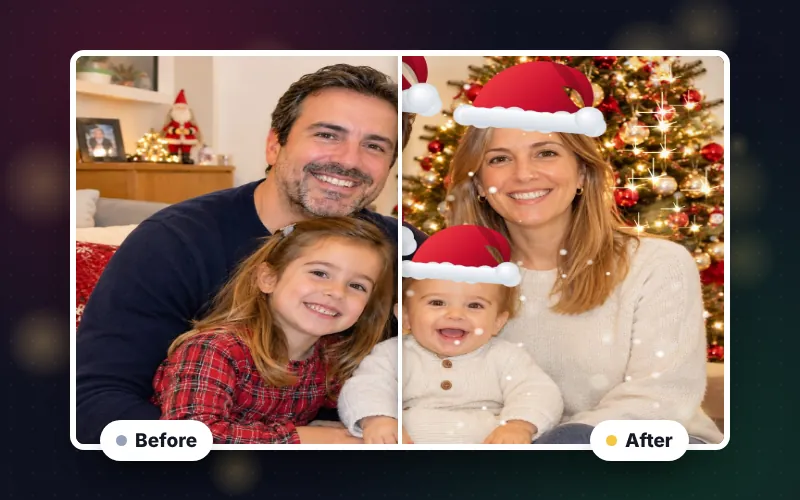
The Christmas photo filters give any photo a festive touch in seconds. There are 8 filters designed for different kinds of photos, and you can fine-tune each effect.
- Automatic Santa hat: the tool detects the faces and places a hat on each one with the right size and angle. There are also reindeer antlers, Rudolph's nose and a white beard.
- Bokeh lights and star sparkles for a festive atmosphere.
- Snow effect, with the Another variation button to change where the flakes fall.
- Christmas colour tones, warm or wintry.
Your photos never leave your device
Christmas photos are often of children and family, so privacy matters. Both tools work in your browser: your photos aren't uploaded to any server or stored. And the final image is downloaded without EXIF data, so without the location or the phone model.
If you try them and miss something, like a template, a decoration or a message, write to me. There's still time to add it before Christmas.