Come funzionano i nostri strumenti

Galleria di video tutorial

Aggiornato

Tutti i video sull'editor di immagini in un solo posto, per vedere come funziona uno strumento prima di usarlo. Sono brevi, circa 2 minuti, vanno dritti al punto e hanno capitoli per saltare a ciò che serve. Scegline uno e guardalo qui, senza lasciare il sito.

  • 38video
  • 61 minin totale
  • 0cookie finché non si preme play

Ultimo video

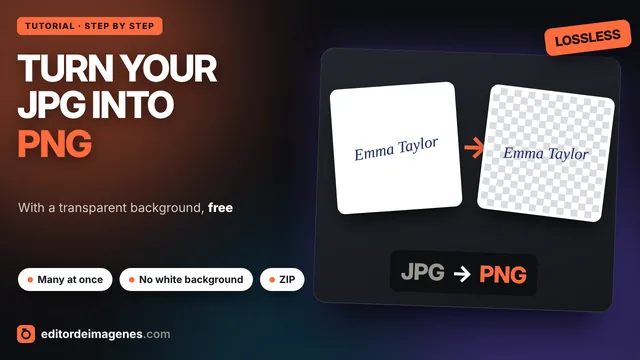
How to convert JPG to PNG for free (with a transparent background)

English

Turn your JPG photos into PNG without losing quality and, if you want, remove the white background to make it transparent: ideal for signatures, logos and icons. Many at once, free and without uploading your images to any server.

Convertire JPG in PNG

Tutti i video

Fai clic su uno per guardarlo qui sopra

  1. Durata: 0:55 English Convertire JPG in PNG How to convert JPG to PNG for free (with a transparent background) In riproduzione
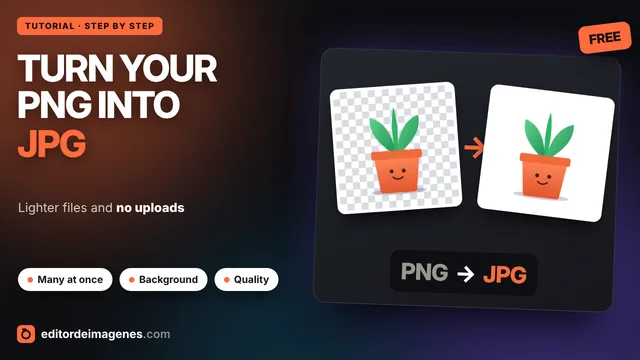
  2. Durata: 1:11 English Convertire PNG in JPG How to convert PNG to JPG for free (many images at once) In riproduzione
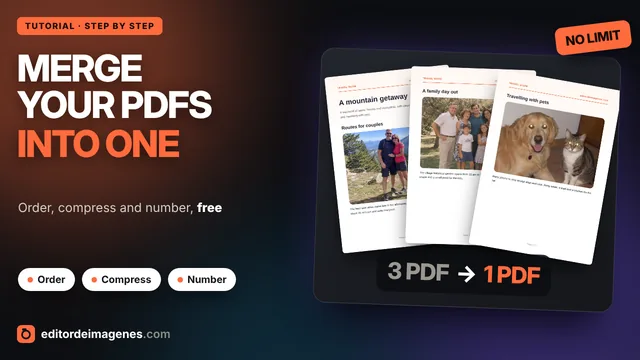
  3. Durata: 1:11 English Unire PDF How to merge PDF files for free (order, compress and number pages) In riproduzione
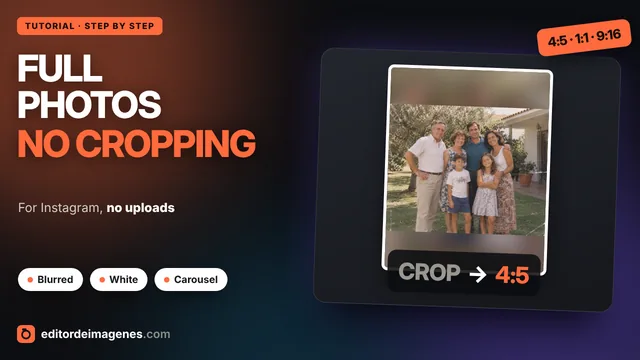
  4. Durata: 1:23 English Foto intera su Instagram How to post full photos on Instagram without cropping (blurred or white background) In riproduzione
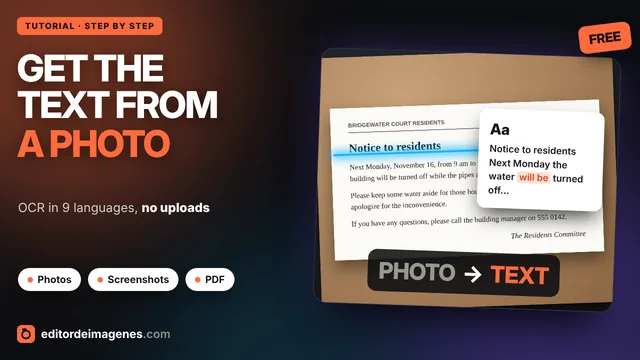
  5. Durata: 1:35 English Estrarre testo da immagine How to get the text from a photo for free (OCR in 9 languages) In riproduzione
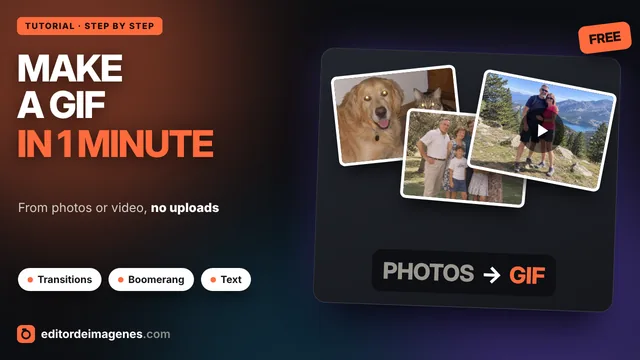
  6. Durata: 1:37 English Creare GIF How to make a GIF from photos or video for free (transitions, text and boomerang) In riproduzione
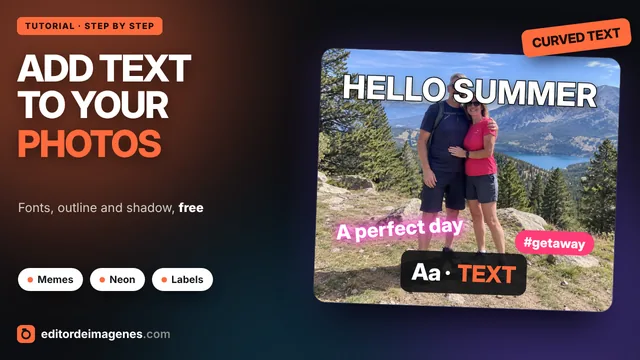
  7. Durata: 1:26 English Aggiungere testo a una foto How to add text to a photo for free (fonts, outline and curved text) In riproduzione
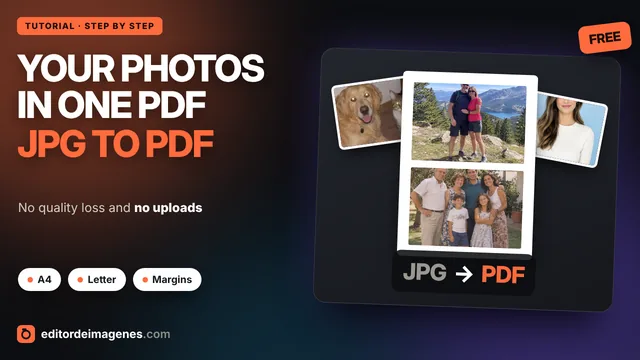
  8. Durata: 1:20 English Convertire JPG in PDF How to convert JPG to PDF for free (many photos in one PDF) In riproduzione
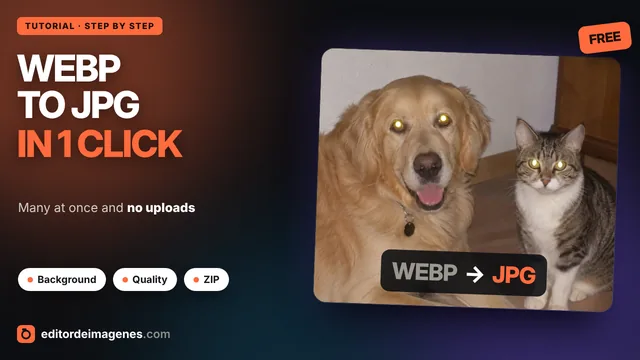
  9. Durata: 1:03 English Convertire WebP in JPG How to convert WebP to JPG for free (many images at once) In riproduzione
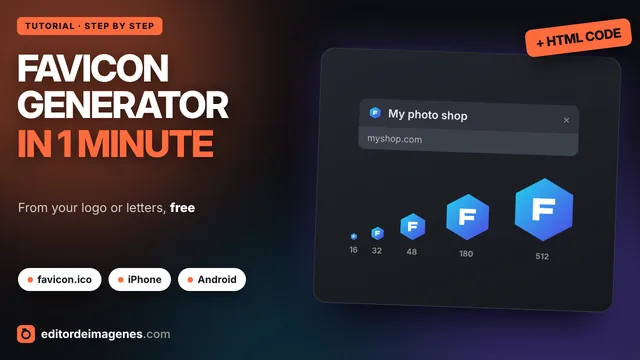
  10. Durata: 1:30 English Generatore di favicon Free favicon generator: make your website favicon in 1 minute In riproduzione
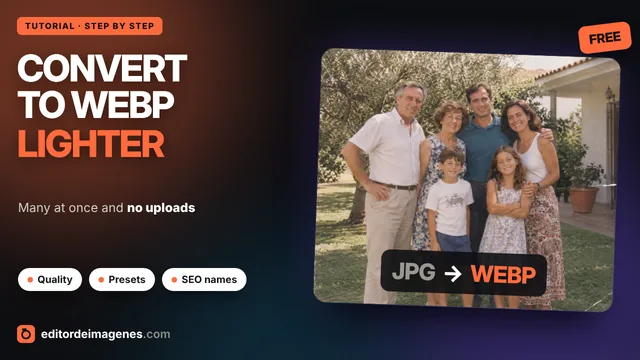
  11. Durata: 1:11 English Convertire in WebP How to convert images to WebP for free (JPG and PNG, many at once) In riproduzione
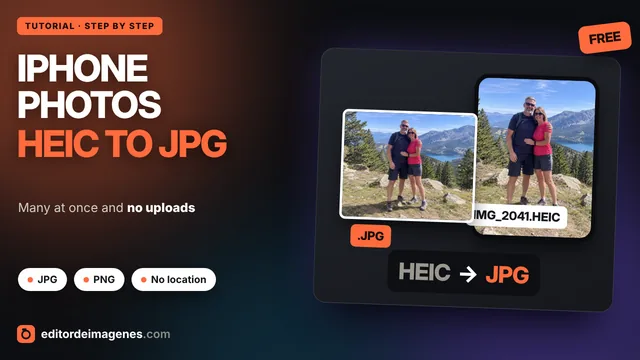
  12. Durata: 1:17 English Convertire HEIC in JPG How to convert iPhone HEIC photos to JPG for free In riproduzione
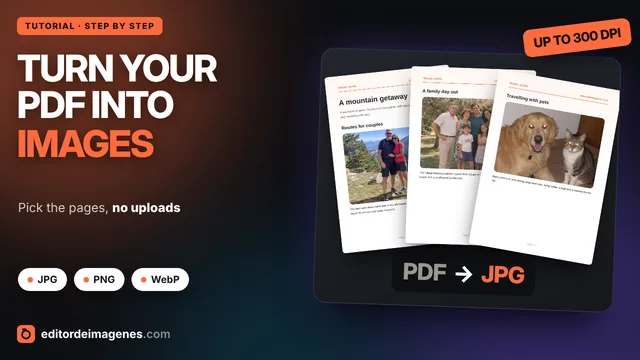
  13. Durata: 1:06 English Convertire PDF in JPG How to convert a PDF to JPG for free (every page as an image) In riproduzione
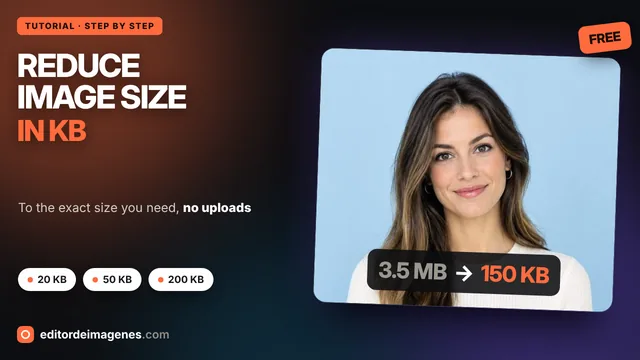
  14. Durata: 1:10 English Ridurre il peso di un'immagine in KB How to reduce the size of a photo in KB (20, 50, 200 KB) for free In riproduzione
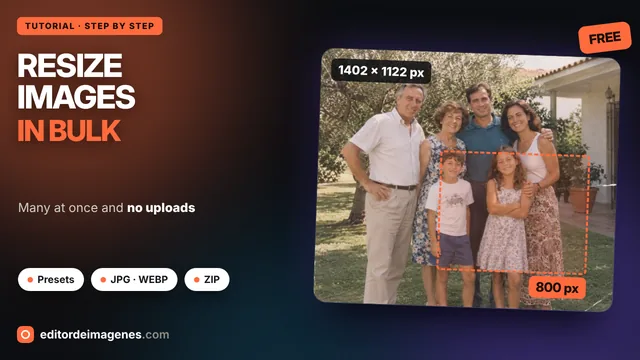
  15. Durata: 1:14 English Ridimensionare immagine How to resize images for free, many at once In riproduzione
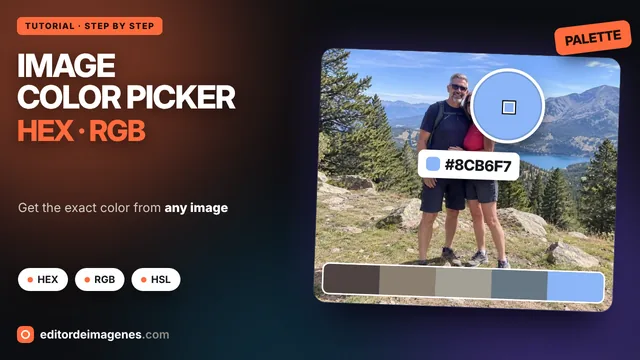
  16. Durata: 1:30 English Selettore di colori da immagine Image color picker: get the HEX and RGB code from any image for free In riproduzione
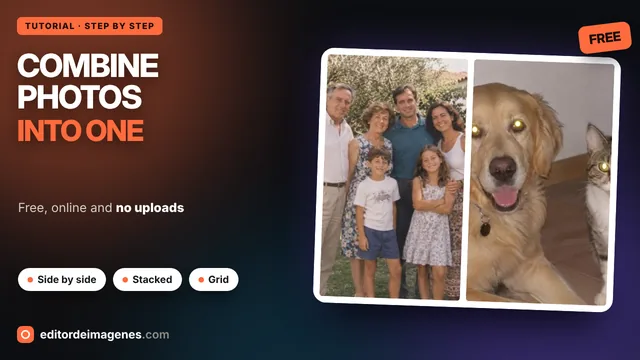
  17. Durata: 1:17 English Unire foto How to combine photos into one image for free In riproduzione
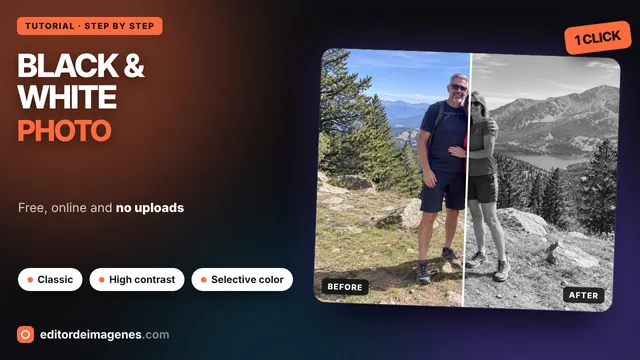
  18. Durata: 1:56 English Foto in bianco e nero How to make a photo black and white for free (with selective color) In riproduzione
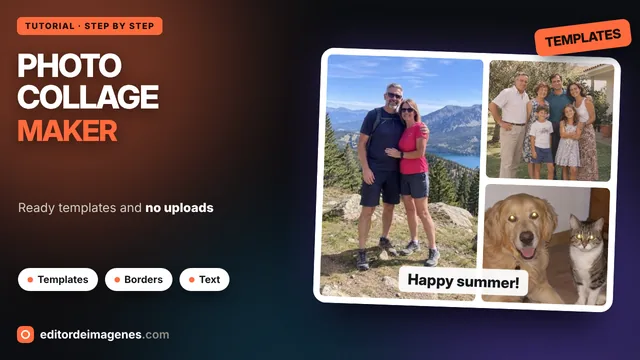
  19. Durata: 1:47 English Creare collage How to make a photo collage for free with templates In riproduzione
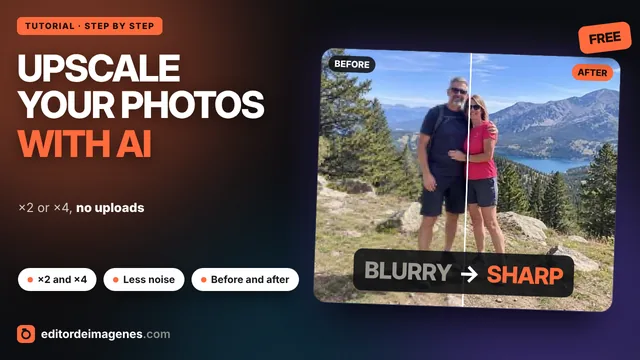
  20. Durata: 1:34 English Migliorare la qualità delle immagini con IA How to upscale an image with AI for free (enlarge ×2 and ×4) In riproduzione
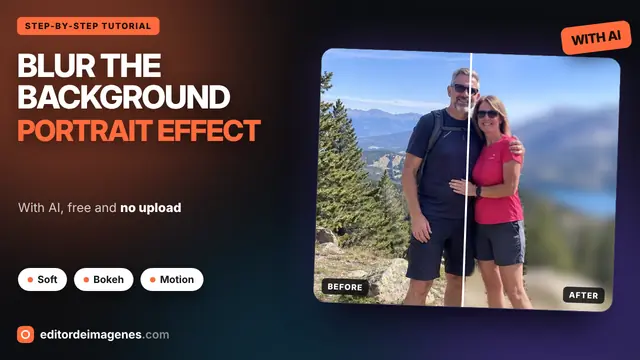
  21. Durata: 2:07 English Sfocare lo sfondo How to Blur the Background of a Photo for Free with AI: Portrait Effect, Bokeh and More In riproduzione
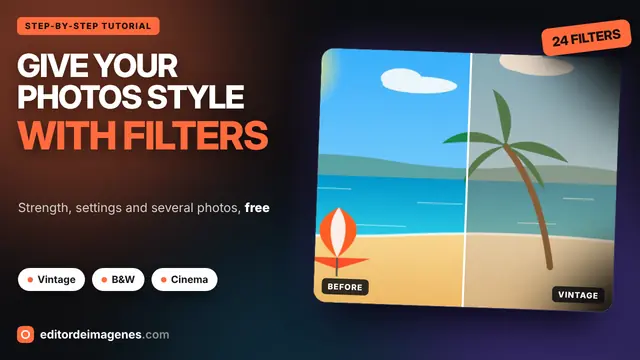
  22. Durata: 1:53 English Filtri fotografici How to Add Filters to Your Photos for Free: Vintage, B&W, Cinema and More In riproduzione
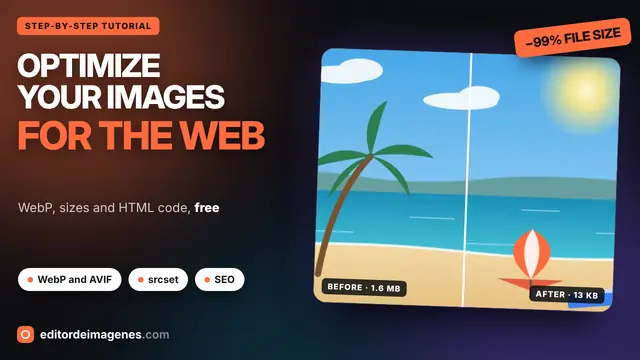
  23. Durata: 1:49 English Ottimizzare immagini per il web How to Optimize Images for the Web for Free: WebP, AVIF, srcset and SEO In riproduzione
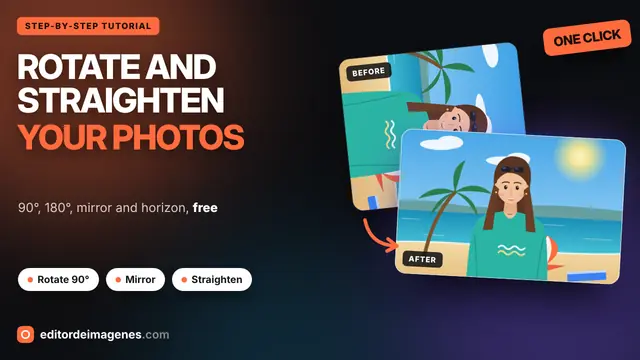
  24. Durata: 1:35 English Ruotare immagine How to Rotate a Photo for Free: 90°, 180°, Mirror and Straighten the Horizon In riproduzione
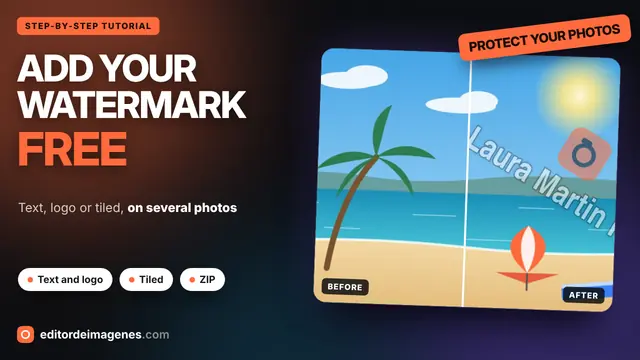
  25. Durata: 1:47 English Aggiungere filigrana How to Add a Watermark to Your Photos for Free: Text, Logo and Tiled In riproduzione
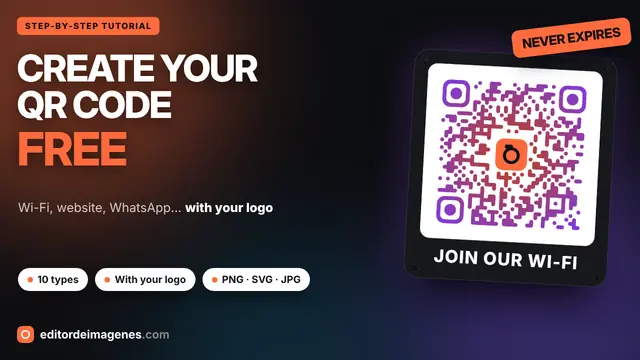
  26. Durata: 1:45 English Generatore di codici QR How to Create a QR Code for Free: Wi-Fi, Website, WhatsApp and with Your Logo In riproduzione
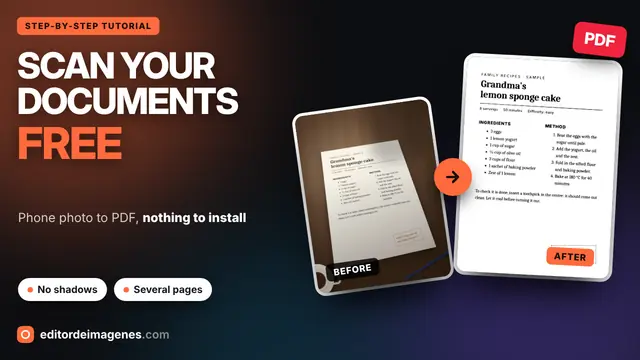
  27. Durata: 1:57 English Scanner di documenti How to Scan Documents with Your Phone for Free: Photo to PDF (No App) In riproduzione
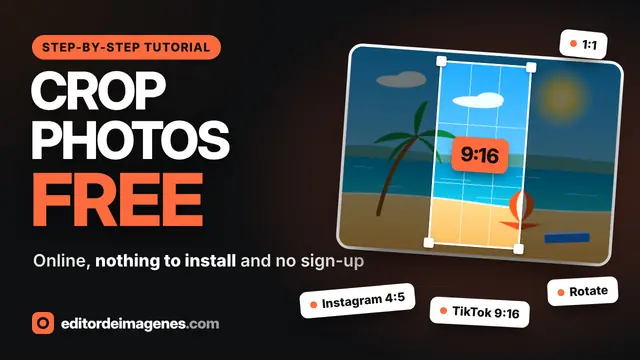
  28. Durata: 2:17 English Ritagliare immagine How to Crop a Photo Online for Free: Instagram, TikTok, Rotate and Resize In riproduzione
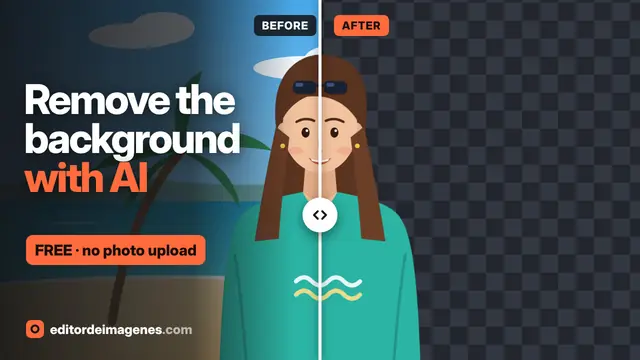
  29. Durata: 2:40 English Rimuovere sfondo How to Remove the Background from a Photo for Free with AI (No Upload) In riproduzione
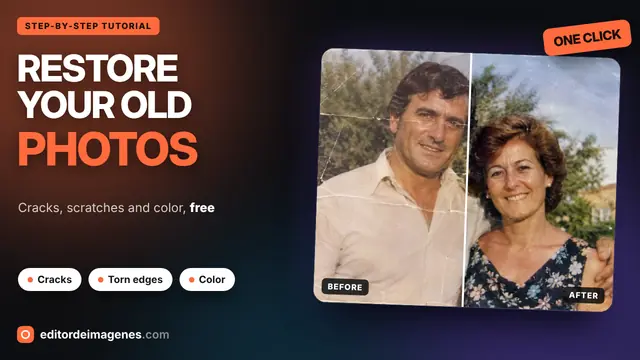
  30. Durata: 1:48 English Restaurare foto antiche How to Restore Old Photos for Free: Cracks, Scratches and Color (No Upload) In riproduzione
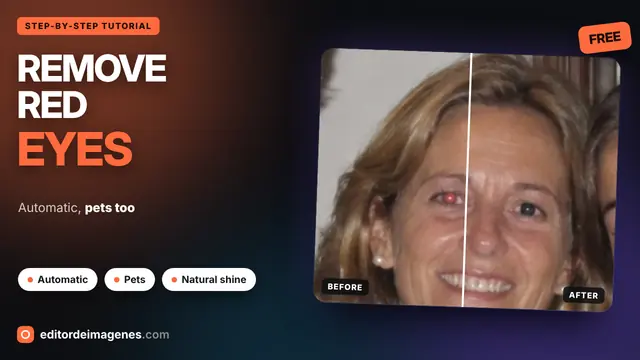
  31. Durata: 1:59 English Rimuovere occhi rossi How to Remove Red Eye from a Photo for Free, Pets Too In riproduzione
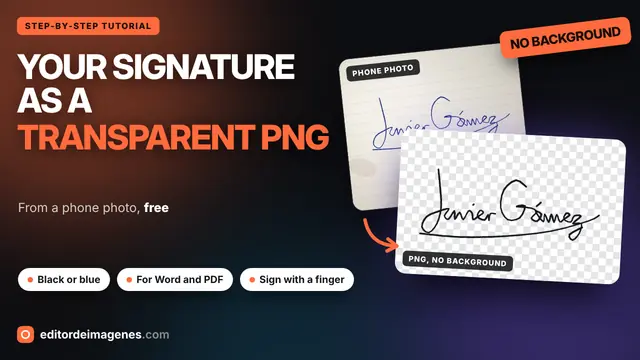
  32. Durata: 1:55 English Firma trasparente How to Turn Your Signature into a Transparent PNG for Free (from a Phone Photo) In riproduzione
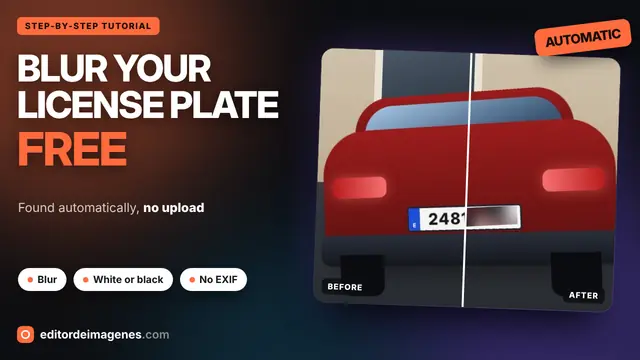
  33. Durata: 1:34 English Oscurare la targa How to Blur a License Plate in a Photo for Free (No Upload) In riproduzione
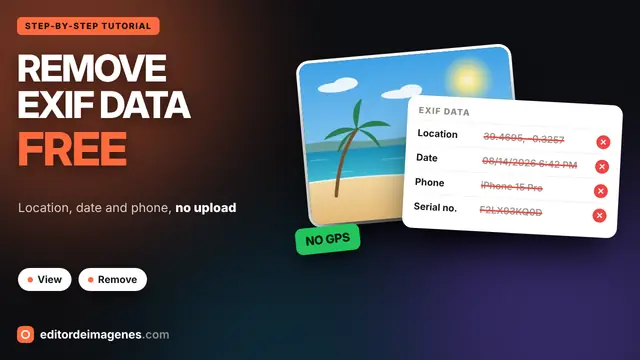
  34. Durata: 1:25 English Visualizzare dati EXIF How to View and Remove EXIF Data from a Photo (GPS Location) In riproduzione
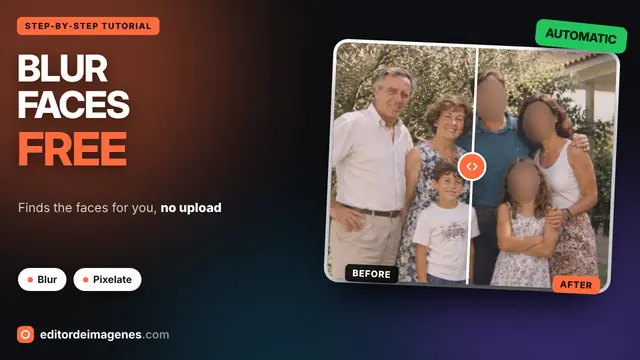
  35. Durata: 1:52 English Sfocare volti How to Blur Faces in a Photo Online for Free (No Uploading) In riproduzione
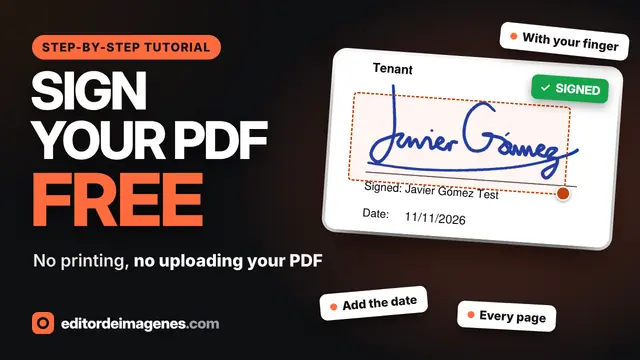
  36. Durata: 1:42 English Firmare PDF How to Sign a PDF Online for Free (No Printing, No Uploading) In riproduzione
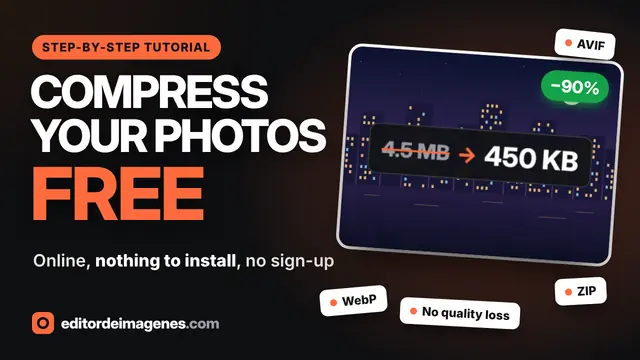
  37. Durata: 1:47 English Comprimere immagini How to Compress Images Online for Free Without Losing Quality In riproduzione
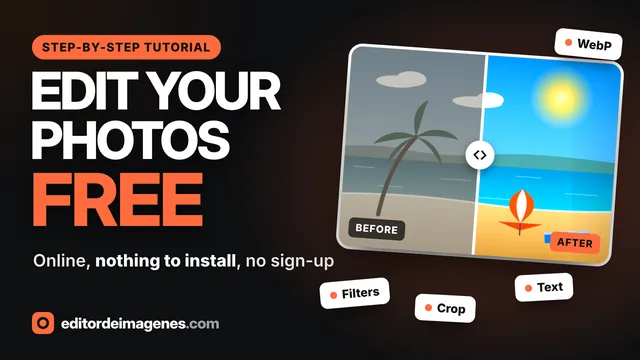
  38. Durata: 2:11 English Guida d'uso How to Edit Photos Online for Free: Filters, Crop, Text & WebP In riproduzione

Vuoi sapere quando esce un nuovo video?

Iscriviti al canale YouTube o consulta le Novità: lì viene annunciato ogni nuovo strumento.

Vai al canale YouTube (si apre in una nuova scheda)

Cosa si trova nei video

Ogni video mostra uno strumento dall'inizio alla fine con un esempio reale, dal caricamento della foto al download del risultato. Si può iniziare dal tutorial completo dell'editor di immagini: applicare filtri, regolare luce e colore, aggiungere effetti, ritagliare una foto per i social, aggiungere testo o una filigrana, confrontare prima e dopo e scaricarla in WebP, AVIF, JPG o PNG. I video sono in inglese; YouTube offre sottotitoli tradotti.

Altri tutorial, per esempio per comprimere immagini, rimuovere lo sfondo o firmare un PDF, vengono aggiunti qui. Per chi preferisce leggere, la guida d'uso spiega tutto passo dopo passo con screenshot.

Domande frequenti

Quanto durano i video?

Circa 2 minuti ciascuno. Vanno dritti al punto e sono divisi in capitoli per andare direttamente alla parte che interessa.

Bisogna guardare i video per usare gli strumenti?

No. Ogni strumento si spiega da sé e ha i suoi passaggi scritti, ma un video è il modo più rapido per vedere a cosa serve ogni opzione.

Questa pagina carica cookie di YouTube?

No. Aprendola si vedono solo le miniature, ospitate su questo sito. Il lettore di YouTube si carica quando si preme play, da youtube-nocookie.com.

Ci saranno altri video?

Sì. Vengono aggiunti nuovi tutorial ogni volta che esce uno strumento importante o c'è qualcosa che vale la pena spiegare. Compaiono qui e nella pagina Novità.